Bypass User Permissions in Power Automate Using Run-Only Users
power automate run only user feature

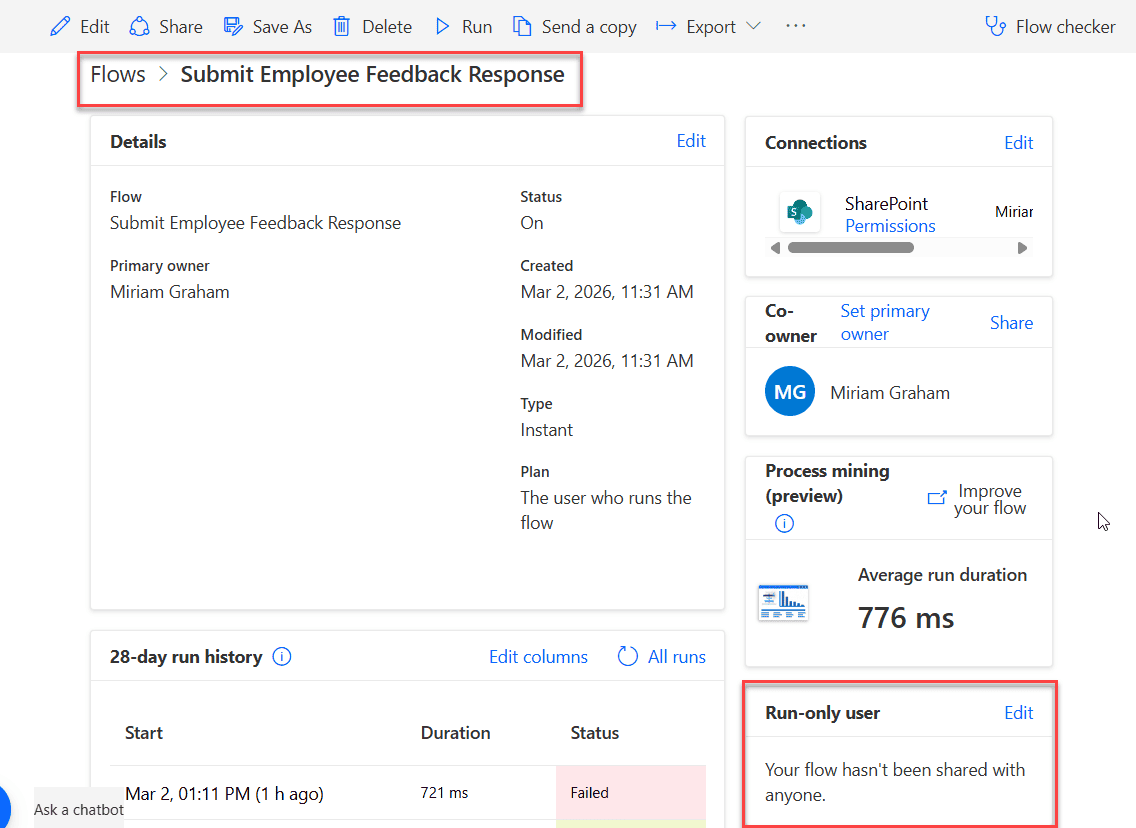
If you have ever built flows in Power Automate and thought, “How can other people run this flow without giving them edit access?”, then this article is for you. Recently, we built a Travel Management application using a Power Apps canvas app. For automation, we used Power Automate, and for storing data, we used SharePoint … Read more >>>

Power Apps Display Mode: A Complete Guide (With Real Examples)

Power Apps Display Mode

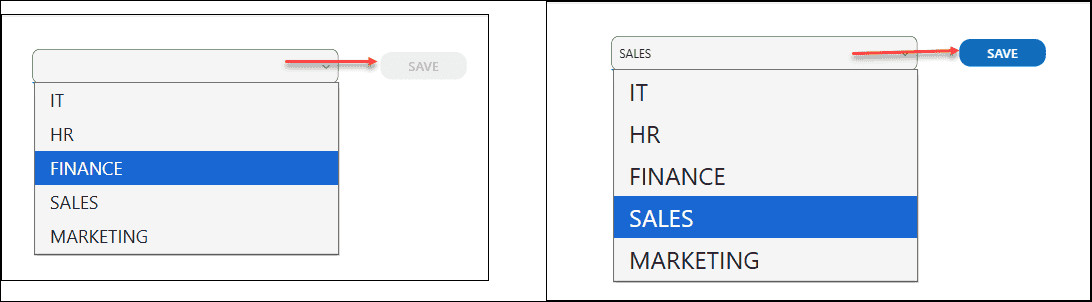
If you’ve spent any time building apps in Power Apps, you’ve probably run into a situation where you needed a button to be clickable only after a form is filled out — or a text field that shows data but doesn’t let users edit it. That’s exactly where the DisplayMode property comes in. In this tutorial, I’m … Read more >>>

How to Populate Distinct Values in Power Apps Combo Box?

Populate Distinct Values in Power Apps Combo Box

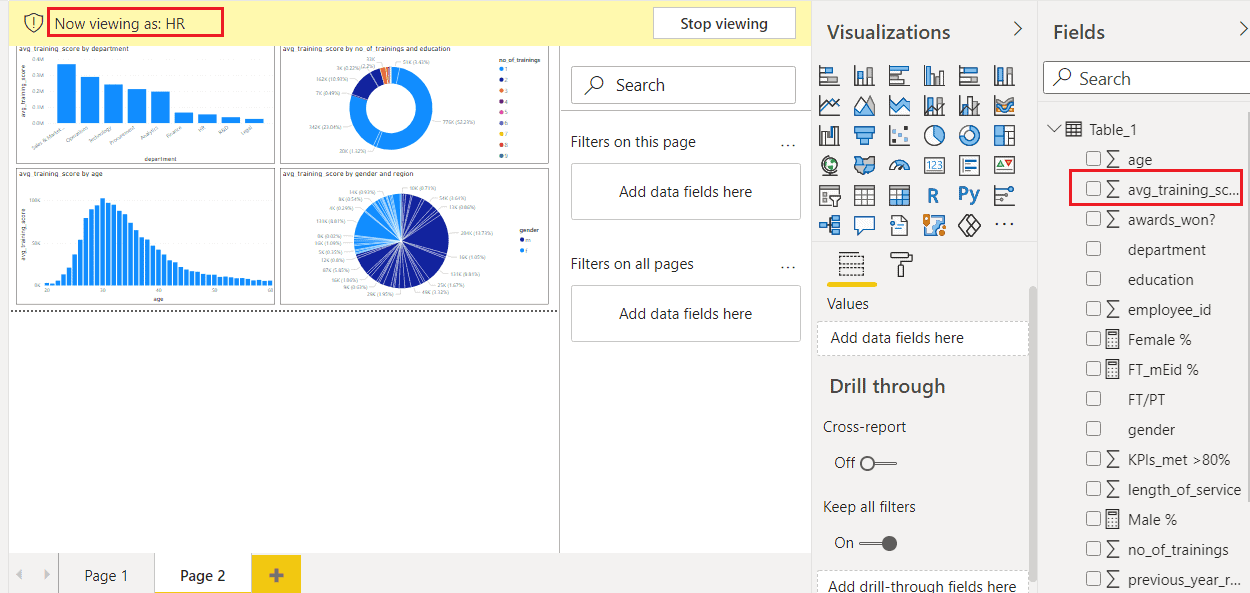
If you use SharePoint lists or Dataverse tables in Power Apps, you will almost always run into duplicate values in dropdowns and combo boxes. This is common with text fields like Country or Department, and even more with Person columns, where the same user appears in many rows. In this Power Apps tutorial, let’s walk … Read more >>>

Auto Format Phone Number in Power Apps Form [###-###-####]

Auto Format Phone Number in Power Apps Form

When you collect phone numbers in a Power Apps form, users type them in all kinds of ways – with spaces, without spaces, dashes, brackets, or sometimes just a random mix. That looks messy and is harder to use later. In this tutorial, we’ll build a phone field in Power Apps that auto‑formats the number … Read more >>>

How to Patch a Collection in Power Apps [Single/Multiple Items]

Power Apps patch collection create item

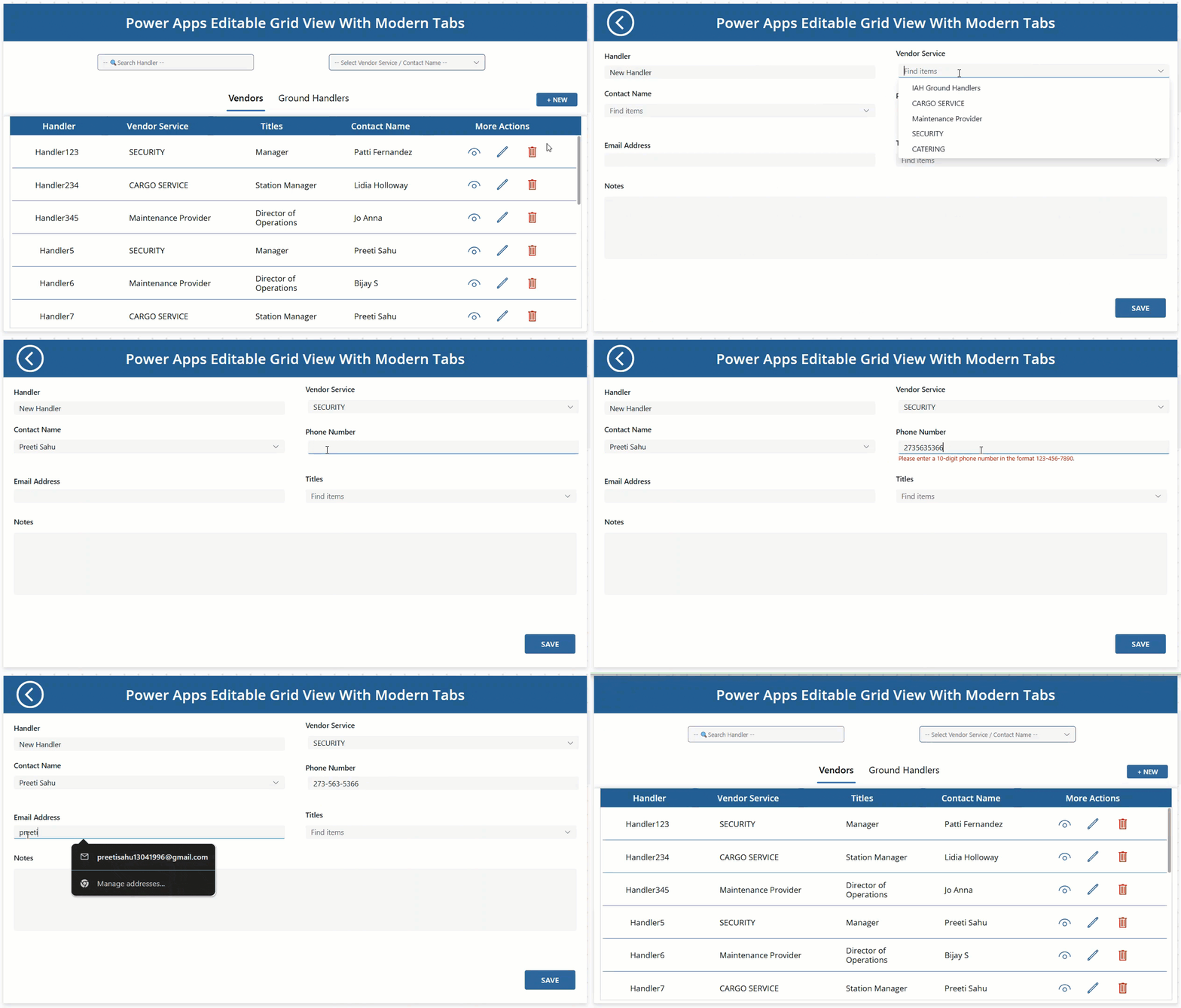
When you build a real Power Apps Canvas app for vendor management, people usually want to make several small changes at once rather than edit one record at a time. They might scan a list of vendors, adjust a few quantities or dates across the grid, and then save everything together when they are ready.​Let’s … Read more >>>

Easiest Way to Filter Gallery By Radio Button in Power Apps

Power Apps Filter Gallery By Radio Button Control

When you build a real Power Apps app, users rarely want to see every gallery item at once. They usually think in simple questions like “show me only Sony products” or “now show all again.” A simple radio button filter on top of your Power Apps gallery does exactly that, making your Power Apps screen … Read more >>>

>

Build a High-Performance Project Management Site in SharePoint Online

User registration Power Apps canvas app

DOWNLOAD USER REGISTRATION POWER APPS CANVAS APP

Download a fully functional Power Apps Canvas App (with Power Automate): User Registration App

Power Platform Tutorial FREE PDF Download

FREE Power Platform Tutorial PDF

Download 135 Pages FREE PDF on Microsoft Power Platform Tutorial. Learn Now…