SharePoint Online List View: A Complete Guide (With Examples)

How to Create a View in a SharePoint List

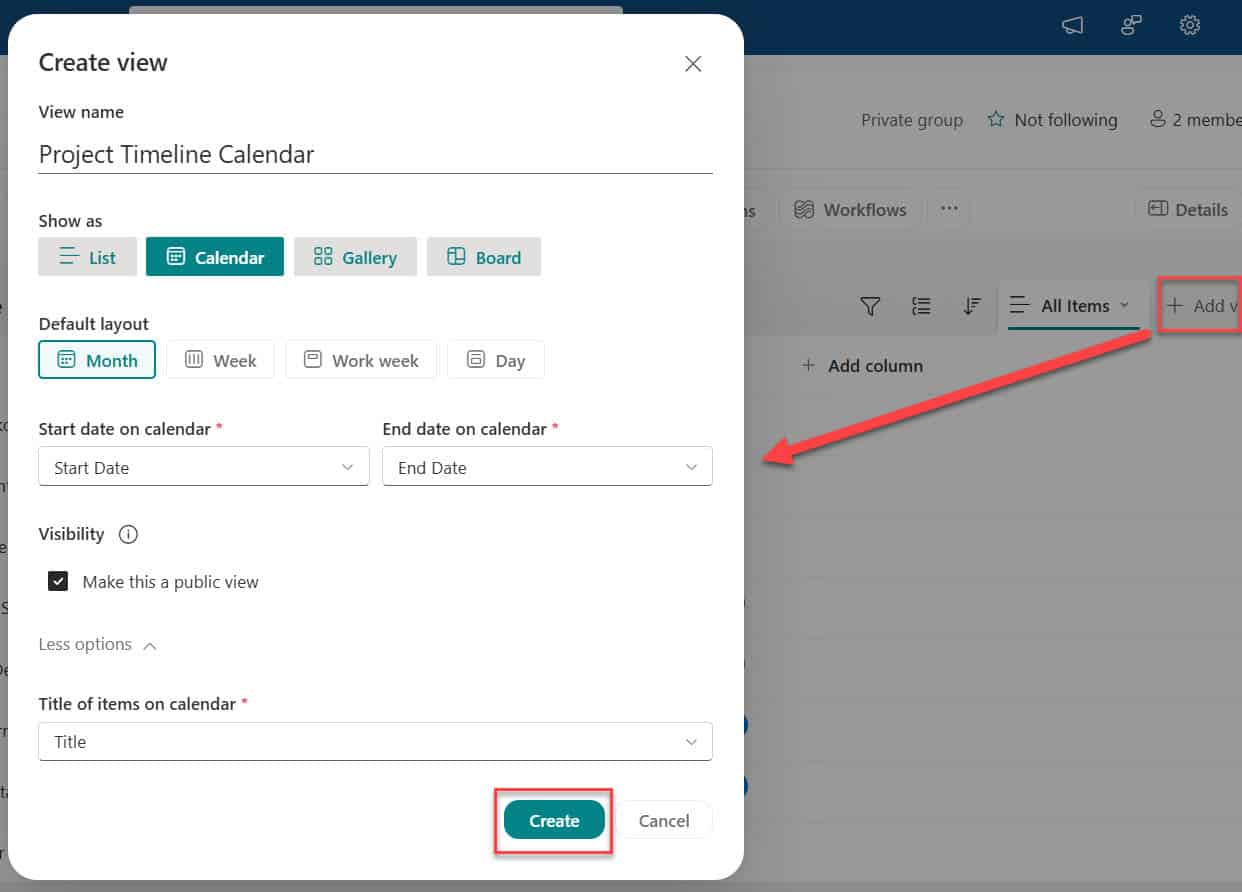
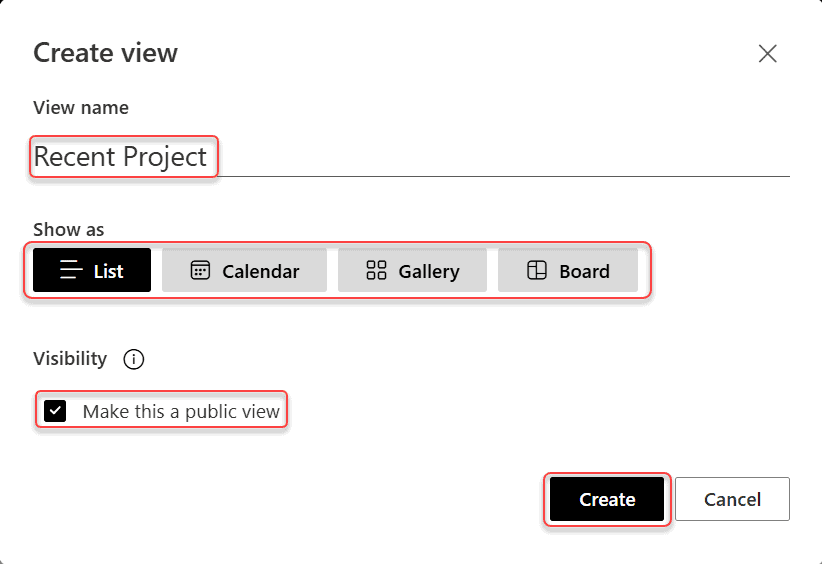
If you’ve ever opened a SharePoint list and thought, “I wish I could just see the items relevant to me,” list views are exactly what you need. A SharePoint Online list view is simply a saved way of displaying your list data. You control which columns appear, how items are sorted, what gets filtered, and even how … Read more >>>

What Is a SharePoint List? A Complete Guide With Examples

what is SharePoint list for beginners

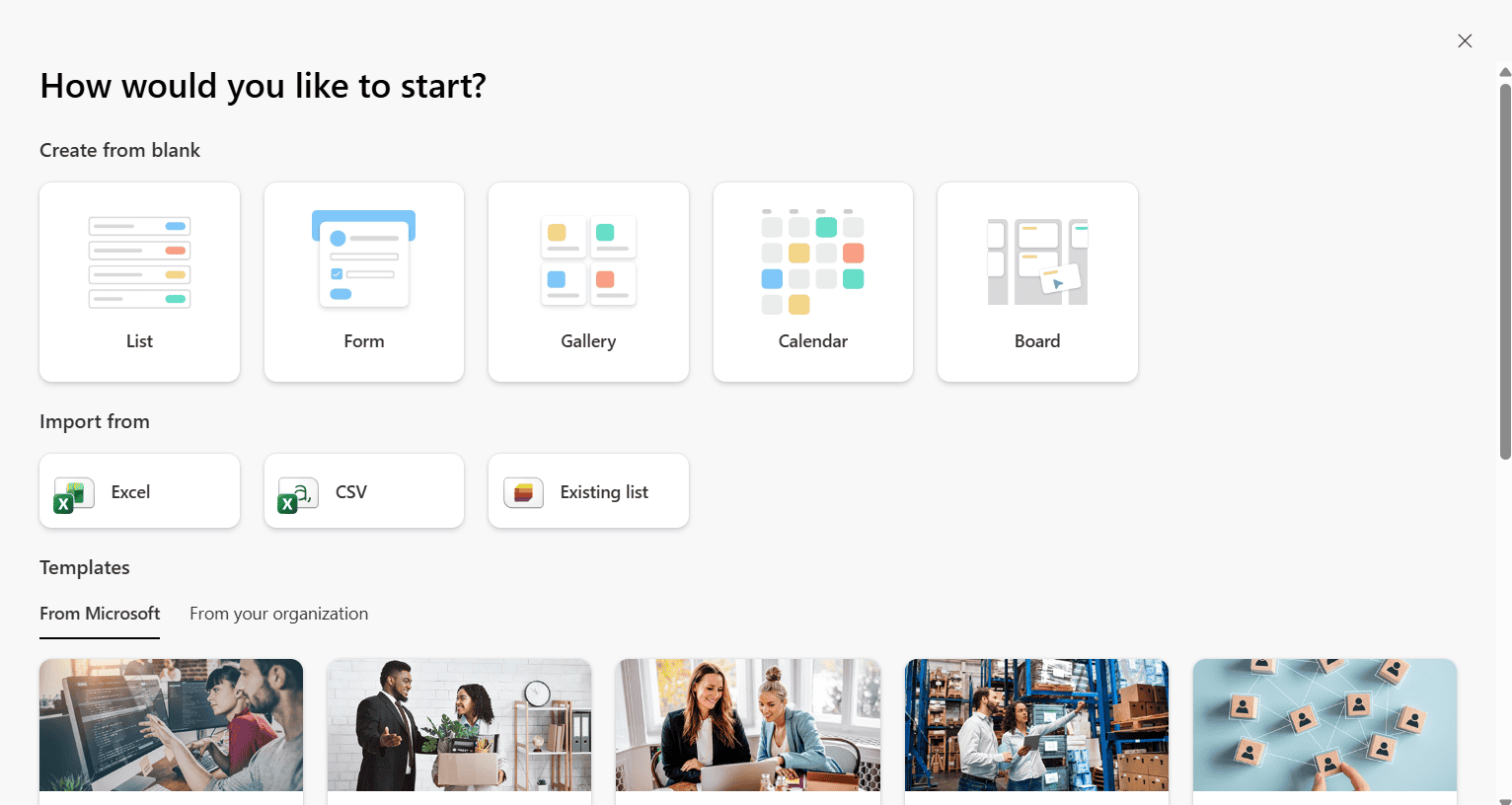
If you’ve ever used Microsoft Excel to track a list of employees, projects, tasks, or anything else — you already know the basic idea behind a SharePoint List. It’s structured data, stored in rows and columns, but instead of sitting on your desktop in a file nobody else can access, it lives in SharePoint, where … Read more >>>

Configure a Sensitivity Label For a SharePoint Document Library

configure sensitivity labels for sharepoint library

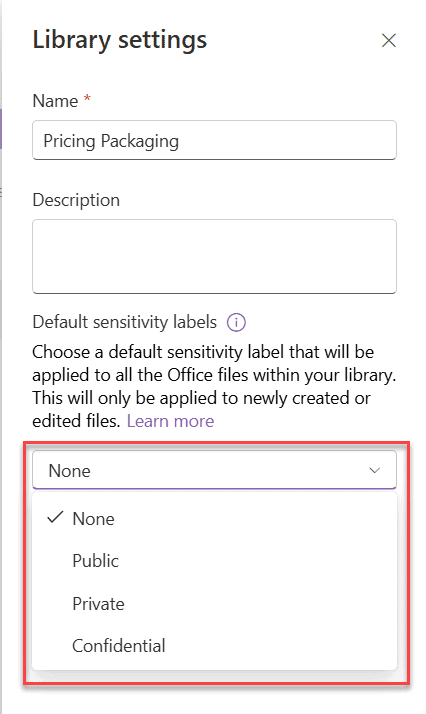
In SharePoint Online, documents are shared, downloaded, synced, emailed, and accessed from multiple devices. Without proper protection, even a small mistake can expose sensitive business data. That’s where Sensitivity Labels come in. In this article, I’ll explain: What is a Sensitivity Label in SharePoint? Think of a sensitivity label as a security tag for your … Read more >>>

Is SharePoint Worth It? Pros and Cons Explained

Is SharePoint Worth It

When you work with SharePoint every day, it can feel like both a lifesaver and a headache. It can centralize information, improve collaboration, and integrate nicely with the tools you already use—but it can also feel complex, clunky, or “too much” if it’s not set up well. On top of that, user adoption and ongoing … Read more >>>

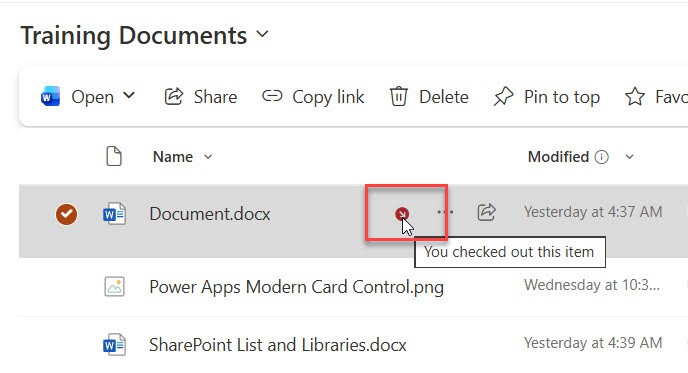
How SharePoint Check In Check Out Works?

How SharePoint Check In Check Out Works

If you’ve ever worked with SharePoint document libraries, you’ve probably come across the “Check Out” and “Check In” options and wondered what they’re all about. Or maybe you’ve accidentally checked out a document and couldn’t figure out how to undo it (we’ve all been there!). Today, I’m going to walk you through everything you need … Read more >>>

The Server is Busy Now. Try again later in SharePoint

the server is busy now try again later sharepoint 2016

In this SharePoint tutorial, I will explain what causes the error message “The server is busy now. Try again later” in SharePoint and how to fix it in both SharePoint on-premises and SharePoint Online. This issue is usually related to resource throttling or temporary overload on the server and can be resolved by adjusting settings … Read more >>>

>

Build a High-Performance Project Management Site in SharePoint Online

User registration Power Apps canvas app

DOWNLOAD USER REGISTRATION POWER APPS CANVAS APP

Download a fully functional Power Apps Canvas App (with Power Automate): User Registration App

Power Platform Tutorial FREE PDF Download

FREE Power Platform Tutorial PDF

Download 135 Pages FREE PDF on Microsoft Power Platform Tutorial. Learn Now…