Power Automate Trigger Conditions Examples

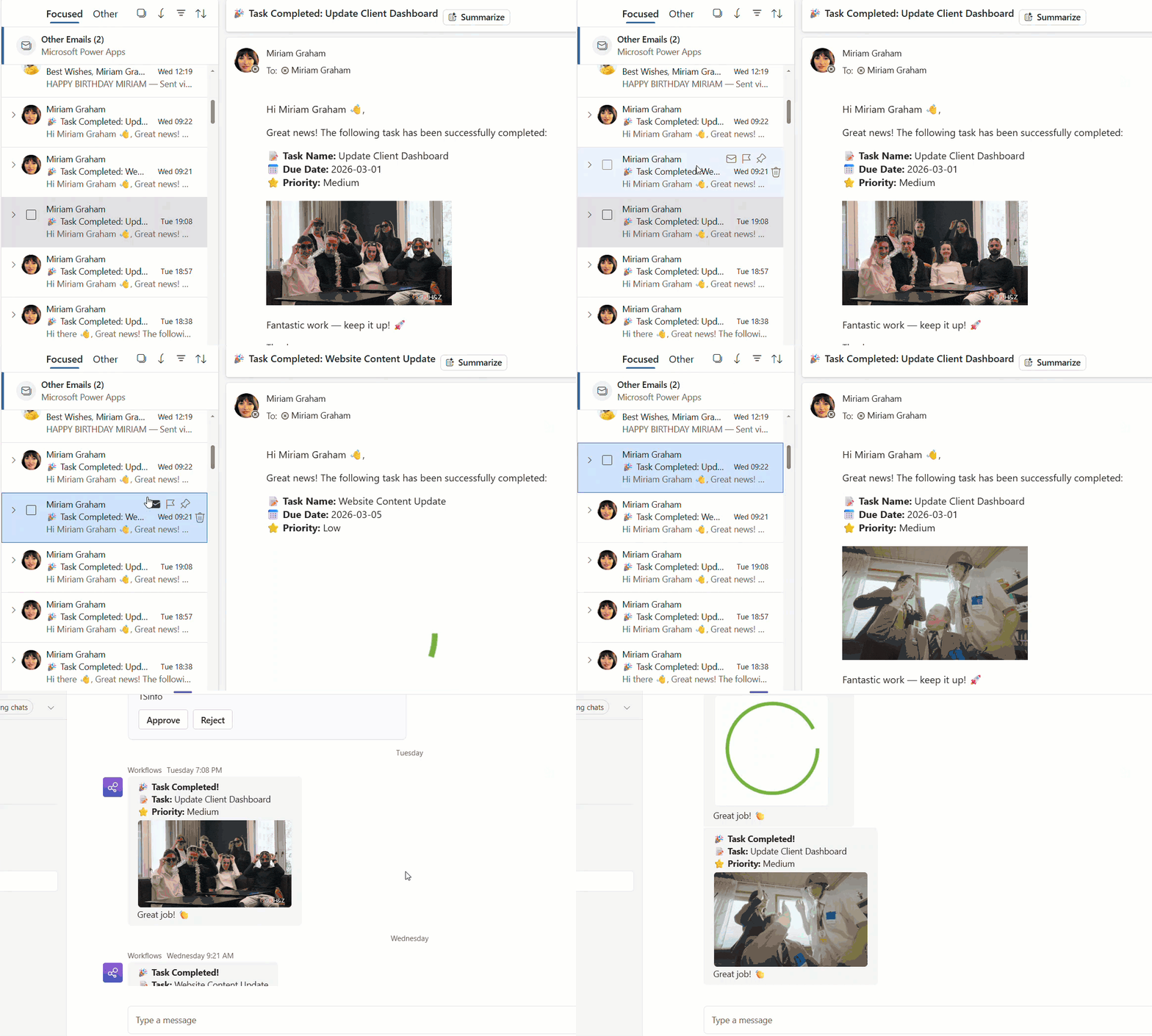
trigger conditions in power automate flow

Recently, while building a flow in Power Automate, I ran into a situation that perfectly explains why trigger conditions are so powerful. I was working on a SharePoint requirement in which a document library contained multiple folders and subfolders. Each folder had a metadata column called Region, and the business requirement was simple on paper: … Read more >>>

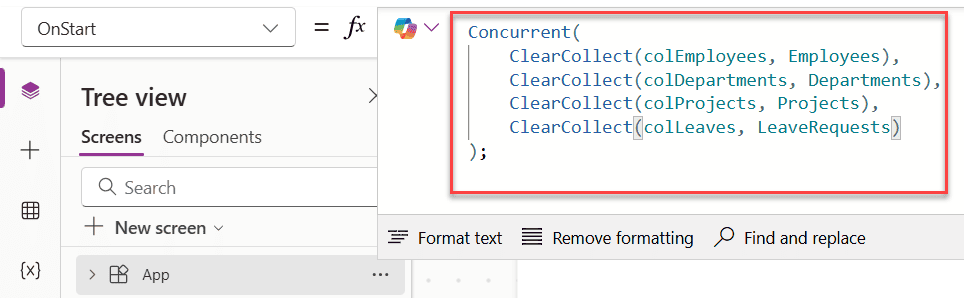
Power Apps Collection Contains [With Various Examples]

Power Apps Collection Contains

Working with data in Power Apps often means you need to search, filter, or check values inside a collection. And if you’ve tried looking for a built-in Contains() function the way you’d expect in Excel or SQL, you’ve probably noticed it doesn’t work the same way in Canvas apps. Don’t worry — Power Apps gives you even … Read more >>>

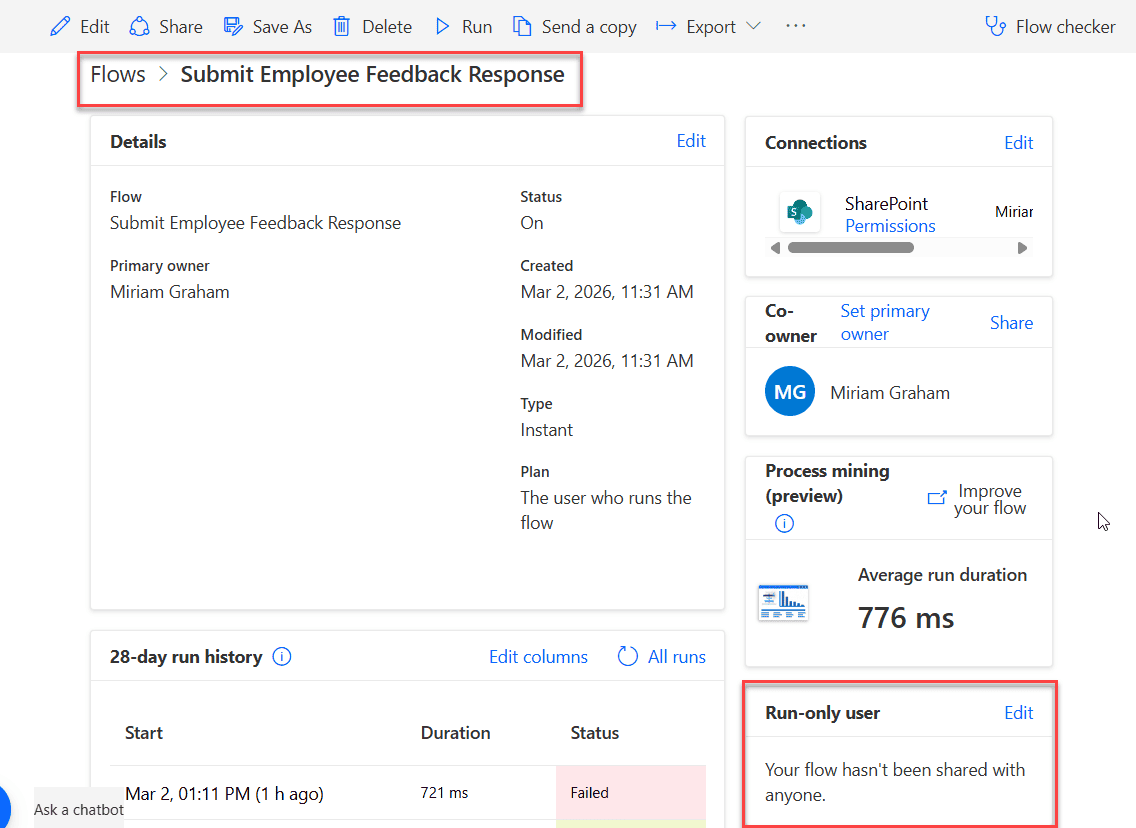
Bypass User Permissions in Power Automate Using Run-Only Users

power automate run only user feature

If you have ever built flows in Power Automate and thought, “How can other people run this flow without giving them edit access?”, then this article is for you. Recently, we built a Travel Management application using a Power Apps canvas app. For automation, we used Power Automate, and for storing data, we used SharePoint … Read more >>>

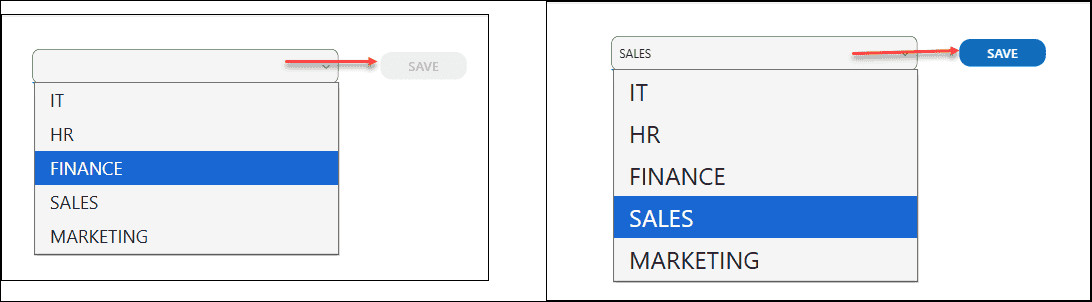
Power Apps Display Mode: A Complete Guide (With Real Examples)

Power Apps Display Mode

If you’ve spent any time building apps in Power Apps, you’ve probably run into a situation where you needed a button to be clickable only after a form is filled out — or a text field that shows data but doesn’t let users edit it. That’s exactly where the DisplayMode property comes in. In this tutorial, I’m … Read more >>>

How to Populate Distinct Values in Power Apps Combo Box?

Populate Distinct Values in Power Apps Combo Box

If you use SharePoint lists or Dataverse tables in Power Apps, you will almost always run into duplicate values in dropdowns and combo boxes. This is common with text fields like Country or Department, and even more with Person columns, where the same user appears in many rows. In this Power Apps tutorial, let’s walk … Read more >>>

>

Live Webinar: Quiz Application using SharePoint Framework (SPFx)

Join this free live session and learn how to build a Quiz application using SharePoint Framework (SPFx).

📅 2nd June 2026 – 10:00 AM EST | 7:30 PM IST

Build a High-Performance Project Management Site in SharePoint Online

User registration Power Apps canvas app

DOWNLOAD USER REGISTRATION POWER APPS CANVAS APP

Download a fully functional Power Apps Canvas App (with Power Automate): User Registration App

Power Platform Tutorial FREE PDF Download

FREE Power Platform Tutorial PDF

Download 135 Pages FREE PDF on Microsoft Power Platform Tutorial. Learn Now…