Events Web Part in SharePoint Online

Events Web Part in SharePoint Online

The Events web part is a built-in SharePoint Online web part that lets you display upcoming events, meetings, webinars, workshops, or other scheduled activities directly on a modern SharePoint page. Quick answer: Edit the page, select +, search for Events and add the web part, then republish. The web part keeps its events in an … Read more >>>
Add Attachments Column in SharePoint Online List (Enable, Disable, Hide)

Add Attachments Column in SharePoint Online List

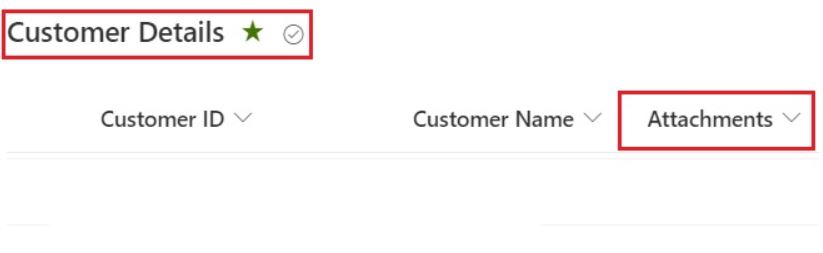
If you work with SharePoint lists, sooner or later you’ll need to let users upload supporting files – invoices, screenshots, approvals, or any other documents – directly against list items. In this tutorial, we’ll walk through everything about the Attachments column in a SharePoint Online list: how to add it to a view, show or hide it … Read more >>>

SharePoint Image Gallery Web Part – How to Use

SharePoint image gallery web part

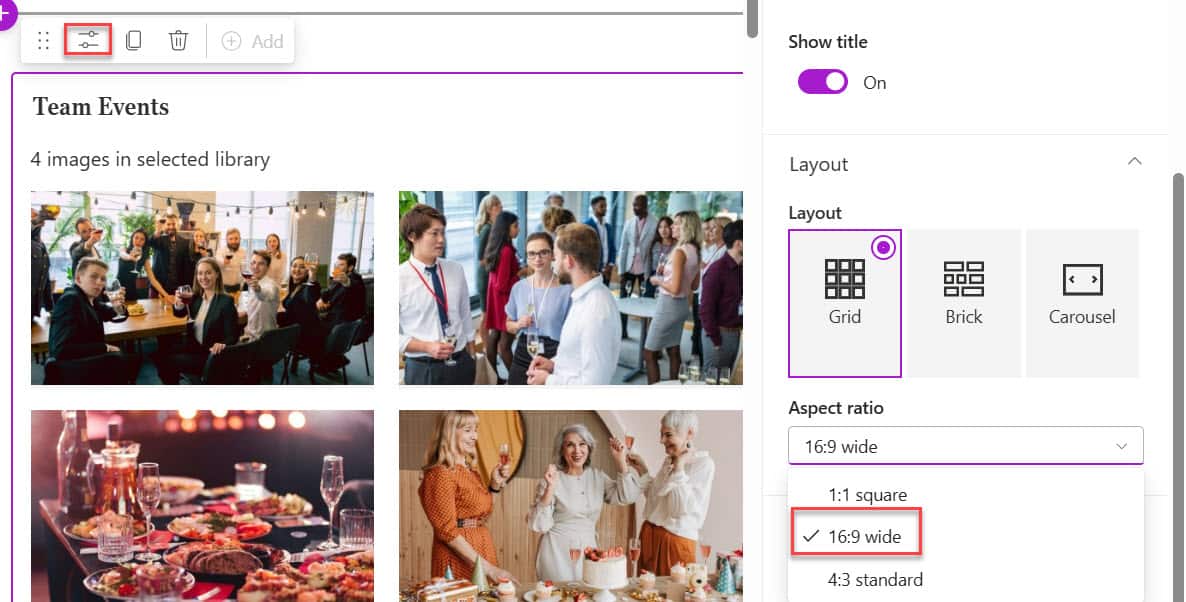
Creating an engaging intranet or team collaboration space requires visually appealing content. Recently, I was working with a client to design an attractive home page for their intranet portal. In one section, they wanted to display the team’s event photos on the home page in a visually organized manner. Quick answer: Edit the SharePoint page, … Read more >>>

SharePoint Online List View: A Complete Guide (With Examples)

How to Create a View in a SharePoint List

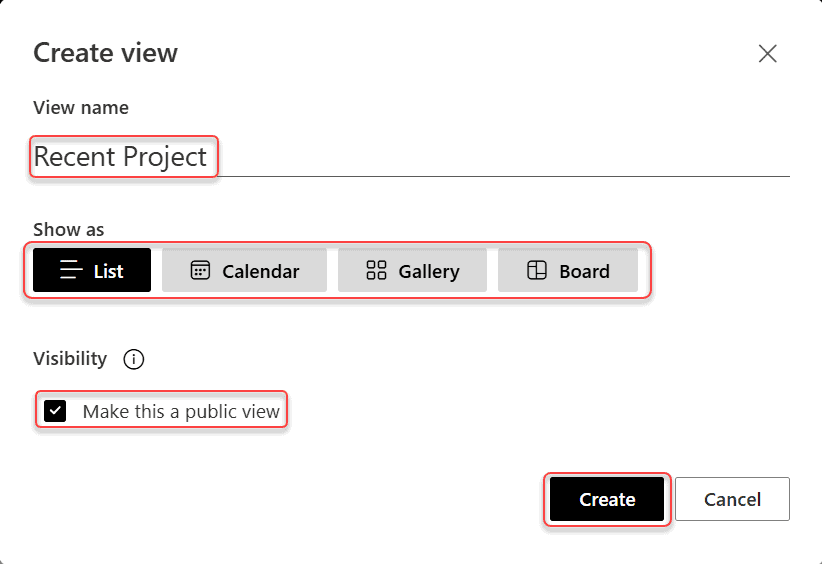
If you’ve ever opened a SharePoint list and thought, “I wish I could just see the items relevant to me,” list views are exactly what you need. A SharePoint Online list view is simply a saved way of displaying your list data. You control which columns appear, how items are sorted, what gets filtered, and even how … Read more >>>

What Is a SharePoint List? A Complete Guide With Examples

what is SharePoint list for beginners

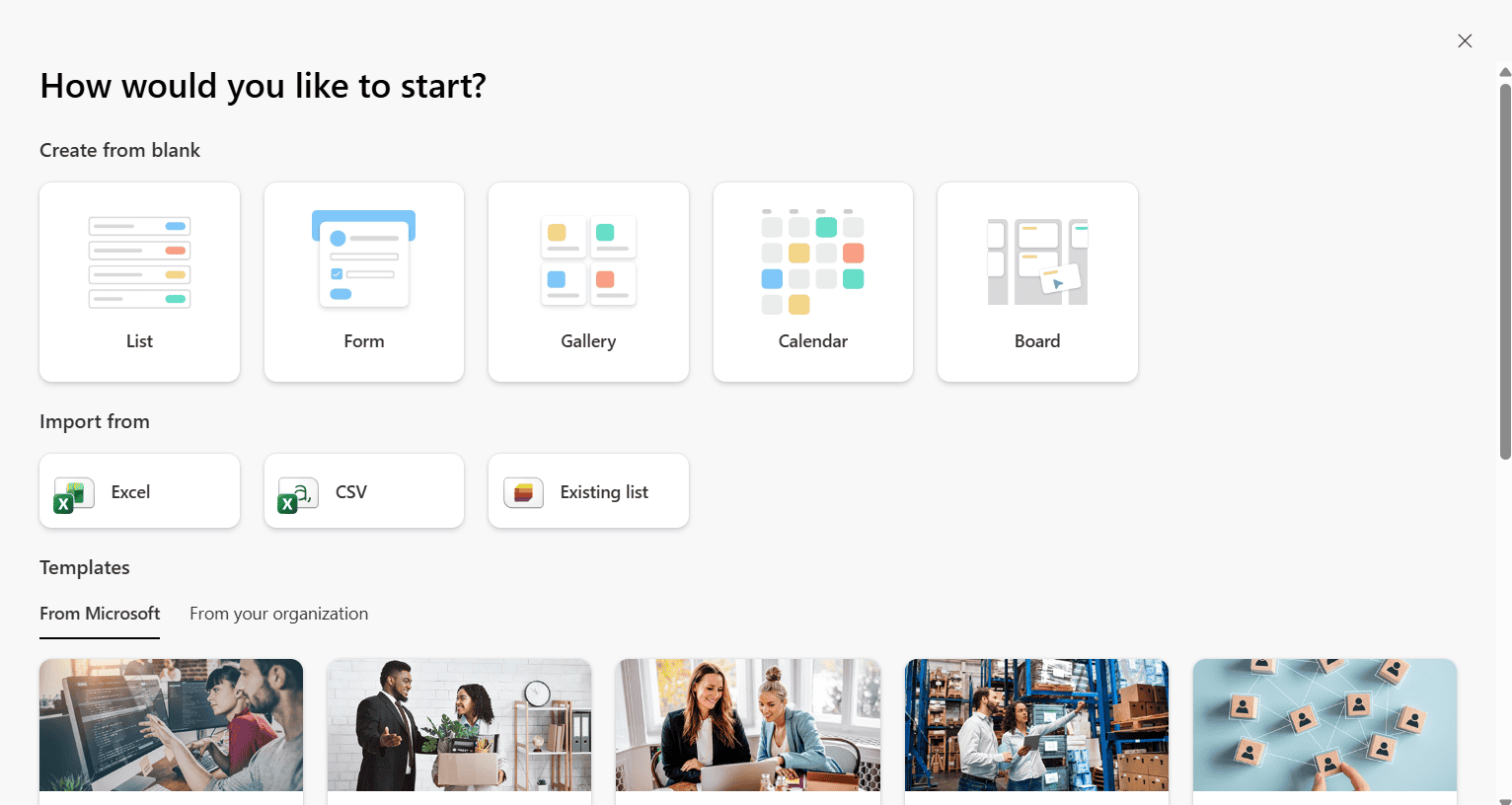
If you’ve ever used Microsoft Excel to track a list of employees, projects, tasks, or anything else — you already know the basic idea behind a SharePoint List. It’s structured data, stored in rows and columns, but instead of sitting on your desktop in a file nobody else can access, it lives in SharePoint, where … Read more >>>

Access Requests in SharePoint Online

Access Requests in SharePoint Online

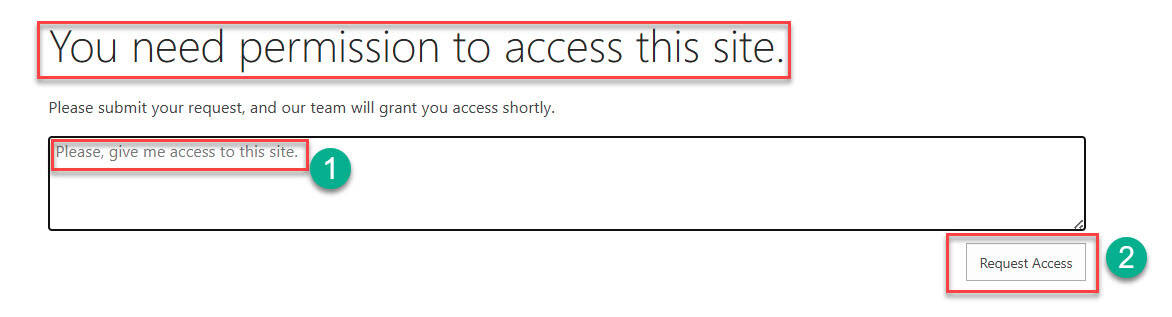
SharePoint’s access request feature enables users to request permission to sites, files, or folders they cannot access. This self-service capability reduces IT burden while maintaining security control. This tutorial will teach you how to configure, manage, and optimize access requests in SharePoint Online. What are Access Requests in SharePoint Online Access requests are a self-service … Read more >>>

How to Format a SharePoint Online List Column using JSON (Step‑by‑Step Guide)

Format a SharePoint Online List Column using JSON

If you work with SharePoint Online lists a lot, JSON column formatting is one of the easiest ways to make your lists more visual, more readable, and a lot more useful. In this tutorial, let’s walk through how JSON formatting works in SharePoint Online and then look at some practical, copy‑paste‑ready examples you can start … Read more >>>

How SharePoint Check In Check Out Works?

How SharePoint Check In Check Out Works

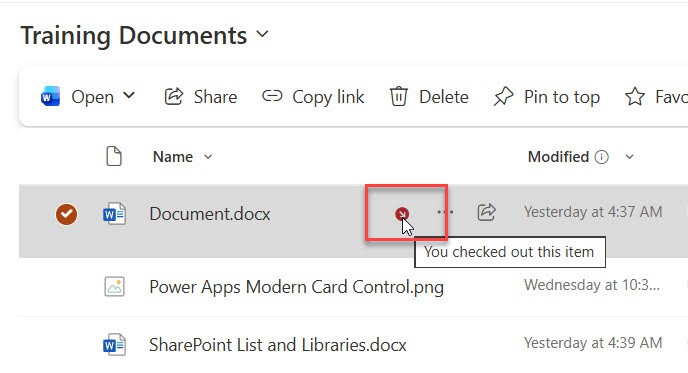
If you’ve ever worked with SharePoint document libraries, you’ve probably come across the “Check Out” and “Check In” options and wondered what they’re all about. Or maybe you’ve accidentally checked out a document and couldn’t figure out how to undo it (we’ve all been there!). Today, I’m going to walk you through everything you need … Read more >>>