Create an Anchor link on SharePoint Site Page
Create an anchor link to the SharePoint site page

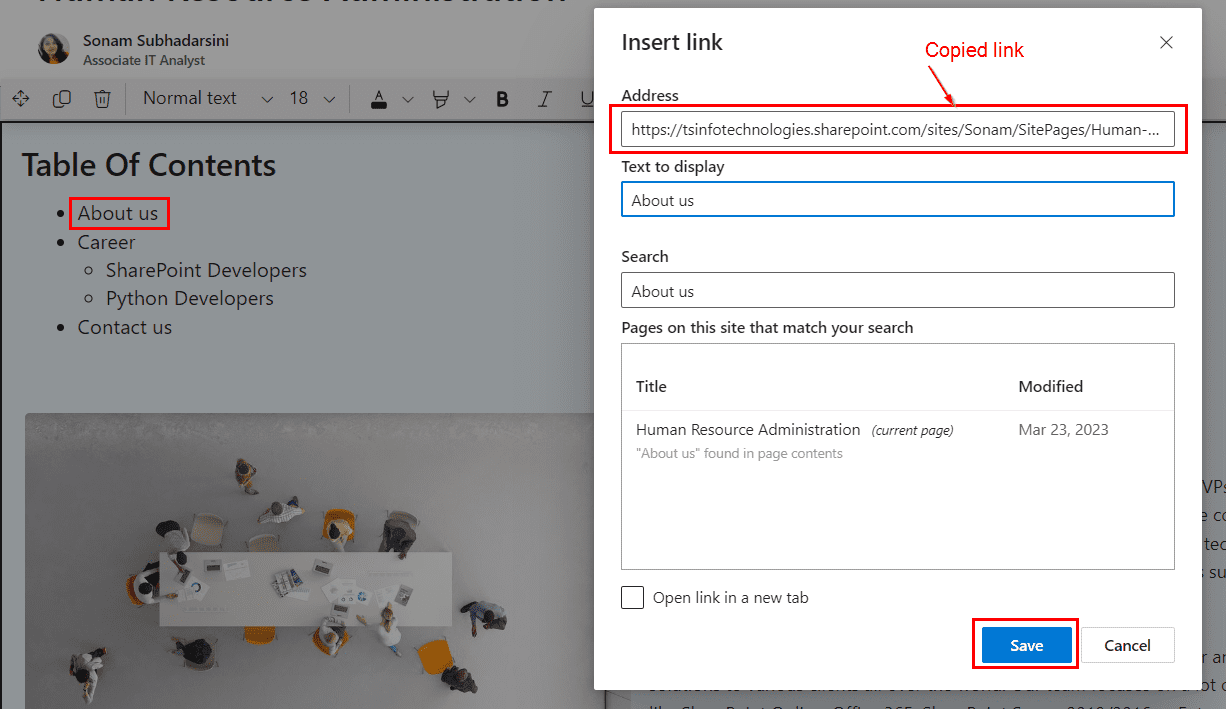
In this tutorial, you will learn how to create and use anchor links on a modern SharePoint Online site page. Anchor links (also called page anchors or in-page links) let users jump directly to a specific section on the same page or even from another page, which is especially useful for long pages with lots of … Read more >>>

How to Use SharePoint Markdown Web Part?

SharePoint Markdown header examples

In this tutorial, learn how to use the SharePoint Markdown web part to format rich content using Markdown syntax on modern pages quickly. You will see how to add the Markdown web part, configure it, use all supported Markdown features, build a table of contents, and understand its limitations compared to the Text web part. … Read more >>>

Display Weather in SharePoint using Weather Web Part

SharePoint Online Weather Web Part

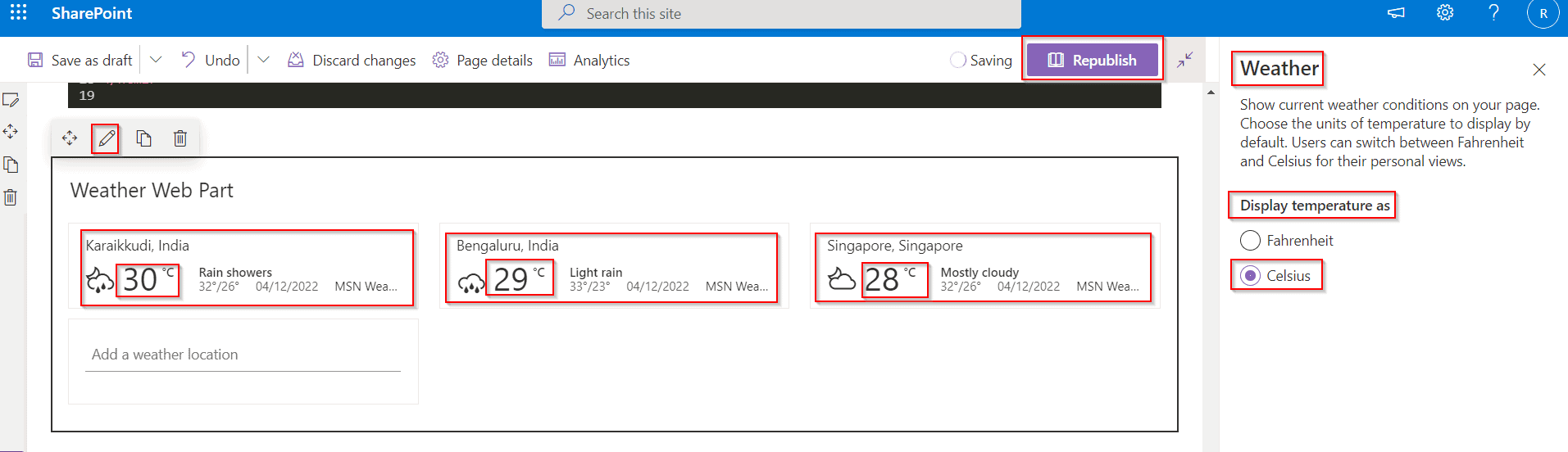
SharePoint Online Weather web part allows you to display current weather information for one or more locations on modern SharePoint pages. In this complete guide, learn what the Weather web part does, how to add and configure it, how to switch between Celsius and Fahrenheit, and significant limitations you should know before using it on … Read more >>>

SharePoint Online Document Library Web Part (Complete Guide)

SharePoint document library web part

The SharePoint Online Document Library web part lets you surface important files directly on a modern page so users can quickly find and open documents without navigating through libraries. When configured well, this web part can significantly improve document discoverability and reduce time spent searching for files in your intranet. In this tutorial, you will learn how … Read more >>>

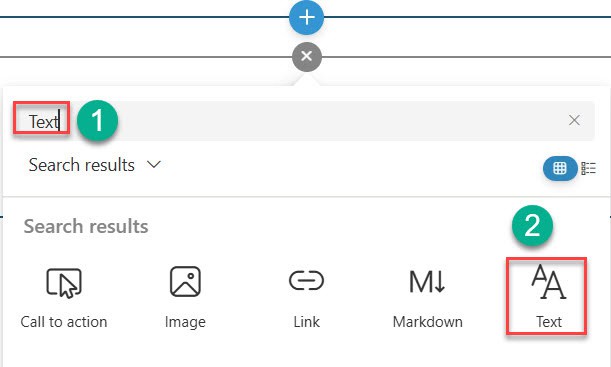
SharePoint Online Text Web Part – How to Use

sharepoint online text web part

When building a modern SharePoint Online intranet, the Text web part is one of the simplest ways to add formatted text, quick announcements, and rich content to a page. It supports headings, links, images, and tables so that site owners can share information clearly with their team. In this tutorial, you will learn what the SharePoint Online … Read more >>>

SharePoint Online Button Web Part (Step by Step Tutorial)

SharePoint Online Button Web Part

In modern SharePoint Online sites, the Button web part is one of the simplest ways to create a clear call to action that directs users to an important link with a single click. This tutorial explains what the SharePoint Online Button web part is, when to use it, and how to configure label, link, and alignment with … Read more >>>

SharePoint Online Code Snippet Web Part

Code snippet web part in sharepoint

Recently, a client wanted to share pieces of code on their SharePoint Online site so that employees could easily read and copy them from an internal portal. The SharePoint Online Code Snippet web part is perfect for this scenario because it displays formatted code with syntax highlighting, themes, and line numbers directly on modern SharePoint pages. In … Read more >>>

SharePoint File and Media Web Part

SharePoint File and Media Web Part

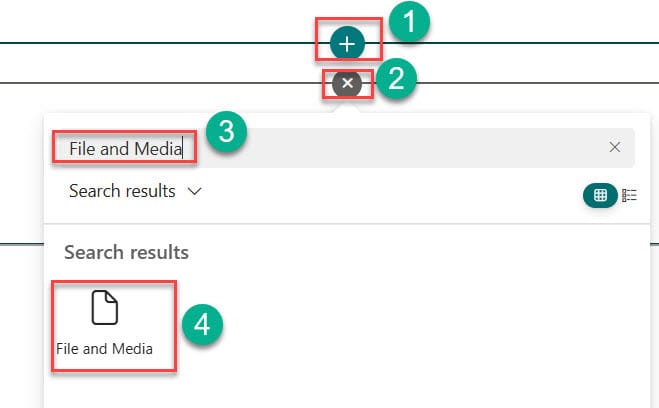
In this tutorial, I will explain how to use the File and Media web part in SharePoint Online, with examples. What is the File and Media Web Part? The File and Media Web Part is a powerful tool for displaying files and media content directly on SharePoint pages without requiring users to download them. I was working … Read more >>>

How to Use SharePoint Planner Web Part

how to configure sharepoint planner web part

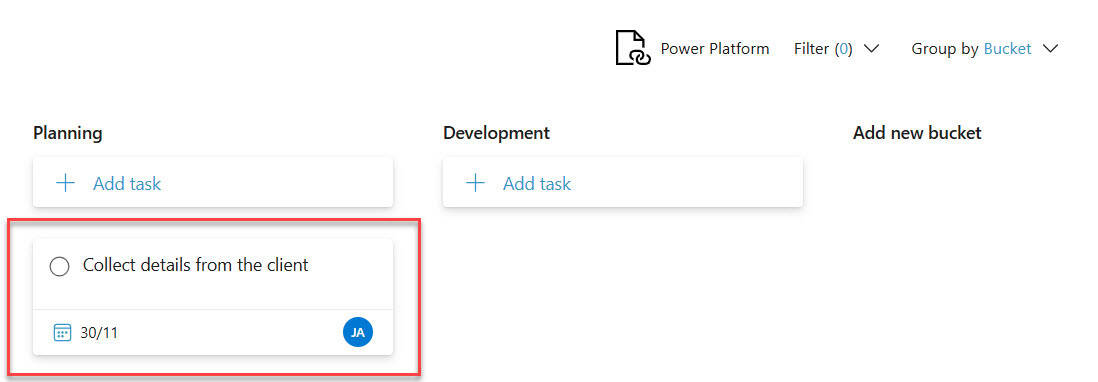
Recently, we were customizing a SharePoint intranet portal for an organization. While designing the home page of their SharePoint site, we considered adding a Planner web part to display tasks from the Planner app. The client was already using Planner to manage their task, so why not display those tasks on the SharePoint intranet home … Read more >>>