Create a QR Code in Power Apps [3 Methods That Actually Work]

power apps qr code generation

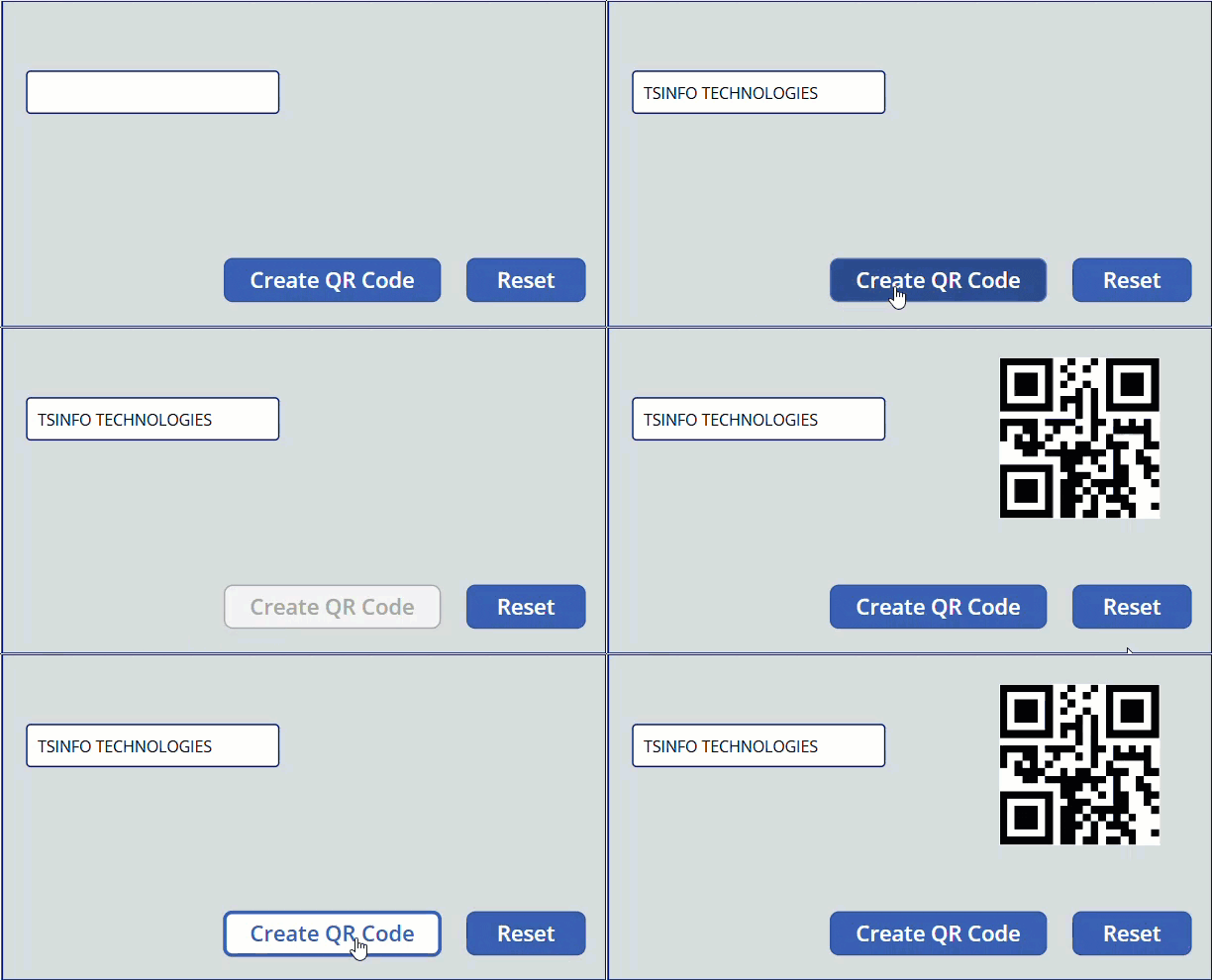
If you’ve ever wanted to generate a QR code directly inside a Power Apps canvas app — maybe for an inventory system, an event check-in, or just to share a link — you’re in the right place. In this tutorial, I’ll walk you through three practical methods to create QR codes in Power Apps, from … Read more >>>

Last Function in Power Apps [With Real Examples]

Get the Last Record from a Power Apps Collection

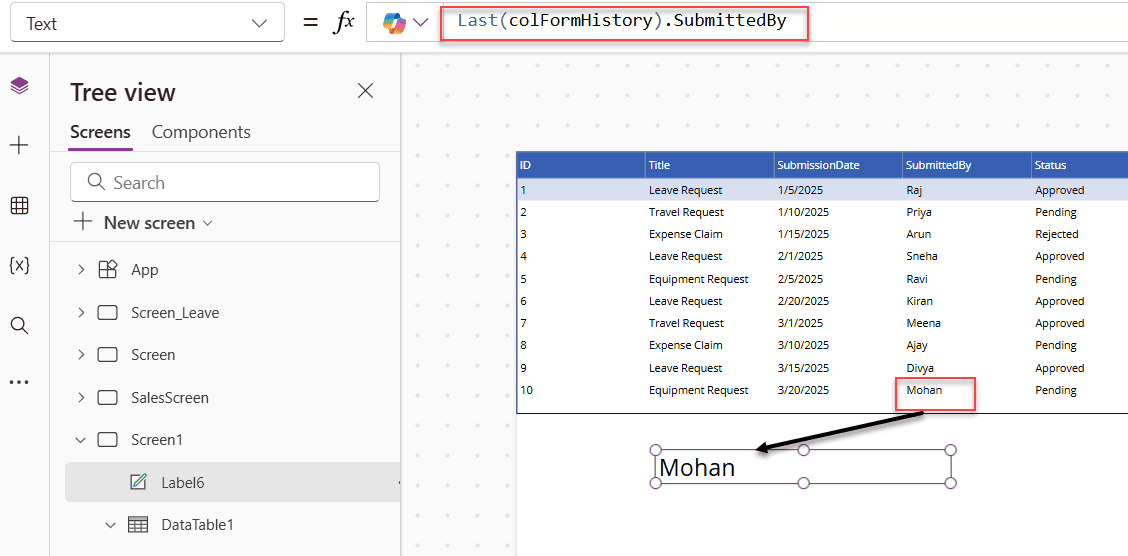
If you’ve ever needed to grab the most recent entry from a SharePoint list, pull the last item a user submitted, or show the bottom few records in a gallery, the Last function in Power Apps is exactly what you need. In this tutorial, I’m going to walk you through everything: what the function does, how the … Read more >>>

Power Apps Concatenate Two Fields: 4 Easy Methods

Power Apps Concatenate Two Fields

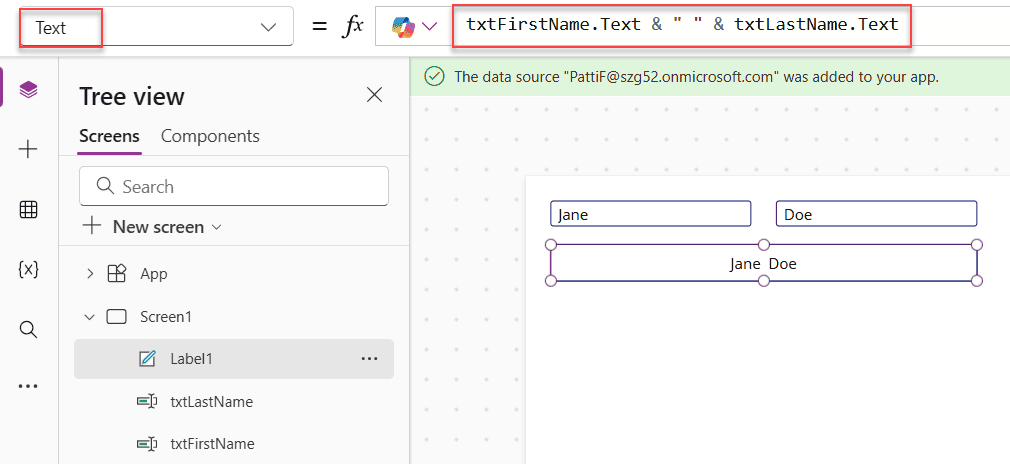
If you’ve built even a basic Power Apps form that pulls data from a SharePoint list, you’ve probably run into this situation — you have a First Name field and a Last Name field, and you want to display them together as a full name somewhere on the screen. Or maybe you need to combine a city and a … Read more >>>

Send Table Reports From Power Apps to Email Using Power Automate

Automatically Send Table Reports from Power Apps using Power Automate

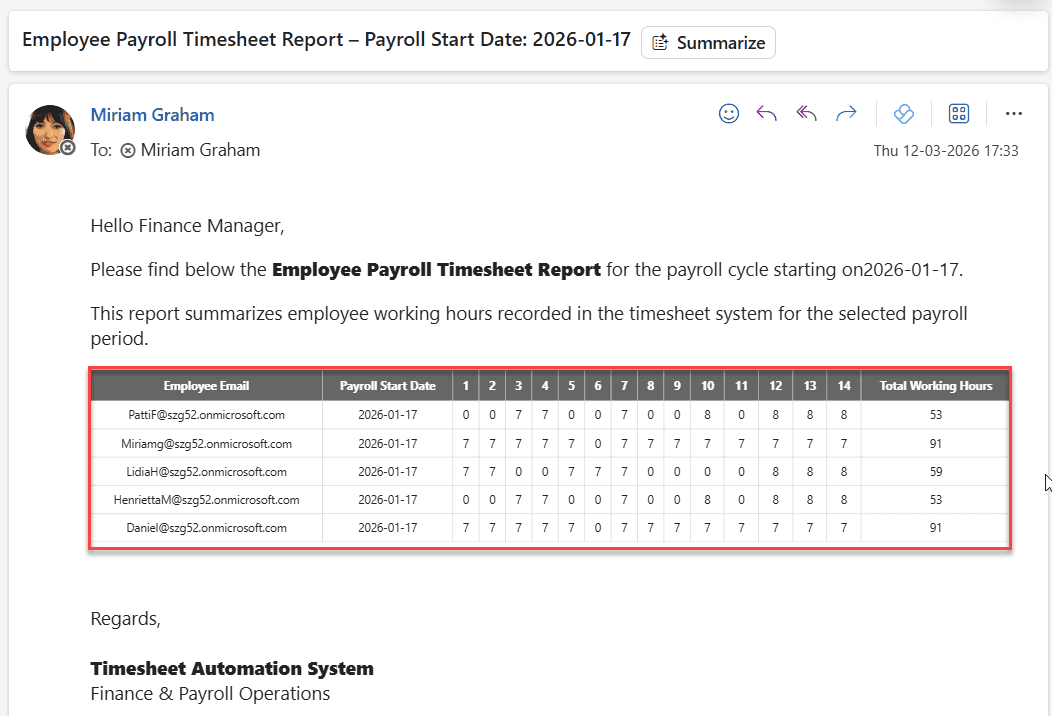
When building business apps in Power Apps, one requirement keeps coming up: sending reports by email. Sometimes it’s a payroll report, sometimes a leave summary, and sometimes a list of submitted records that managers need to review. In many organizations, finance or HR teams still rely heavily on email reports to track data. Recently, I … Read more >>>