Power Apps App.StartScreen [Guide to Setting Your Start Screen]

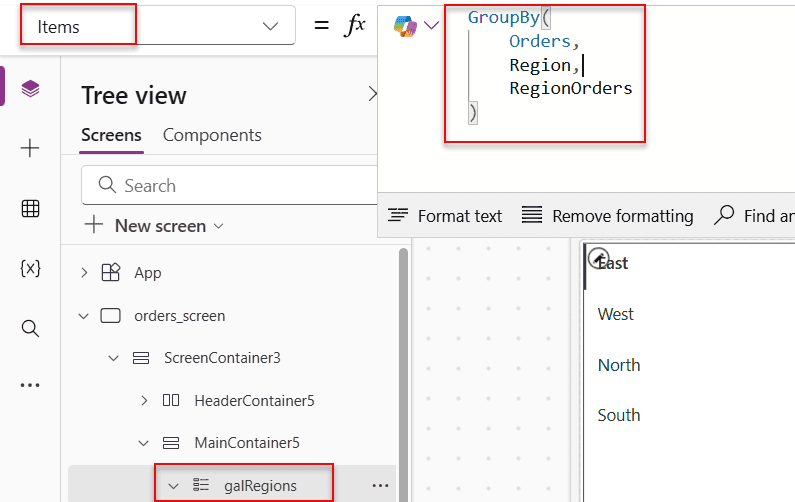
tree view in canvas app

If you’ve ever opened a Power Apps canvas app and wondered why it’s landing on the wrong screen — or why your app feels slow to load — this tutorial is for you. I’m going to walk you through everything about the Power Apps App.StartScreen property: what it is, how it works, how it differs from App.OnStart, and … Read more >>>

Power Automate Apply to Each: Get Current Item, ID, Value & Index

How to Get the Current Item in Power Automate Apply to Each

Apply to Each is one of the most used actions in Power Automate — and honestly, one of the most misunderstood. I’ve seen flows silently break, process thousands of unnecessary API calls, or return null values, all because of a small misstep in this loop. In this tutorial, I’ll walk you through everything you need to … Read more >>>

Power Automate Filter Query If Blank [All Column Types]

Power Automate Filter Query If Blank

If your Power Automate flow is returning all list items instead of just the ones with empty fields — or throwing a cryptic error when you try to filter for blank values — you’re not alone. This is one of the most common stumbling blocks I see when people start working with the Get items action in … Read more >>>

>

Build a High-Performance Project Management Site in SharePoint Online

User registration Power Apps canvas app

DOWNLOAD USER REGISTRATION POWER APPS CANVAS APP

Download a fully functional Power Apps Canvas App (with Power Automate): User Registration App

Power Platform Tutorial FREE PDF Download

FREE Power Platform Tutorial PDF

Download 135 Pages FREE PDF on Microsoft Power Platform Tutorial. Learn Now…