Power Automate: How to Create a Table in Excel and HTML [Step-by-Step]

How create html table formatting with MS Flow

Power Automate gives you two powerful ways to create tables — a structured Excel table inside a workbook stored in SharePoint or OneDrive, and an HTML table formatted for email delivery. These are entirely different actions that serve different purposes, and knowing when to use each is key to automating data-driven workflows effectively. In this tutorial, you will learn … Read more >>>

Power Automate Apply to Each: Get Current Item, ID, Value & Index

How to Get the Current Item in Power Automate Apply to Each

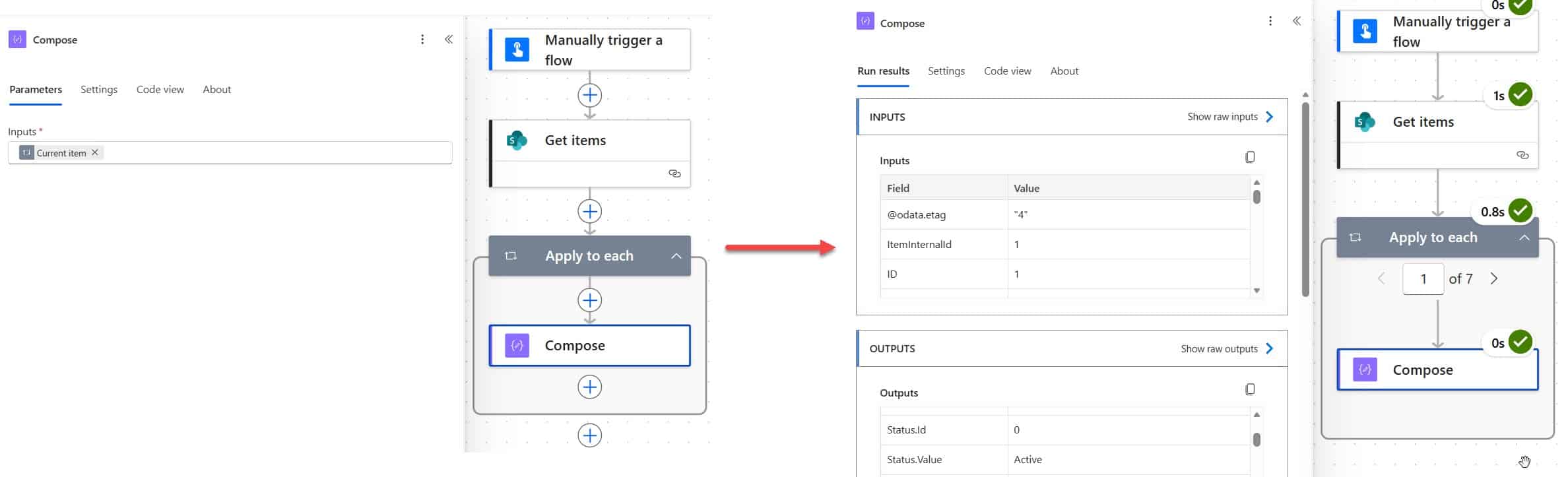
Apply to Each is one of the most used actions in Power Automate — and honestly, one of the most misunderstood. I’ve seen flows silently break, process thousands of unnecessary API calls, or return null values, all because of a small misstep in this loop. In this tutorial, I’ll walk you through everything you need to … Read more >>>

Power Automate Filter Query If Blank [All Column Types]

Power Automate Filter Query If Blank

If your Power Automate flow is returning all list items instead of just the ones with empty fields — or throwing a cryptic error when you try to filter for blank values — you’re not alone. This is one of the most common stumbling blocks I see when people start working with the Get items action in … Read more >>>

>

Live Webinar: Quiz Application using SharePoint Framework (SPFx)

Join this free live session and learn how to build a Quiz application using SharePoint Framework (SPFx).

📅 2nd June 2026 – 10:00 AM EST | 7:30 PM IST

Build a High-Performance Project Management Site in SharePoint Online

User registration Power Apps canvas app

DOWNLOAD USER REGISTRATION POWER APPS CANVAS APP

Download a fully functional Power Apps Canvas App (with Power Automate): User Registration App

Power Platform Tutorial FREE PDF Download

FREE Power Platform Tutorial PDF

Download 135 Pages FREE PDF on Microsoft Power Platform Tutorial. Learn Now…