Auto Format Phone Number in Power Apps Form [###-###-####]

Auto Format Phone Number in Power Apps Form

When you collect phone numbers in a Power Apps form, users type them in all kinds of ways – with spaces, without spaces, dashes, brackets, or sometimes just a random mix. That looks messy and is harder to use later. In this tutorial, we’ll build a phone field in Power Apps that auto‑formats the number … Read more >>>

How to Patch a Collection in Power Apps [Single/Multiple Items]

Power Apps patch collection create item

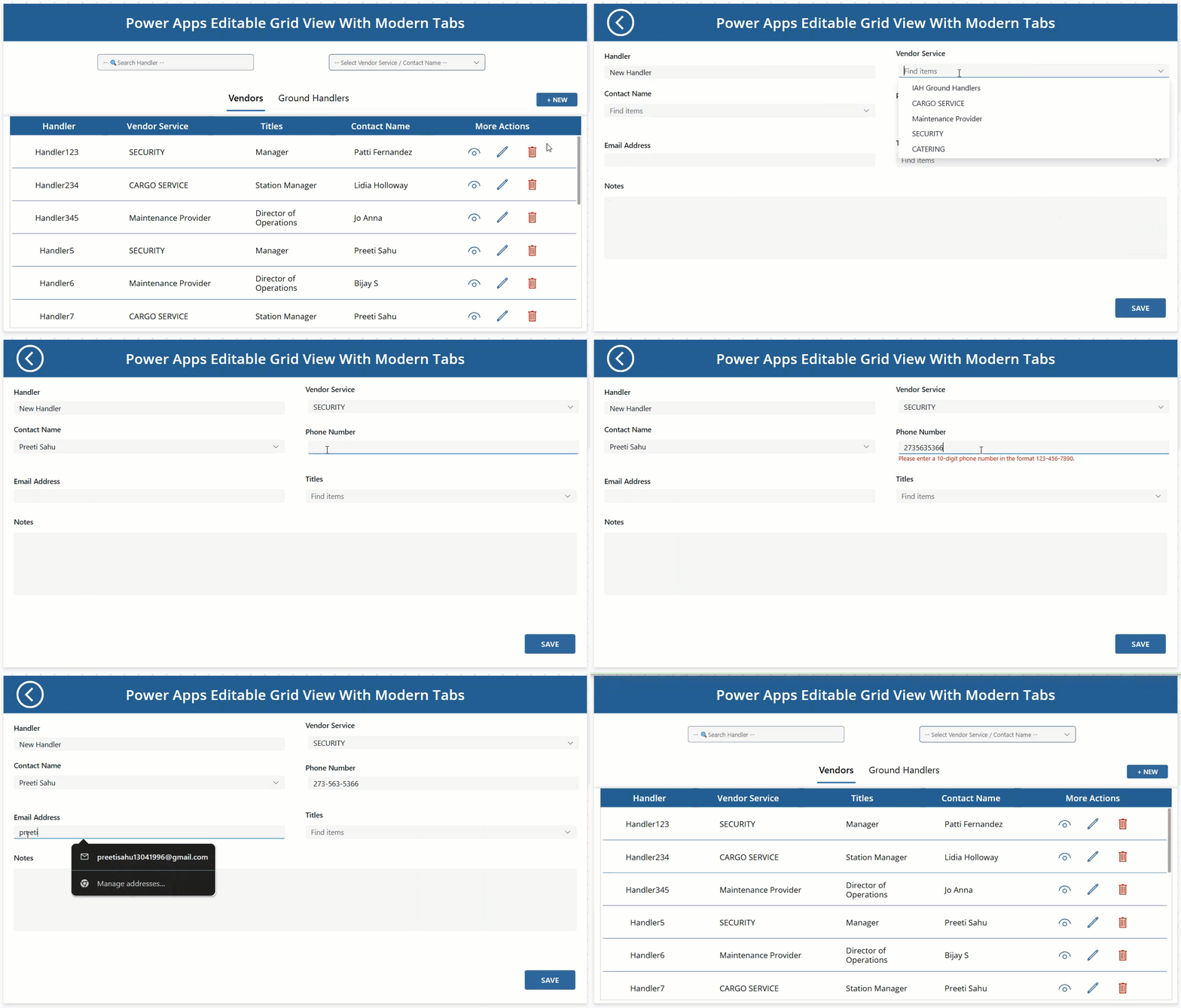
When you build a real Power Apps Canvas app for vendor management, people usually want to make several small changes at once rather than edit one record at a time. They might scan a list of vendors, adjust a few quantities or dates across the grid, and then save everything together when they are ready.​Let’s … Read more >>>

Access Requests in SharePoint Online

Access Requests in SharePoint Online

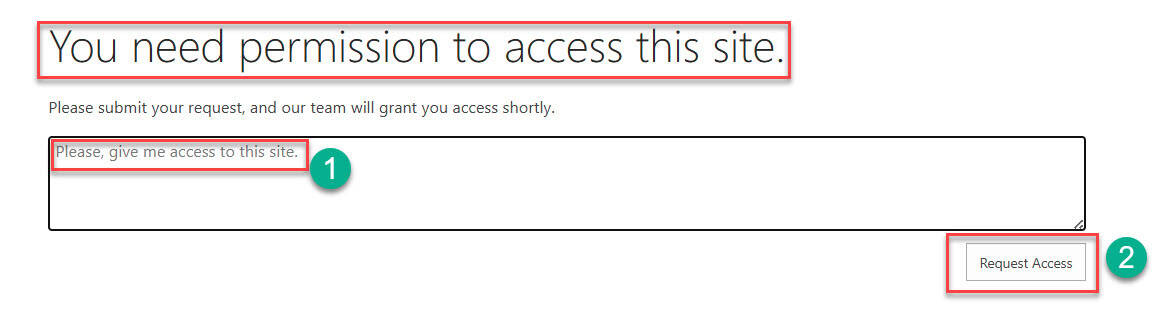
SharePoint’s access request feature enables users to request permission to sites, files, or folders they cannot access. This self-service capability reduces IT burden while maintaining security control. This tutorial will teach you how to configure, manage, and optimize access requests in SharePoint Online. What are Access Requests in SharePoint Online Access requests are a self-service … Read more >>>

Easiest Way to Filter Gallery By Radio Button in Power Apps

Power Apps Filter Gallery By Radio Button Control

When you build a real Power Apps app, users rarely want to see every gallery item at once. They usually think in simple questions like “show me only Sony products” or “now show all again.” A simple radio button filter on top of your Power Apps gallery does exactly that, making your Power Apps screen … Read more >>>

Create Calculator in Power Apps [Step By Step]

Create Calculator in Power Apps

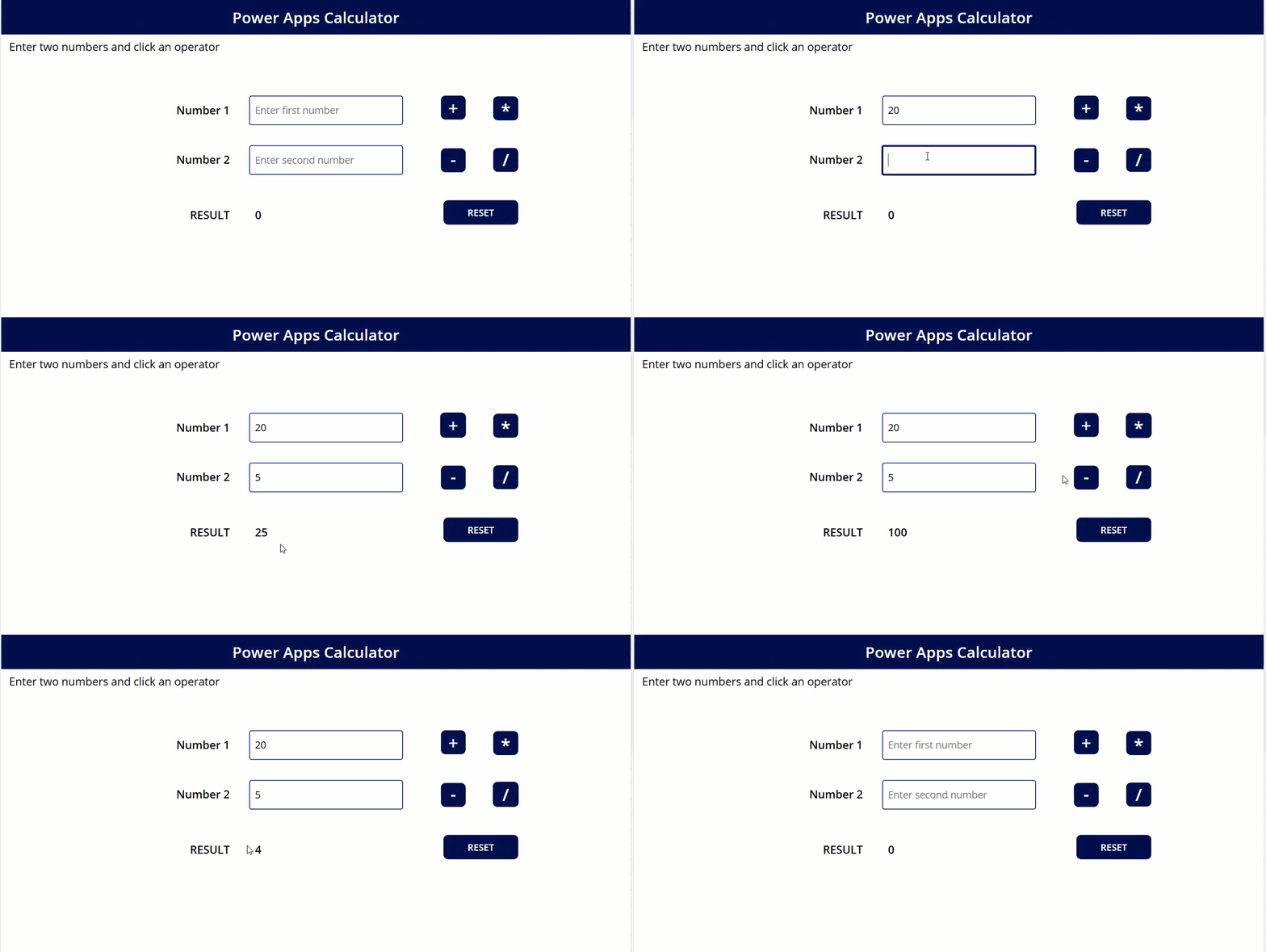
If you build business apps in Power Apps, adding a simple calculator inside the app can save your users a lot of time. They don’t have to switch to the Windows calculator or their mobile phone every time they want to do a quick calculation. In this tutorial, we will build a clean, user‑friendly calculator … Read more >>>

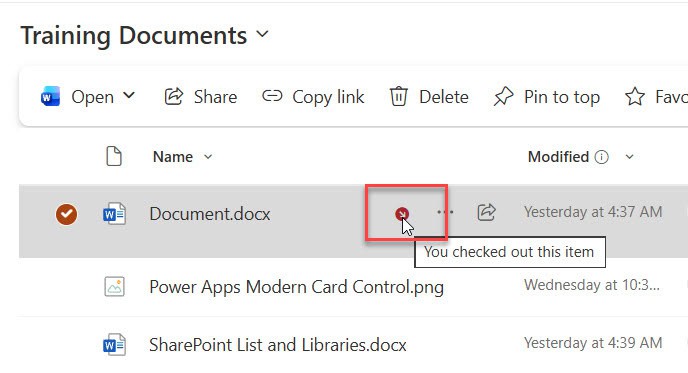
How SharePoint Check In Check Out Works?

How SharePoint Check In Check Out Works

If you’ve ever worked with SharePoint document libraries, you’ve probably come across the “Check Out” and “Check In” options and wondered what they’re all about. Or maybe you’ve accidentally checked out a document and couldn’t figure out how to undo it (we’ve all been there!). Today, I’m going to walk you through everything you need … Read more >>>

Is SharePoint Worth It? Pros and Cons Explained

Is SharePoint Worth It

When you work with SharePoint every day, it can feel like both a lifesaver and a headache. It can centralize information, improve collaboration, and integrate nicely with the tools you already use—but it can also feel complex, clunky, or “too much” if it’s not set up well. On top of that, user adoption and ongoing … Read more >>>