10 Power BI Dashboard Examples You Can Use Right Now

best power bi dashboard examples

Most Power BI dashboards fail for a surprisingly simple reason — not because the data is wrong, but because they were built without a clear audience in mind. I’ve seen dashboards with 30 visuals on one page that told no story at all, and I’ve seen a single-page dashboard with 5 KPIs that helped a … Read more >>>
How to Create Cascading Dropdown in Power Apps? [Step By step]

power apps cascading dropdown from sharepoint list

Have you ever filled out an online form, selected your country, and then watched the “State” dropdown automatically update to show only the states for that specific country? That is a cascading dropdown in action. When you use cascading dropdowns, the choices in one dropdown depend entirely on what the user selected in the previous … Read more >>>

Power Apps ForAll Function: Real-World Examples

deleting multiple items using power apps forall function

If you’ve been working with Power Apps Collections, you’ve probably hit that moment where you need to do something to every single item in your list. Maybe you need to update prices, change statuses, or send notifications to multiple users at once. That’s where the ForAll function becomes your best friend. Let me walk you … Read more >>>

How to create multiple tabs form in Power Apps

create multiple tabs form in power apps

Are you struggling to create a tabbed form in Power Apps? Check out this complete step-by-step tutorial on how to create multiple tabs form in power apps. Recently, we got a requirement to build a tabbed form within the Power Apps while working with the Power Apps’ customized SharePoint form. That means we will create … Read more >>>

CRUD Operations using Power Apps

crud operations using powerapps

If you are a Power Apps beginner or are trying to implement some practical operations, then you should read this crud operations using PowerApps tutorial. This Power Apps tutorial covers the Canvas app Form CRUD Operations in Power Apps and different types of Power Apps screens. Furthermore, we will discuss how to submit the Power … Read more >>>

How to Delete Files Older than 3 Years from SharePoint Document Library Using Power Automate? [Download Solution]

Delete Files in SharePoint document library using Power Automate

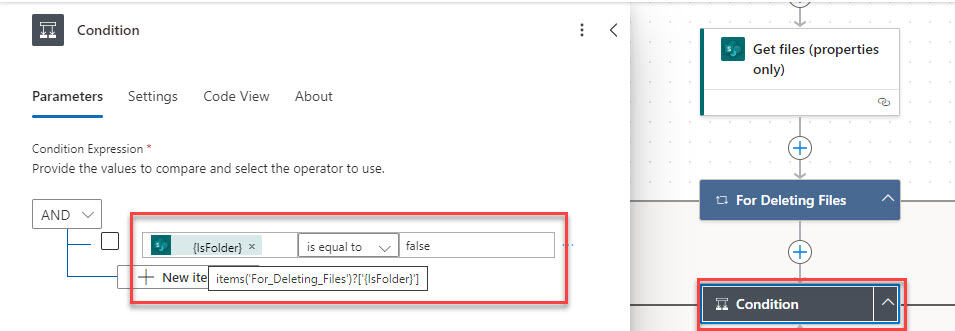
One of our clients recently required us to use Power Automate to delete SharePoint document library files older than 3 years. In this tutorial, I will explain how to delete files older than 3 years from SharePoint Document library using Power Automate. We will also discuss how to delete folders and subfolders (including their contents) … Read more >>>