
The property or field Url has not been initialized. It has not been requested or the request has not been executed. It may need to be explicitly requested error in SharePoint
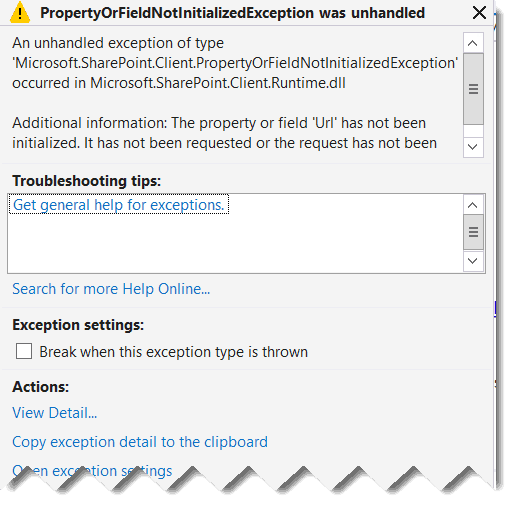
SharePoint 2013 The property or field Url has not been initialized SharePoint online

Have you ever received an error message that says, “The property or field Url has not been initialized. It has not been requested, or the request has not been executed. It may need to be explicitly requested.”? I will show you how to fix the error. The property or field Url has not been initialized … Read more >>>
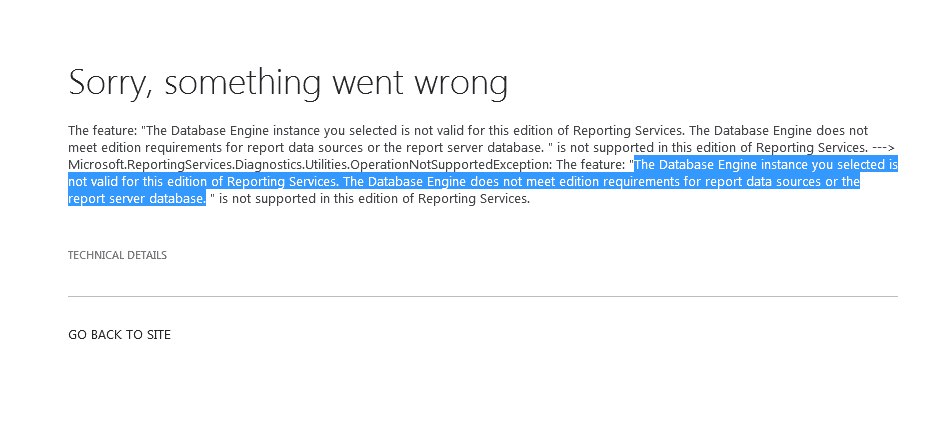
The database engine instance you selected is not valid for this edition of reporting services

the database engine instance you selected is not valid for this edition of reporting services

Recently, I got this error while working with reporting services. In this tutorial, I will also explain different ways to fix the error: The database engine instance you selected is not valid for this edition of reporting services. This error typically occurs during SQL Server Reporting Services (SSRS) installation or configuration. The database engine instance … Read more >>>

Easiest Way to Validate Phone Number Column in SharePoint

SharePoint list phone number format

A few days before, I worked on creating an Event Registration form using the Power platform. For this form, we used a SharePoint list as a data source. To get the proper information from the users, I validated each field in that list, including the Phone number field. In this article, I will explain how … Read more >>>

Difference Between OneDrive and SharePoint [Key Features]

Difference Between OneDrive and SharePoint

OneDrive and SharePoint are popular Microsoft 365 tools that help users store and manage files in the cloud. While they may seem similar initially, they serve different purposes and cater to various needs. OneDrive is best for personal file storage and sharing, while SharePoint is ideal for team collaboration and document management. OneDrive gives users … Read more >>>

Microsoft Lists vs SharePoint Lists: Key Differences and Use Cases Explained

Microsoft List vs SharePoint List

Microsoft 365 users often wonder about the differences between Microsoft Lists and SharePoint lists. These two tools share many similarities but have some key distinctions. Microsoft Lists is a standalone app within the Microsoft 365 suite, while SharePoint lists are part of SharePoint sites. Microsoft Lists and SharePoint lists let users create, share, and track … Read more >>>

SharePoint Online List View + SharePoint List Calendar View Formatting

SharePoint Online List View

Microsoft allows us to create different views to display SharePoint list items. In this SharePoint Online tutorial, I will explain everything about the SharePoint Online list view. Then, I will show you how to customize a SharePoint Online list view. We will also discuss the benefits and limitations of a SharePoint list view. SharePoint list … Read more >>>

>

Live Webinar: Quiz Application using SharePoint Framework (SPFx)

Join this free live session and learn how to build a Quiz application using SharePoint Framework (SPFx).

📅 2nd June 2026 – 10:00 AM EST | 7:30 PM IST

Build a High-Performance Project Management Site in SharePoint Online

User registration Power Apps canvas app

DOWNLOAD USER REGISTRATION POWER APPS CANVAS APP

Download a fully functional Power Apps Canvas App (with Power Automate): User Registration App

Power Platform Tutorial FREE PDF Download

FREE Power Platform Tutorial PDF

Download 135 Pages FREE PDF on Microsoft Power Platform Tutorial. Learn Now…