How to Use Power Automate dayOfWeek Function?

Power Automate get day of week

While undertaking a project, I faced an issue regarding a date-related task that required determining the day of the week for a specific date. I created a Power Automate flow to get the day of the week for a particular date, and I thought I would share this through this post. In this article, I … Read more >>>

Power Automate String Functions + 10 Examples

Power Automate string manipulation

In Power Automate, you can work with converting and formating strings using string functions() and some of the collection functions. In this tutorial, I will discuss how to deal with Power Automate string() functions with a few examples that include the below topics: Power Automate String Functions The Power Automate string function converts strings and string … Read more >>>

Power Automate Split String into Array + Examples

Power Automate split string

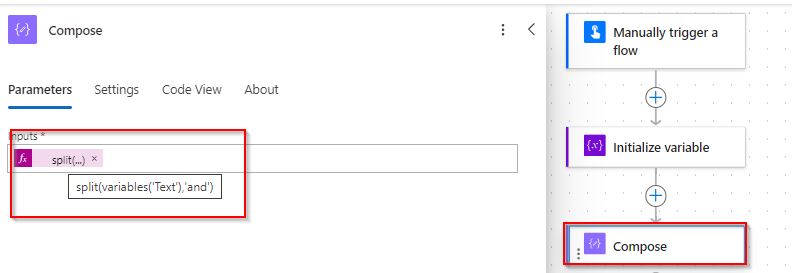
In this Power Automate tutorial, I will explain what is split in Power Automate, split function in Power Automate, and how to work with Power Automate split string. Also, we will discuss Power Automate split string into array, and Power Automate split variable including many more like: Power Automate split function The Power Automate split() … Read more >>>

Power Automate Read Excel File From SharePoint

Power Automate get data from excel sheet

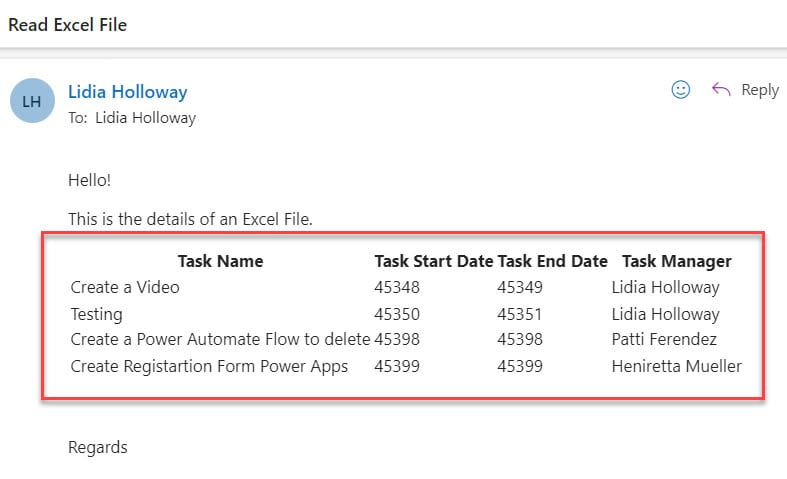
In this article, I will explain how to work with Power Automate read excel file from SharePoint, and how to import excel data into an existing SharePoint list using Power Automate with various examples. Also, we will see how to update SharePoint list from Excel using Power Automate, and Power Automate get excel file from … Read more >>>

Power Automate Parse Email Body [Excel & SharePoint List]

Power Automate Parse Email Body

Recently, I was working on a Power Automate task that required me to extract data from emails and save it in a SharePoint list. In this article, I will explain all about Power Automate read email body, Power Automate get email body text, and Power Automate parse email body with examples. Also, we will discuss … Read more >>>

Power Automate Date Functions [10+ Examples]

Power Automate date functions

We can use Power Automate Date functions in a Power Automate flow to manipulate the date and time in the datasource or in the SharePoint list. In this tutorial, I will list out and explain all the Power Automate date and time functions, including: Power Automate Date Expressions To access the date and time information, … Read more >>>

How to Create HTML Table in Power Automate + Formatting

Power Automate style html table

Recently, I was working on a project where I was required to create an HTML table in Power Automate. Also, I needed to work on Power Automate HTML table formatting [Like table header font will be bold and different color]. In this Power Automate article, I will tell you how to create HTML table in … Read more >>>

How to Send Power Automate Approval Reminder?

Reminder approval Power Automate

Recently, I was working on a project where I needed to send a reminder approval using Power Automate. However, I thought to share about Power Automate approval reminder stuff through this post. In this tutorial, I will explain how to work with Power Automate approval, Power Automate approval reminder multiple approvers, and how to send … Read more >>>

>

Build a High-Performance Project Management Site in SharePoint Online

User registration Power Apps canvas app

DOWNLOAD USER REGISTRATION POWER APPS CANVAS APP

Download a fully functional Power Apps Canvas App (with Power Automate): User Registration App

Power Platform Tutorial FREE PDF Download

FREE Power Platform Tutorial PDF

Download 135 Pages FREE PDF on Microsoft Power Platform Tutorial. Learn Now…