How to Delete Files Older than 3 Years from SharePoint Document Library Using Power Automate? [Download Solution]

Delete Files in SharePoint document library using Power Automate

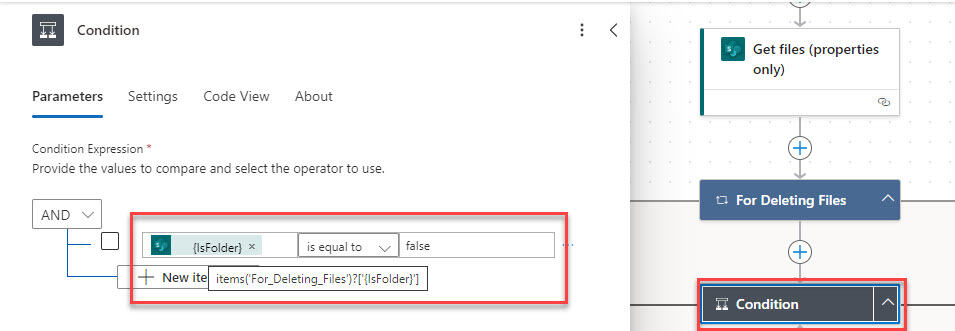
One of our clients recently required us to use Power Automate to delete SharePoint document library files older than 3 years. In this tutorial, I will explain how to delete files older than 3 years from SharePoint Document library using Power Automate. We will also discuss how to delete folders and subfolders (including their contents) … Read more >>>

6 Various Ways to Sort Array in Power Automate

How to sort an array using Power Automate

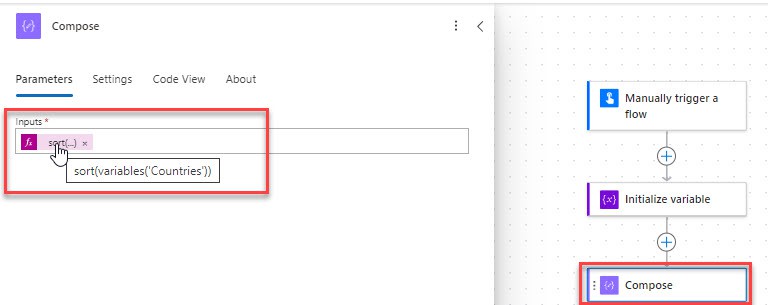
While working on a project, I received a requirement to sort an array in Power Automate. Though I was new to it, I searched, implemented, and found the solution. So, I thought I would share everything in this post. Power Automate has a collection function called the sort() function, which changes the arrangement of array … Read more >>>

How to Set Microsoft Teams Status Using Power Automate?

How to Set Microsoft Teams Status Using Power Automate

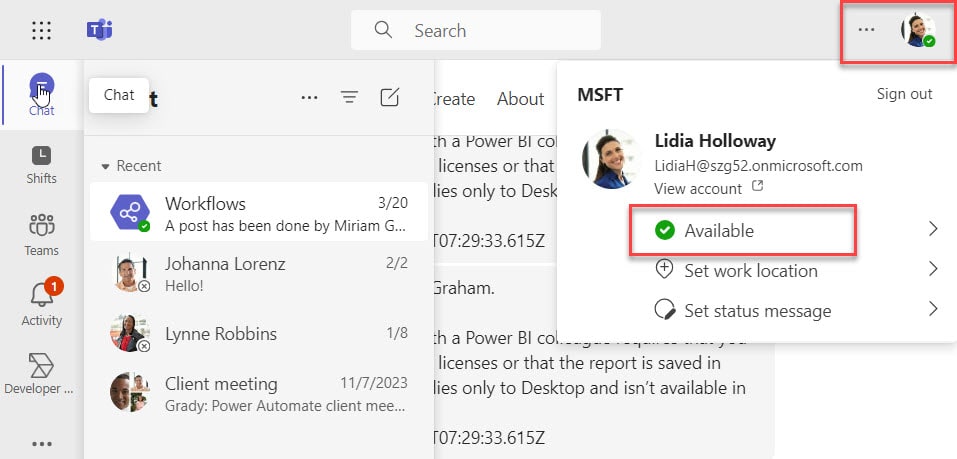
Do you know how to update your Microsoft Teams status using Power Automate? Here, I will show how to set Microsoft Teams status using Power Automate. Also, we will discuss how to update teams status messages (Available, Away, Busy, etc.) via Power Automate. Set Microsoft Teams Status to Available Using Power Automate To set the … Read more >>>

How to Post Image to Microsoft Teams Channel Using Power Automate?

How to post an image to MS Teams team channel using Power Automate

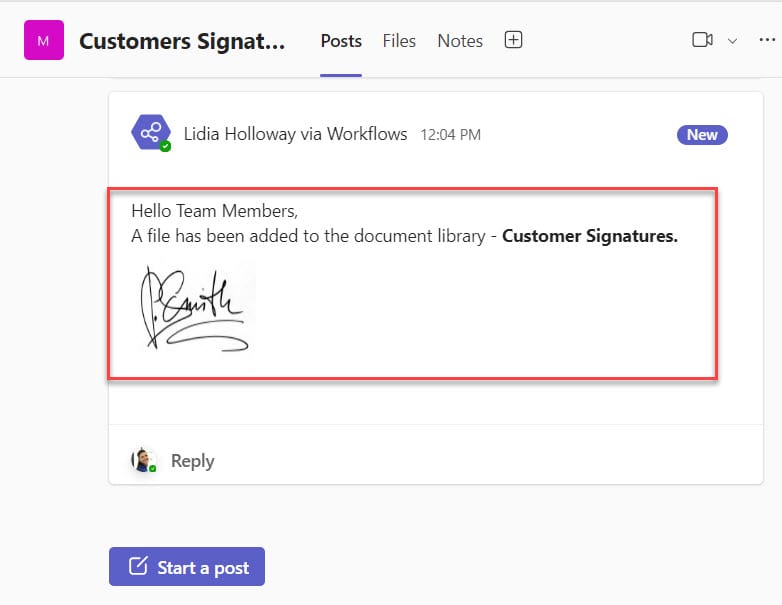
In this tutorial, I will explain how to post image to Microsoft Teams channel using Power Automate. How to Post Image to Microsoft Teams Channel Using Power Automate To post an image to the Microsoft teams channel using Power Automate, follow the example below. Scenario: I have a SharePoint document library called ‘Customer Signatures.’ Whenever … Read more >>>

Format Number In Power Automate

Power Automate formatNumber

In this Power Automate tutorial, I will explain how to format number in Power Automate. Microsoft provides a function in Power Automate called formatNumber() that you can use to format a number in Power Automate. Also, you can use the Format Number action in Power Automate. I will also show you a few examples related … Read more >>>

How to Use Microsoft Copilot in Power Automate?

Copilot in Power Automate

Microsoft came up with a new development in Power Platforms by introducing Copilot. It is a Powerful and new technology that is still being developed. Also, It is only available in specific regions with limitations. You may be wondering how to start with copilot in Power Automate to automate the business process. In this tutorial, … Read more >>>

>

Build a High-Performance Project Management Site in SharePoint Online

User registration Power Apps canvas app

DOWNLOAD USER REGISTRATION POWER APPS CANVAS APP

Download a fully functional Power Apps Canvas App (with Power Automate): User Registration App

Power Platform Tutorial FREE PDF Download

FREE Power Platform Tutorial PDF

Download 135 Pages FREE PDF on Microsoft Power Platform Tutorial. Learn Now…