Filter Power Apps Data With a Date Picker [With Examples]
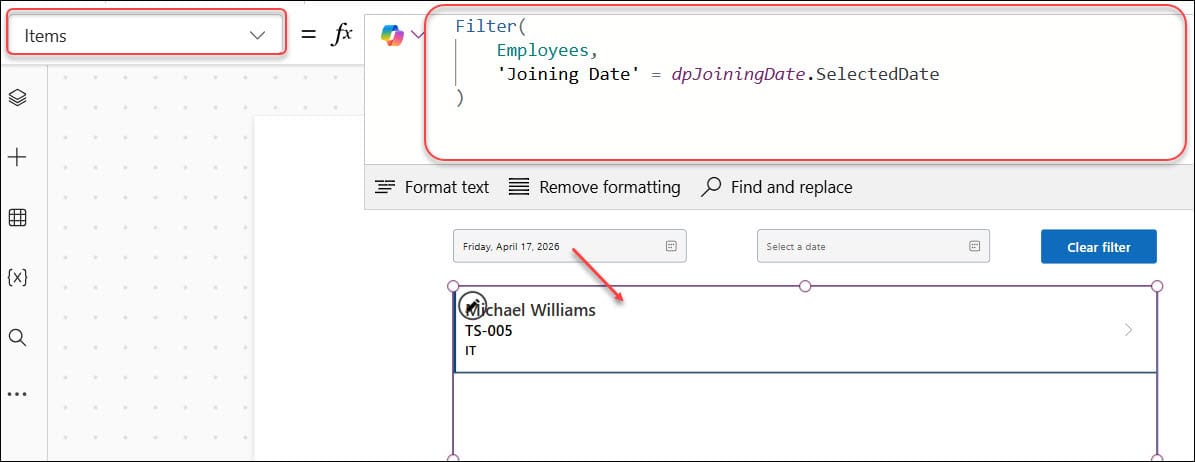
Filter Power Apps Data With a Date Picker

An HR coordinator opens an employee directory to find everyone who joined during a particular week. Instead of scrolling through hundreds of records, they choose a start date and an end date, and the employee gallery updates immediately. I have built this pattern in many Canvas apps, including HR onboarding apps, leave management trackers, approval … Read more >>>
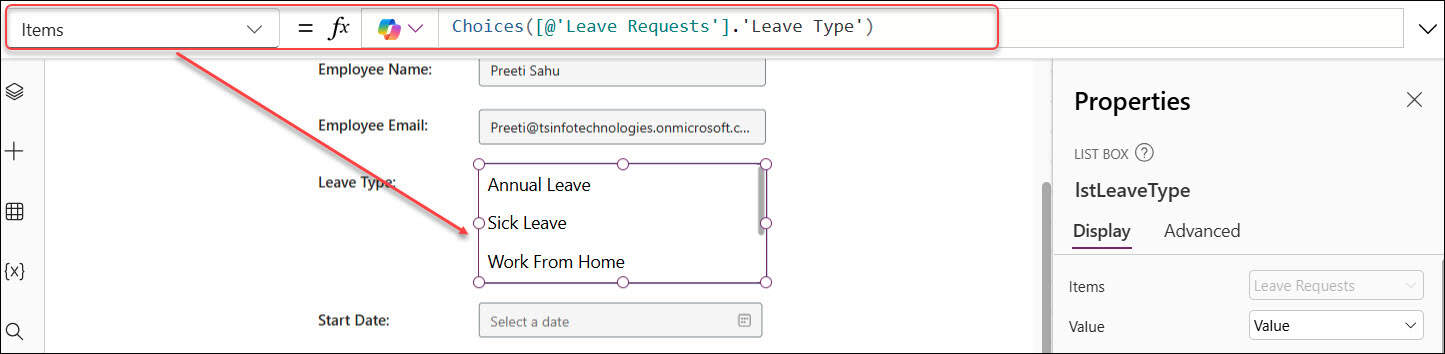
How to Add Power Apps Listbox Items From a SharePoint List

How to Add Power Apps Listbox Items From a SharePoint List

An HR team I worked with needed a simple leave request app for 200 employees. Employees had to choose one or more leave types—Annual Leave, Sick Leave, Work From Home, or Compensatory Off—without scrolling through a long form or typing inconsistent values. A Power Apps Listbox worked well for that screen. It gave users a … Read more >>>

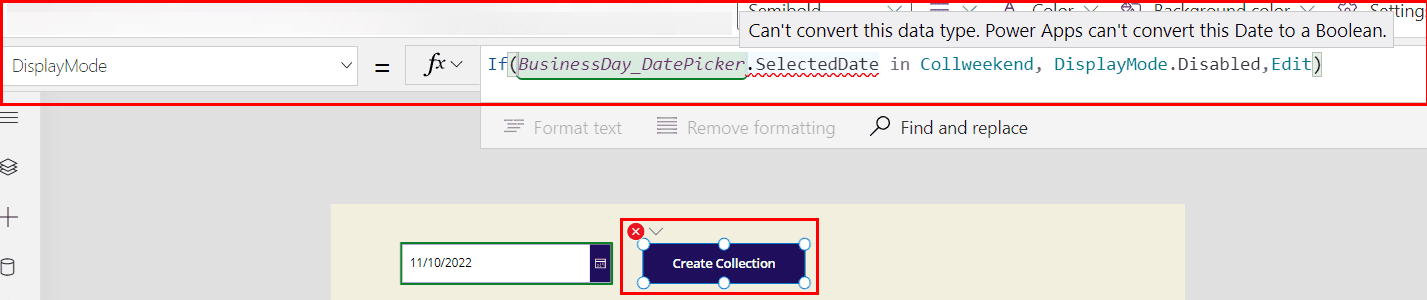
Fix “Can’t Convert This Data Type” in Power Apps

Can't convert this data type. Power Apps can't convert this Date to a Boolean

You build a simple leave request Canvas app for an HR team. An employee selects a date, but you need to stop them from requesting leave on Saturday or Sunday. Then Power Apps suddenly shows: “Can’t convert this data type. Power Apps can’t convert this Date to a Boolean.” I have seen this issue when … Read more >>>

How to Use Power Apps Combo Box With Office 365 Users

How to Use Power Apps Combo Box with Office 365 Users

An HR coordinator opens a leave request form and needs to assign an employee’s manager as the approver. Typing an email address into a text box works at first, but it quickly creates problems. Someone enters the wrong address, another person uses an old name, and the approval workflow goes to the wrong person. I … Read more >>>

How to Filter a Power Apps Dropdown Control [With Examples]

Filter a Power Apps Dropdown Control

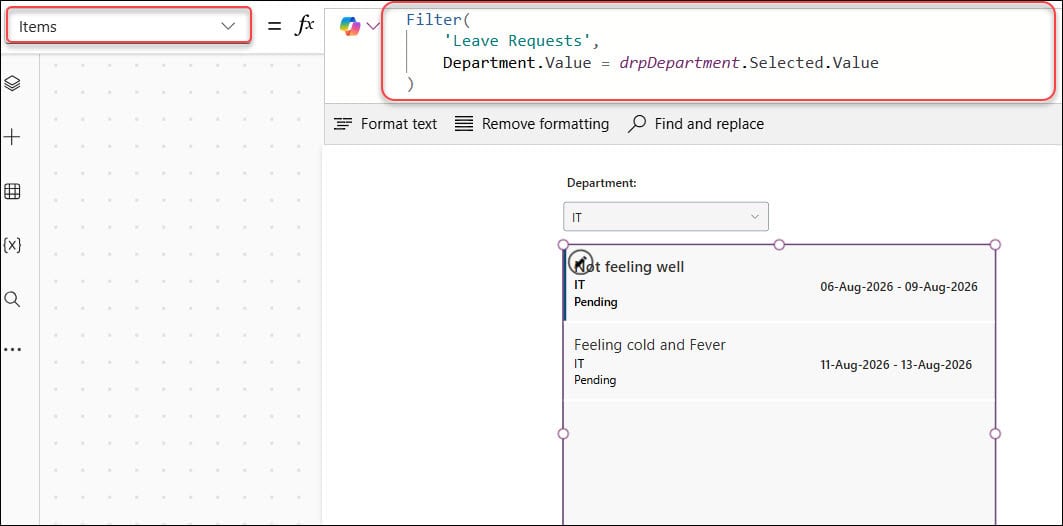
An HR team managing leave requests often starts with one SharePoint list and a simple Canvas app. At first, everyone can scan the request gallery easily. Then the list grows to hundreds of records, managers want only pending requests, and employees need to find leave entries from their department. I recently built this type of … Read more >>>

How to Use Power Apps Gallery Dropdown [Step-by-Step]

How to Use Power Apps Gallery Dropdown

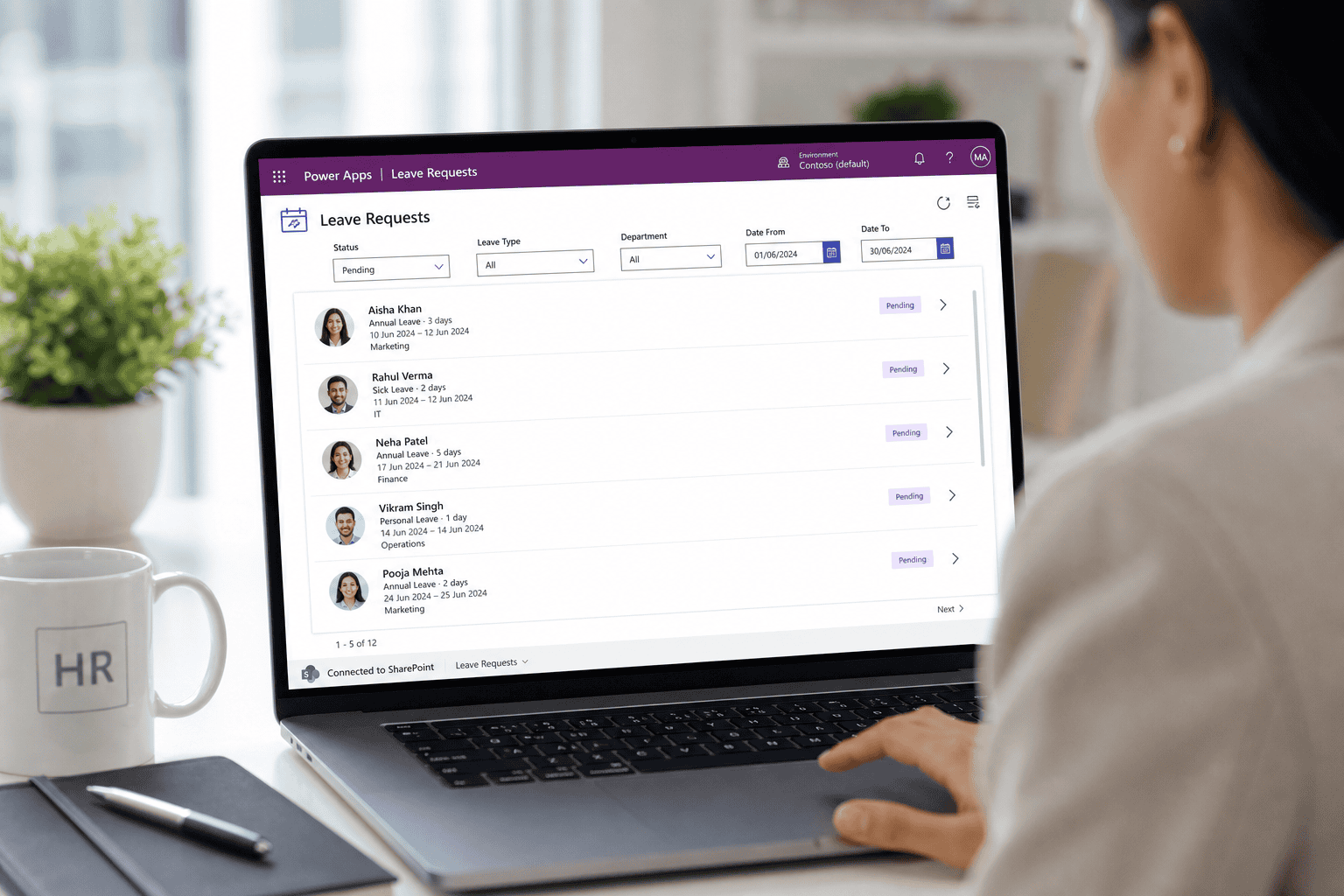
Imagine your HR team in a 200-employee company using a simple Power Apps Canvas app to manage leave requests stored in a SharePoint list. The app works, but very quickly people start asking for more: “Can I see only my pending requests?”, “Can I filter by department?”, “Can managers quickly see just ‘Approved’ leaves?” Without … Read more >>>

Remove Duplicates in Power Apps Dropdown [With Different Scenarios]

Remove Duplicates in Power Apps Dropdown

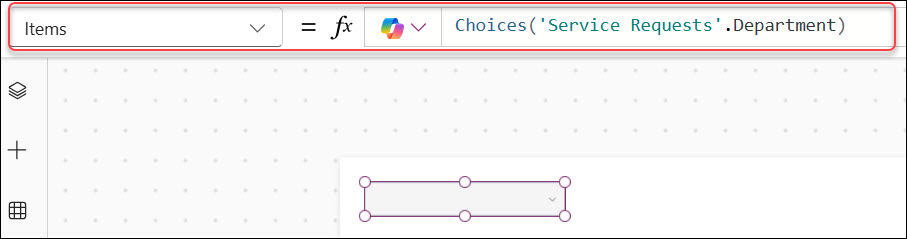
I often see this issue in service desk and inventory apps. A Power Apps Dropdown connected to a SharePoint list shows “IT,” “HR,” and “Finance” several times because multiple records use the same department value. That makes a simple filter look unpolished and forces users to scroll through repeated options. The good news is that … Read more >>>

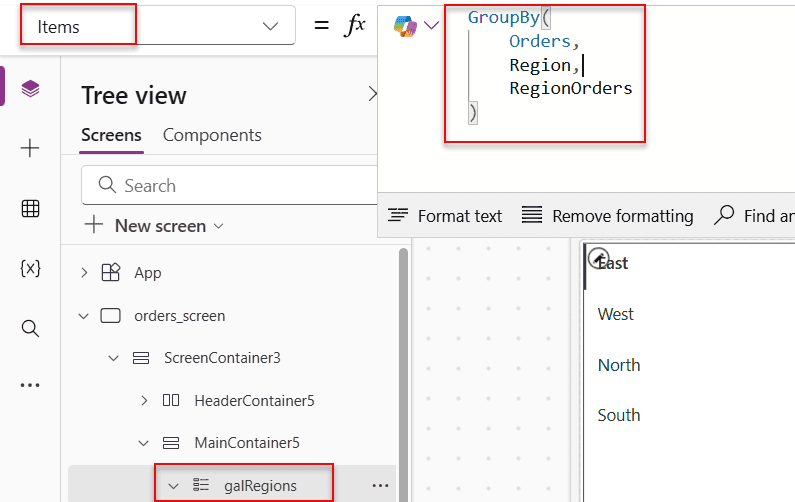
Power Apps GroupBy Function [4 Different Examples]

group by function in power apps

You have a sales tracker in your app, but the records are just one long list. When your manager asks for total sales by region, open deals by rep, or order counts by status, scrolling through raw rows does not help. That is exactly where the Power Apps GroupBy Function helps. It lets you group … Read more >>>