microsoft.sharepoint.client.invalidclientqueryexception in SharePoint REST API

microsoft.sharepoint.client.invalidclientqueryexception

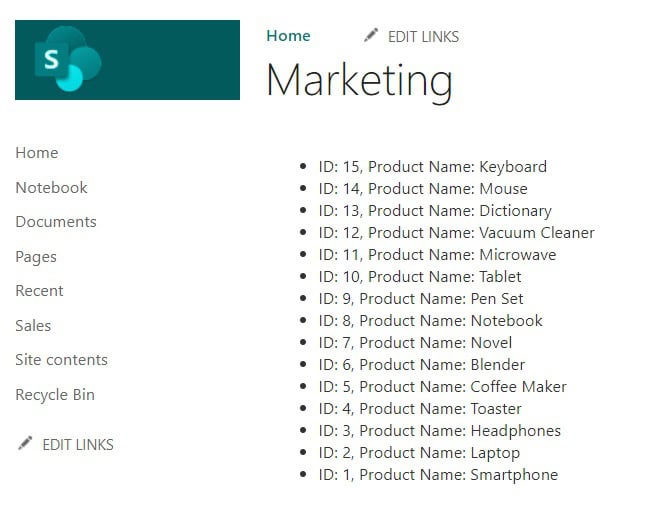
In this SharePoint tutorial, we will see how to fix the error: “Microsoft.SharePoint.Client.InvalidClientQueryException” ,”message”:{“lang”:”en-US”,”value”:”The expression \”web/lists/getbytitle(‘Sales’)/items(undefined)\” is not valid.” in SharePoint REST API. We will also discuss why we got this error: “The expression \”web/lists/ getbytitle(‘Sales’)/ items(undefined)\” is not valid.” as well as its solution. Refer to the error image below. Error: Microsoft.SharePoint.Client.InvalidClientQueryException I have … Read more >>>

SharePoint Team Site vs Communication Site

SharePoint Team Site vs Communication Site

SharePoint offers two main types of sites for different needs: team sites and communication sites. These sites serve distinct purposes within organizations using Microsoft 365. Team sites are designed for collaboration, allowing groups to work together on projects and share files. They come with a Microsoft 365 Group, which provides additional tools like a shared … Read more >>>

How to Get Current User using SharePoint Rest API?

sharepoint rest api get current user

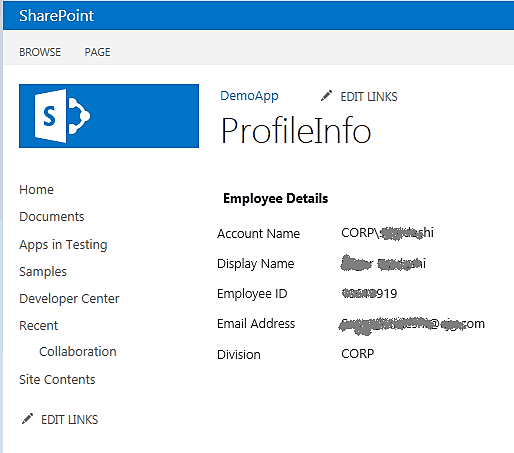
I was working on a SharePoint project, where we were required to retrieve the current user using the REST API in SharePoint. I wanted to retrieve the current username, display name, email address, ID, and other relevant information. If you are new to SharePoint REST API, check out the SharePoint REST API Tutorial and Examples. … Read more >>>

An Entry Without a Type Name Was Found Rest API

An entry without a type name was found, but no expected type was specified error

Recently, while creating a folder in a SharePoint List using the SharePoint REST API, I encountered the following error: An entry without a type name was found, but no expected type was specified. To allow entries without type information, the expected type must also be specified when the model is specified. You can refer to … Read more >>>

How To Save A SharePoint Site As A Template?

Save A SharePoint Site As A Template

SharePoint Online allows you to create site templates to quickly spin up new sites with the same structure, features, and content. However, with modern SharePoint sites, the process and availability of this feature have changed compared to classic sites. To save a SharePoint site as a template, the process depends on whether you are using … Read more >>>

How to Calculate Average Value in SharePoint List?

Average Function in SharePoint Online

I recently worked on a SharePoint project where I was required to calculate the average value in a SharePoint list. I will also explain the average() function in SharePoint Online. Here, I will show you two different examples: Average() Function in SharePoint The average() function in SharePoint calculates the sum of all column items divided … Read more >>>

How to Split a String using SharePoint Calculated Column?

Split string in SharePoint calculated column

Recently, I worked on a SharePoint project where I needed to split and replace the text string values present in a SharePoint list column. We can achieve this using a SharePoint calculated column. This SharePoint tutorial explains how to split strings using a SharePoint calculated column with different text functions, such as: I will also show … Read more >>>

>

Build a High-Performance Project Management Site in SharePoint Online

User registration Power Apps canvas app

DOWNLOAD USER REGISTRATION POWER APPS CANVAS APP

Download a fully functional Power Apps Canvas App (with Power Automate): User Registration App

Power Platform Tutorial FREE PDF Download

FREE Power Platform Tutorial PDF

Download 135 Pages FREE PDF on Microsoft Power Platform Tutorial. Learn Now…