Power Apps Stuck On “Getting your data” [Solved]

Getting your data Power Apps

When a Power Apps form gets stuck on “Getting your data…“, the data is usually sent to SharePoint, but the form never returns for the next entry. Refer to the screenshot below: In this tutorial, we will fix that step by step using a real SharePoint list example and clean, simple Power Apps formulas. Scenario: … Read more >>>

How to Create a SharePoint Online Site Using PowerShell?

create sharepoint site using powershell

You know those days when your manager suddenly says, “We need three new project sites by the end of the day”? Or when every new team asks for “a similar SharePoint site like Finance, but with our own name and permissions”? Doing this a few times in the SharePoint admin center is fine, but once … Read more >>>

Create Calculator in Power Apps [Step By Step]

Create Calculator in Power Apps

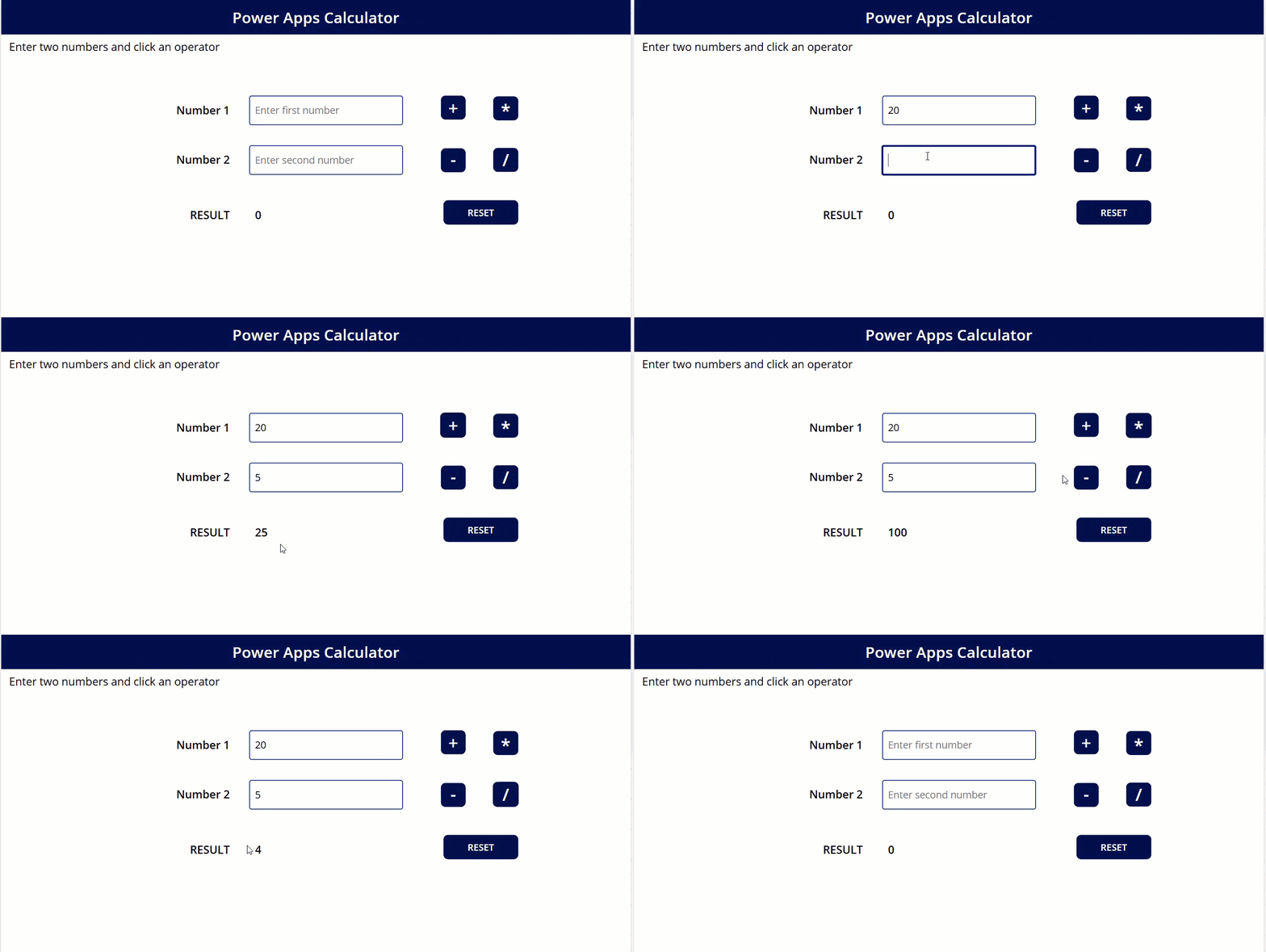
If you build business apps in Power Apps, adding a simple calculator inside the app can save your users a lot of time. They don’t have to switch to the Windows calculator or their mobile phone every time they want to do a quick calculation. In this tutorial, we will build a clean, user‑friendly calculator … Read more >>>

How to Delete a SharePoint Online Site Using PowerShell?

delete a SharePoint site using PowerShell

If you have been using SharePoint Online for a while, you will eventually end up with test sites, old project sites, or duplicate team sites that nobody uses anymore. These sites still consume storage, clutter your admin center, and can confuse users. The good news is that you can clean these up very quickly using … Read more >>>

How to Get SharePoint Site Storage Size Using PowerShell?

How to check SharePoint site size PowerShell

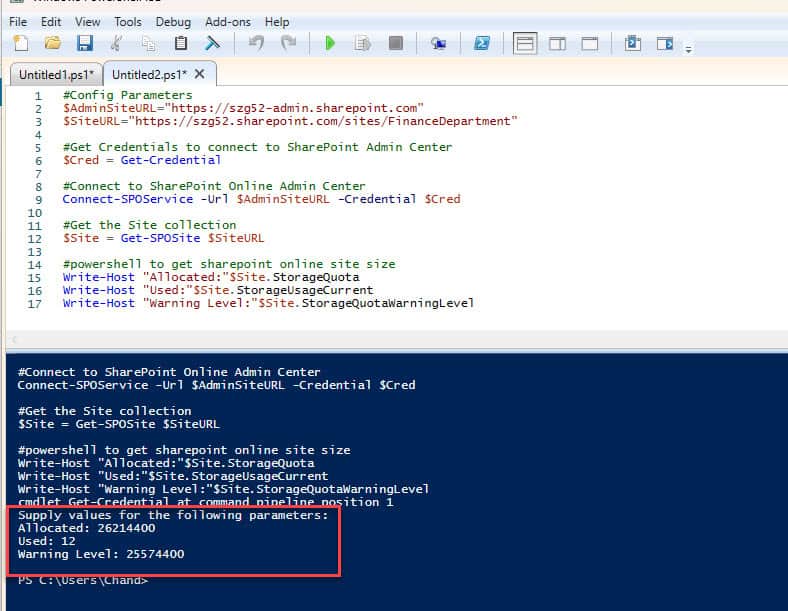
If you manage SharePoint Online, keeping an eye on site storage is very important. In this tutorial, let’s walk through a PowerShell scripts to check SharePoint site storage size using both the SPO module and PnP PowerShell. We’ll also cover useful variations like checking all SharePoint sites, a single site, percentage used, and how quotas … Read more >>>

How to Get the SharePoint Site Owner Using PowerShell?

Get the SharePoint Site Owner Using PowerShell

When you create lots of SharePoint sites, one of the first questions that comes up later is – “Who owns this site?” Maybe you’re doing a clean-up, planning a migration, or troubleshooting a permissions issue, and you need to quickly find the right person to talk to. In this tutorial, I’ll show you step-by-step how … Read more >>>

>

Live Webinar: Quiz Application using SharePoint Framework (SPFx)

Join this free live session and learn how to build a Quiz application using SharePoint Framework (SPFx).

📅 2nd June 2026 – 10:00 AM EST | 7:30 PM IST

Build a High-Performance Project Management Site in SharePoint Online

User registration Power Apps canvas app

DOWNLOAD USER REGISTRATION POWER APPS CANVAS APP

Download a fully functional Power Apps Canvas App (with Power Automate): User Registration App

Power Platform Tutorial FREE PDF Download

FREE Power Platform Tutorial PDF

Download 135 Pages FREE PDF on Microsoft Power Platform Tutorial. Learn Now…