Power Apps Listbox items from SharePoint list
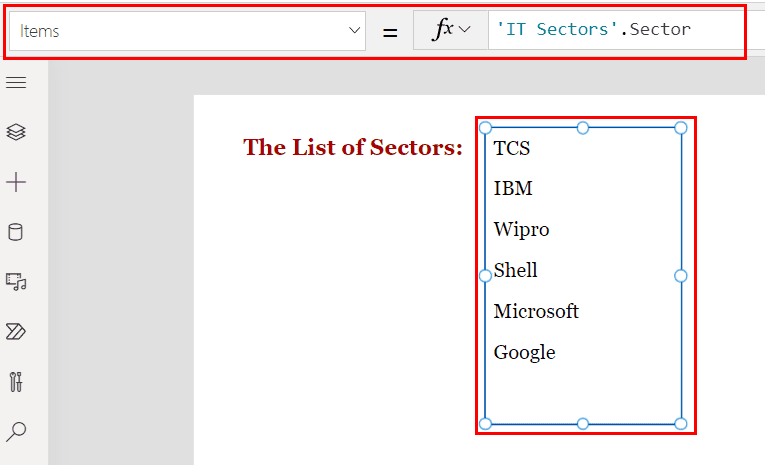
Power Apps list box control from sharepoint list

In this Power Apps Tutorial, we’ll go over how to use the Power Apps list box control with a SharePoint list. In addition, we will cover powerapps listbox items from sharepoint list. Examples include: Before working with Power Apps list box control using SharePoint list, we have to prepare a SharePoint list. As a result, … Read more >>>

Power Apps Combo box with SharePoint list

powerapps combobox sharepoint list

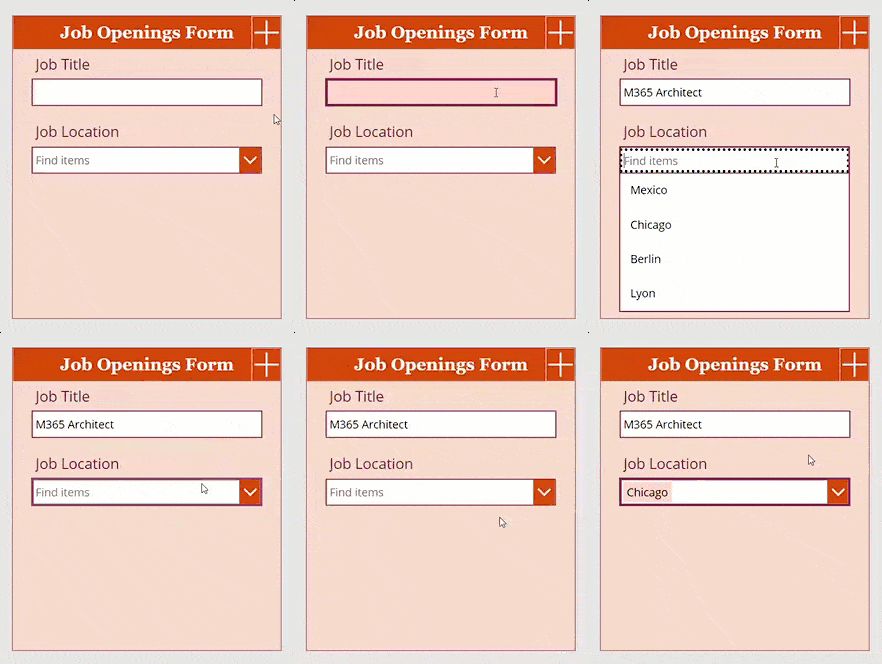
In this Power Apps tutorial, we will discuss, how to use Power Apps combo box with SharePoint list with various examples. We will see an example of how to get PowerApps Combobox choices from SharePoint list. Here are the things we are covering. If you are new to Power Apps combo box control, check out … Read more >>>

Power Apps combo box filter

PowerApps combo box filter choices

Would you like to do a filter with Power Apps Combo Box control or want to see a few examples of Power Apps combo box filter? If that’s the case, this Power Apps tutorial will teach you how to filter using the Power Apps Combo Box control in various scenarios. such as: power apps combo … Read more >>>

How to Sort Combo Box Items in Power Apps

Power Apps combo box sort and filter

Do you know how to sort the number of items in a Power Apps Combo box control? If not, this Power Apps tutorial will show you how to sort and keep items in a combo box control in an informative order. This methodology will also be used in a variety of scenarios. For example: Power … Read more >>>

Power Apps combo box with Office 365 users

Power Apps combo box with Office 365 users

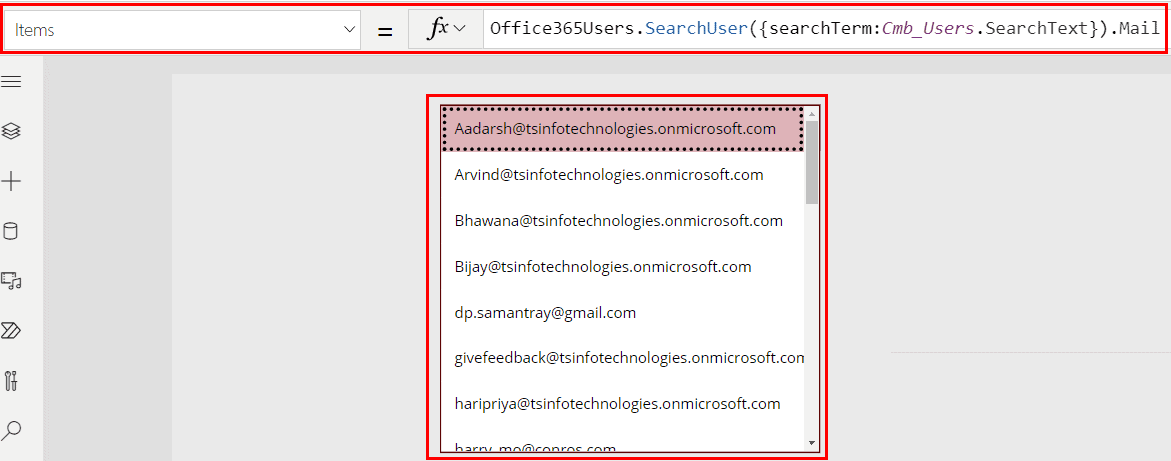
Would you like to learn how to use Office 365 users in the Power Apps combo box control? If so, this Power Apps guide will assist you in achieving your answer. So, in this Power Apps Tutorial, we’ll go over how to use Office 365 users within the Power Apps Combo control in a number … Read more >>>

How to Reset Power Apps Combo Box

Power Apps combo box reset in edit form

Do you have any ideas for how to reset the combo box selection once an item has been selected, whether it is a single value or a set of values? If not, this Power Apps tutorial will teach you how to get rid of it. This Power Apps Tutorial explains how to reset a combo … Read more >>>

How to Filter Power Apps Dropdown Control

PowerApps filter dropdown based on another dropdown

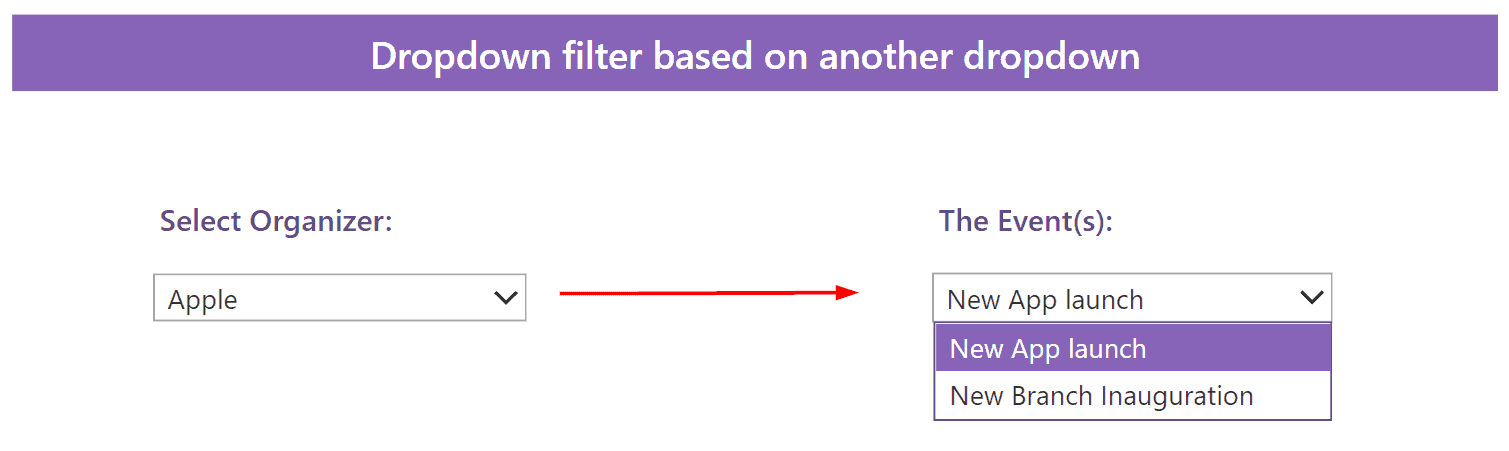
Do you ever wonder how to display disorganized data orderly when using a Power Apps dropdown control? If that is the case, then this Power Apps guide will be a real asset in helping you get rid of it. Power Apps dropdown filter gallery Power Apps dropdown filter data table Power Apps dropdown filter shows … Read more >>>

How to Work With Power Apps Dropdown Blank Values

PowerApps dropdown with blank

Do you ever work with blank values within the Power Apps dropdown control? If not, then this Power Apps Tutorial will help you to get ideas on how to work with blank values within the Power Apps dropdown control. We will also discuss topics below, such as: powerapps dropdown with blank powerapps dropdown remove the … Read more >>>

Power Apps Gallery Group By [With Real Examples]

Power Apps gallery Group By column

Organizing a list of items into groups helps to clarify their meaning. However, in a Power Apps gallery, we can only display a list. So, how can we create groups in a gallery alternatively? So in this Power Apps Tutorial, we will learn about Power Apps GroupBy() and how to use this function within the … Read more >>>

Power Apps Gallery Patch [With Various Examples]

powerapps patch gallery items and get ID

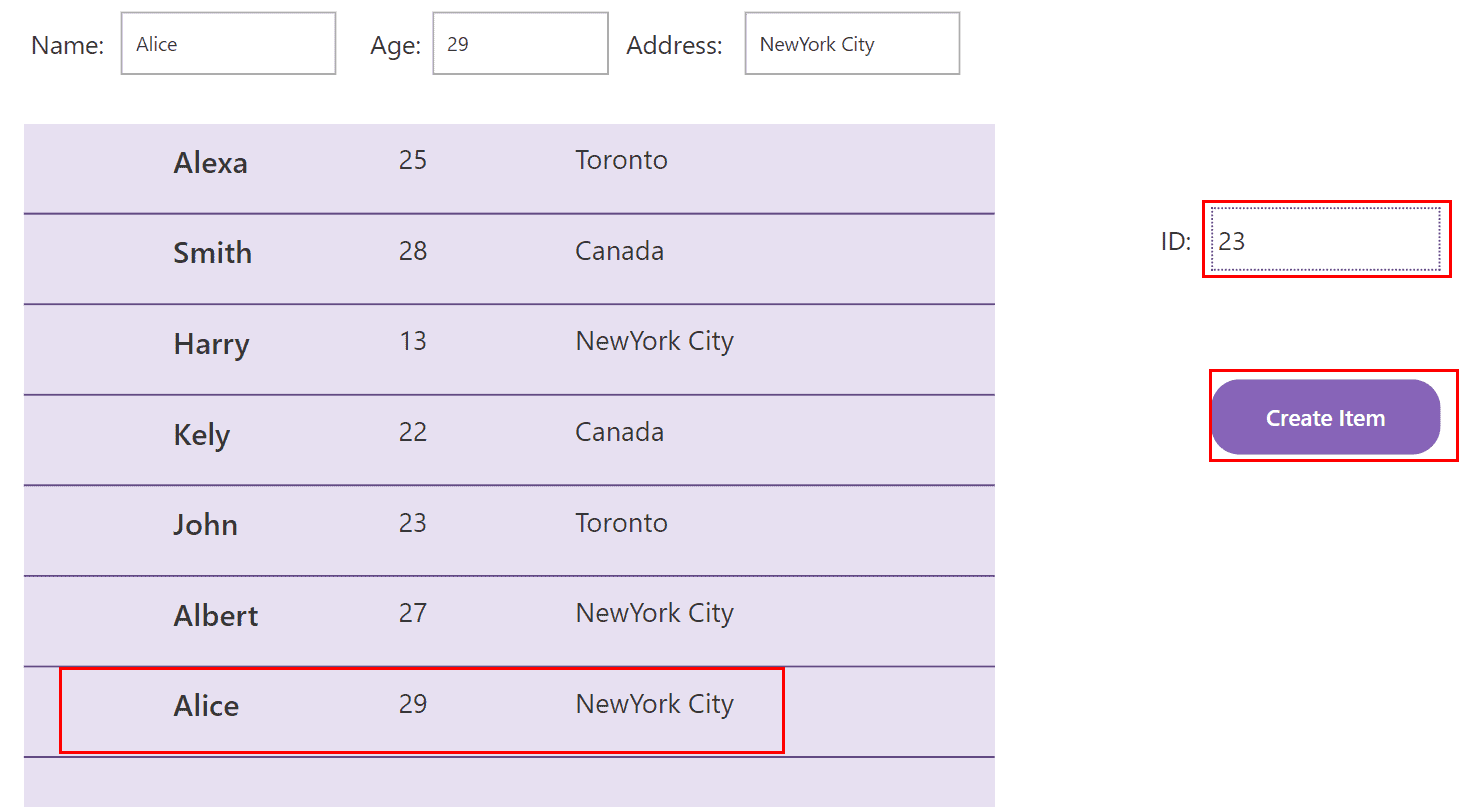
In this Power Apps Tutorial, we will learn about Patch() and how to use it in the Power Apps gallery with various scenarios. We are also going to cover the following topics in this tutorial: What is Patch() in Power Apps? Before we begin working with Patch() in the Power Apps gallery, we must first … Read more >>>

>

Live Webinar

Create a SharePoint List & Columns from Excel Using Power Automate

Learn how to automatically create a SharePoint Online list and all its columns from an Excel file using Power Automate—without using any Premium connectors.

📅 4th AUG 2026 – 10:00 AM EST | 7:30 PM IST

Build a High-Performance Project Management Site in SharePoint Online

User registration Power Apps canvas app

DOWNLOAD USER REGISTRATION POWER APPS CANVAS APP

Download a fully functional Power Apps Canvas App (with Power Automate): User Registration App

Power Platform Tutorial FREE PDF Download

FREE Power Platform Tutorial PDF

Download 135 Pages FREE PDF on Microsoft Power Platform Tutorial. Learn Now…