How to work with Power Apps Barcode Reader Control

Power Apps Barcode Reader Control

A Power Apps Barcode Reader control allows scans of barcodes, QR codes, and data matrix codes in Android, iOS, and Windows devices. In this Power Apps Tutorial, we will discuss, what a Power Apps Barcode Reader control is, what are the properties, how to customize this control, and how to use barcode reader control to … Read more >>>

Customize SharePoint list forms with Power Apps based on conditions

Customize SharePoint list forms with Power Apps based on conditions

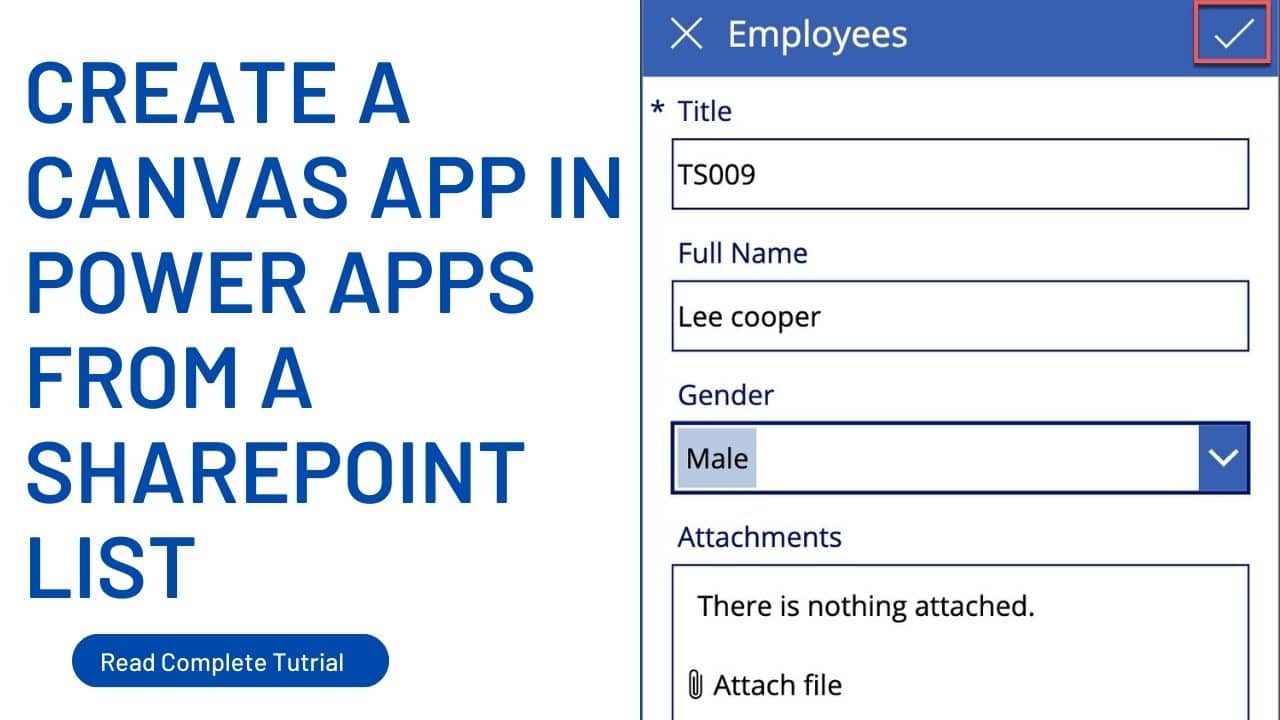
Microsoft Power Apps allows us to customize the default SharePoint Online list form to an attractive one. In this Power Apps tutorial, we will see how to customize SharePoint list forms based on conditions. Here, in this example, I have a SharePoint Online list named ‘Hotel Reservations‘ having a choice column named ‘Room Type’. This … Read more >>>

Power Apps Camera Control – How to Use

Power Apps Camera Control

Power Apps Camera control allows users to capture snapshots with a device’s camera. In this Power Apps Tutorial, we will go over all of the Power Apps camera controls and the many sorts of attributes that fall under camera control, as well as how to use this control in various circumstances. Currently, we got introduced … Read more >>>

Power Apps Pie Chart- Let’s Build It

Power Apps Pie chart

Power Apps is a low-code development platform from Microsoft that allows customers to create custom business apps without substantial coding experience. Power Apps include a wide range of built-in controls and functions, including visualization such as Pie charts. A pie chart is a visualization that portrays data in the form of a circular slice or … Read more >>>

Save Camera Image to SharePoint List Attachment in Power Apps

save camera image to SharePoint list attachment in Power Apps

In Power Apps, there is a prebuilt media control named ‘Camera’ that allows users to capture photos with a device’s camera. In this Power Apps tutorial, we will see how to use a Power Apps camera control to save the captured images to SharePoint list attachments. Recently, we got a requirement from one of our … Read more >>>

Power Apps Line Chart – How To Build It

Power Apps line chart

The Power Apps Line chart is a graphical component provided in Microsoft Power Apps, a low-code platform for constructing business apps. This Power Apps tutorial will guide you through everything you require to know about Power Apps line chart controls. One of our clients recently asked us to create a line chart on the Power Apps … Read more >>>

Power Apps Column Chart – How to Build it

Power Apps Column Chart

The Power Apps column chart is a data visualization component included in Microsoft Power Apps, a low-code platform for developing business apps. This Power Apps tutorial will explain all you need to know about column chart controls in Power Apps. Recently, we are asked by one of our clients to build a column chart within the … Read more >>>

Power Apps Chart Control – Complete tutorial with examples

PowerApps chart multiple series

The Power Apps chart control is a powerful tool for creating rich and interactive visualizations of data in Power Apps. In this Power Apps Tutorial, we will go over everything there is to know about Power Apps chart controls. Recently, one of our clients wanted to display their data via visualizations within the Power Apps. … Read more >>>

>

Build a High-Performance Project Management Site in SharePoint Online

User registration Power Apps canvas app

DOWNLOAD USER REGISTRATION POWER APPS CANVAS APP

Download a fully functional Power Apps Canvas App (with Power Automate): User Registration App

Power Platform Tutorial FREE PDF Download

FREE Power Platform Tutorial PDF

Download 135 Pages FREE PDF on Microsoft Power Platform Tutorial. Learn Now…