3 Quick Ways to Get SharePoint Site Owner
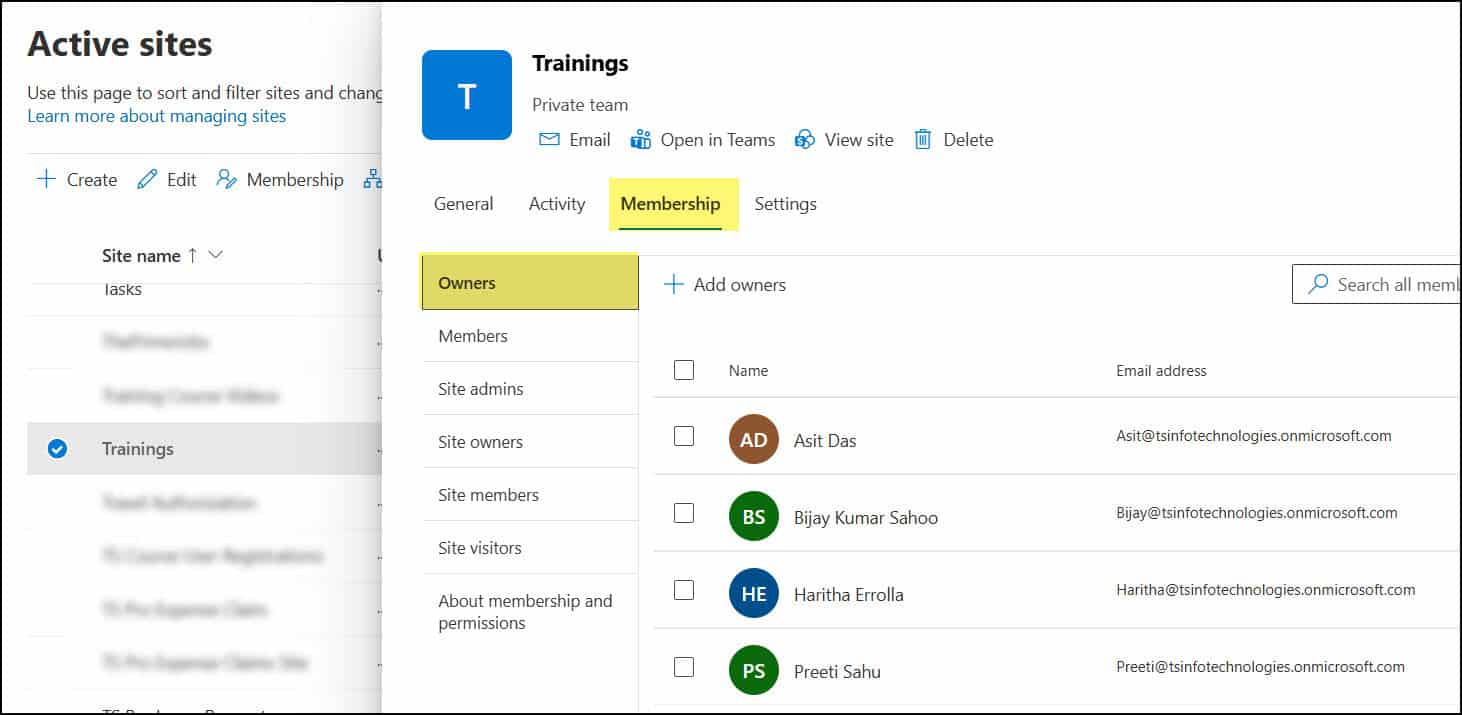
Get SharePoint Site Owner

In many SharePoint environments, it’s common to need to determine who the site owner is, especially when seeking approval for changes, access requests, or permission updates. For example, in one of my internal projects, we had multiple departmental sites, including HR, Finance, and Sales. Sometimes, team members would reach out asking who manages a particular … Read more >>>

How to Give Unique Permissions For a SharePoint Library

How to Give Unique Permissions For a SharePoint Library

While working with one of my clients on a SharePoint Document Management System, they requested that I hide specific libraries and content from employees who were not part of particular departments. Additionally, they wanted to assign edit and view permissions to selected users so they could access and manage the content as needed. In this … Read more >>>

SharePoint Team Site vs Communication Site

SharePoint Team Site vs Communication Site

SharePoint offers two main types of sites for different needs: team sites and communication sites. These sites serve distinct purposes within organizations using Microsoft 365. Team sites are designed for collaboration, allowing groups to work together on projects and share files. They come with a Microsoft 365 Group, which provides additional tools like a shared … Read more >>>

How to Display Excel Spreadsheet in SharePoint Online?

how to embed excel in sharepoint page

Recently, I was working on building a SharePoint Online site page that required displaying an Excel spreadsheet, allowing employees to view the data directly on the page rather than navigating to the document library and opening it. After researching, I found two different web parts for displaying an Excel spreadsheet on a SharePoint site page: … Read more >>>

Create a Power BI Slicer Panel – Step By Step

Power BI slicer panel

A few days ago, I received a requirement from one of our clients to design a Power BI report that showcases the ‘Product sales data’. So, I used various visualizations to create the report, including pie charts, cards, and column charts. We also need to filter the Power BI report by Product and Year. To … Read more >>>

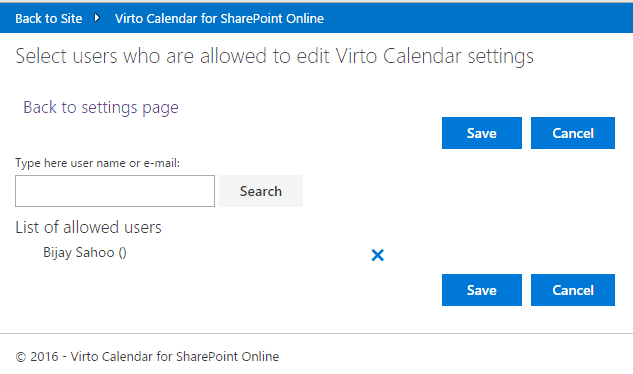
Office 365 Calendar Add-in by Virto Software Product Review

Office 365 Calendar Add-in by Virto Software Product Review

Today many small, medium, and large organizations are moving from various platforms to SharePoint online. Either few are moving from Lotus Notes to SharePoint or from various old versions of SharePoint (MOSS 2007 / SharePoint 2010 / SharePoint 2013) versions to SharePoint Online. And almost every organization uses Calendar to see a group or personal … Read more >>>

Stellar OST to PST Converter Software: In-Depth Review for Outlook Users & IT Professionals

OST To PST Converter Software

Microsoft Outlook stores mailbox data in two file formats: OST (Offline Storage Table) and PST (Personal Storage Table). OST files allow users to work offline and sync later with the Exchange or IMAP server. But problems arise when OST files become orphaned, inaccessible, encrypted, or corrupted, often after a mailbox is deleted, the Exchange server … Read more >>>

Concatenate Strings Using Power Automate Desktop

Power Automate Desktop Concatenate String

A client recently contacted us about an issue based on a Data table in Power Automate Desktop. They have two data tables on ‘Project details’. One table contains all project details, while the second table includes only the Project Name & Project Start Date. Their requirement is to combine the values of the second data … Read more >>>

Remove Guest Users From Power Apps Combo box

Remove Guest Users From Power Apps Combo box

While testing a Power Apps Survey form, I noticed an issue where the Person combo box control allows users to select external guests (from Office 365 AD) when submitting the form. And then I realised that it’s not the correct approach, where someone can accidentally pick any guest user and submit the form. To overcome … Read more >>>