Convert SharePoint Site to Microsoft Teams
Create Microsoft Teams in SharePoint Site

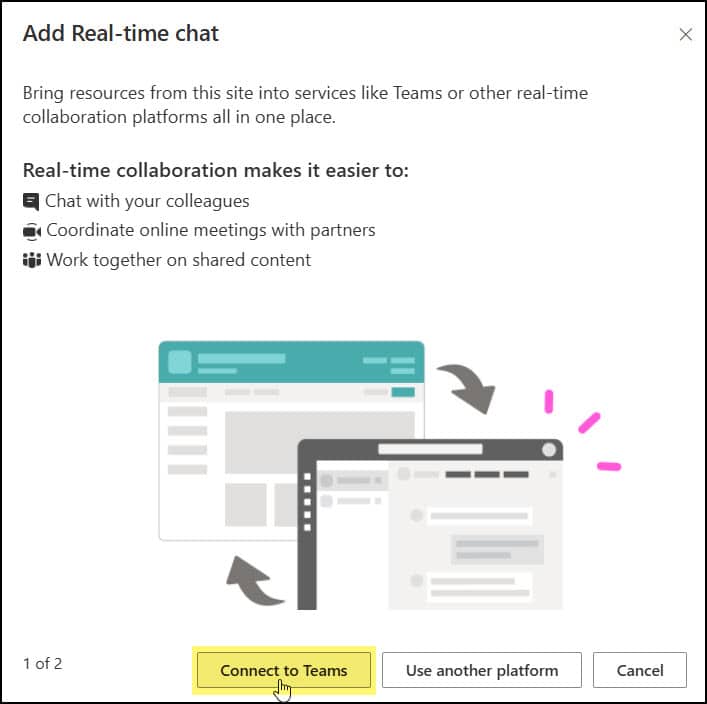
When working on one of my recent projects, our team had already been using a SharePoint Online site to manage project documents, track progress, and share updates. However, we realized that most of our daily communication was happening separately through chats and calls. To bring everything together, like files, conversations, and collaboration, we decided to … Read more >>>


How to Change Data Source in Power BI (Desktop and Service)

How to change data source in Power BI

You can change data source in Power BI Desktop in a few clicks: go to Home > Transform data > Data source settings, select the source, choose Change Source, enter the new file path or server, and apply the changes. Your visuals, measures and relationships stay as they are. A typical case: a Contoso sales … Read more >>>

Fix “Cannot Find Resource for the Request addroleassignment” in Power Automate

Cannot find the resource for the request addroleassignhments in Power Automate

The Power Automate error “Cannot find resource for the request addroleassignments” means SharePoint doesn’t recognize the endpoint in your Uri. The method is called addroleassignment, singular, so addroleassignments or any misspelling returns a 404. Use roleassignments/addroleassignment(principalid=…,roledefid=…). You’ll meet it when you grant permissions with the Send an HTTP request to SharePoint action. I reproduced it … Read more >>>

How to Convert Base64 to an Image File in Power Automate

convert base64 to an image file in Power Automate

To convert base64 to an image file in Power Automate, pass the base64 string through the base64ToBinary() expression and use the result as the File Content of a SharePoint or OneDrive Create file action. If the string starts with data:image/png;base64,, use dataUriToBinary() instead. A typical case: an API returns Contoso product photos as long base64 … Read more >>>