Review of Collabion Charts for SharePoint: A 100% code-free product for all business users

Collabion chart for SharePoint 2010

Collabion Charts for SharePoint Charts are critical to understanding an organization’s business data efficiently. Graphs or charts help people understand data quickly, and it will make information visually attractive to the audience. Organizations using SharePoint to improve their productivity maintain a fair amount of business data. Business users in such organizations love to see data … Read more >>>
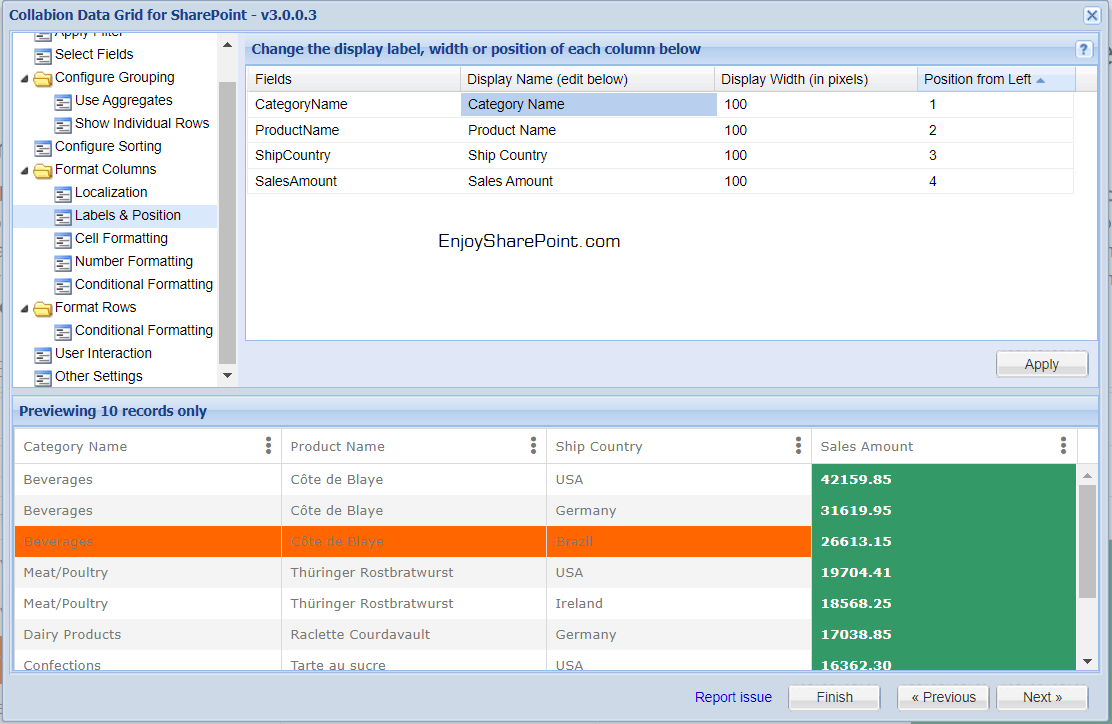
Data Grids in SharePoint with Collabion A Product Review

sharepoint 2016 data grid view

While charts are a great way to show an overview of the data, if the need of the hour is to display tabular data in a data grid or table, with filtering and pivot capabilities, Collabion DataGrid for SharePoint, from the Collabion DataParts suite, is of extreme help – The chart wizard can be used … Read more >>>

How to Compare Date Using Ticks Function in Power Automate?

How to compare dates in Power Automate using ticks

I ran into an unexpected issue while working on a Power Automate flow. I needed to compare two dates: today’s date and a date five days in the future. I used the formatDateTime() function to format the dates, but when I applied the condition to check if today’s date was greater than today + 5 … Read more >>>

Customize SharePoint list forms with Power Apps based on conditions

Customize SharePoint list forms with Power Apps based on conditions

Microsoft Power Apps allows us to customize the default SharePoint Online list form to an attractive one. In this Power Apps tutorial, we will see how to customize SharePoint list forms based on conditions. Here, in this example, I have a SharePoint Online list named ‘Hotel Reservations‘ having a choice column named ‘Room Type’. This … Read more >>>

How to Send Email to SharePoint Group in Power Automate?

How to Send Email to SharePoint Group in Power Automate

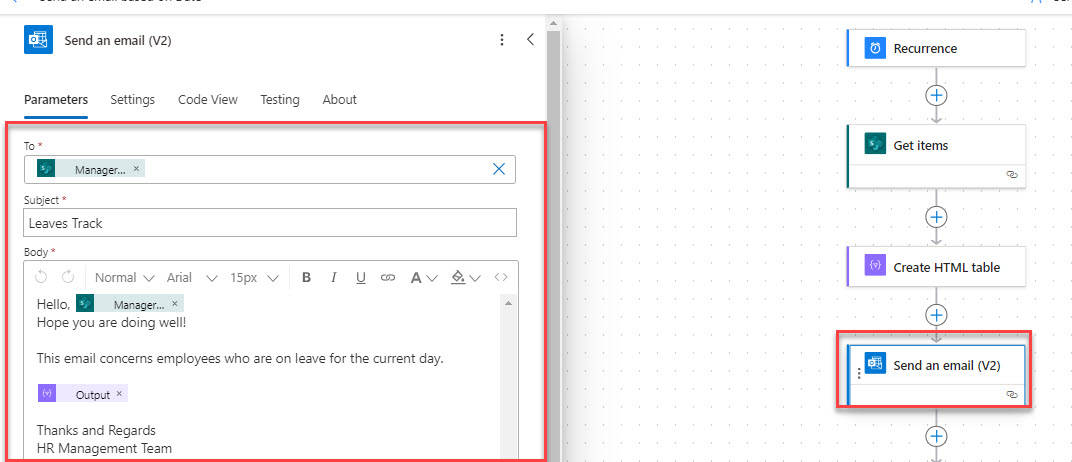
Recently, I was working with Power Automate, where I was required to send an email to a SharePoint group automatically. In Power Automate, this can be done with the help of a connector called Send an HTTP request to SharePoint, which helps to retrieve the email address of a SharePoint group. In this tutorial, we … Read more >>>

How to Create HTML Table in Power Automate + Formatting

Power Automate style html table

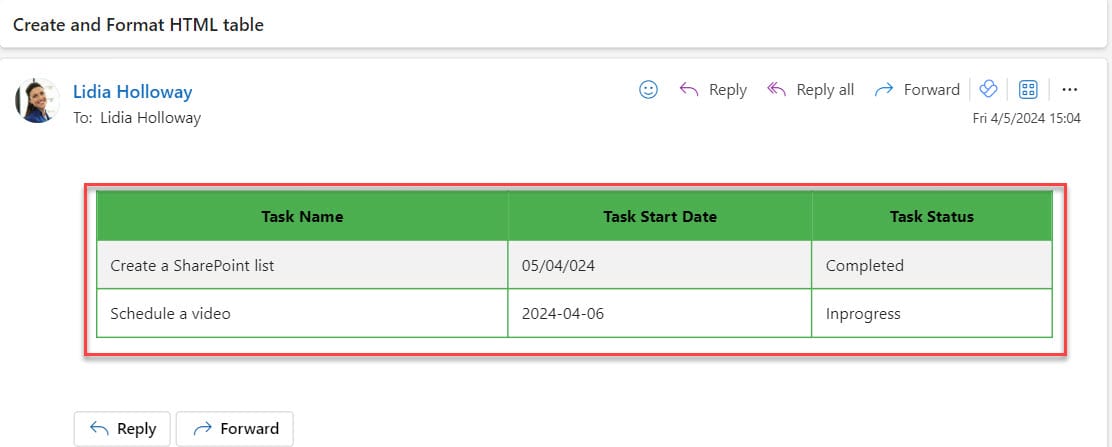
Recently, I was working on a project where I was required to create an HTML table in Power Automate. Also, I needed to work on Power Automate HTML table formatting [Like table header font will be bold and different color]. In this Power Automate article, I will tell you how to create HTML table in … Read more >>>