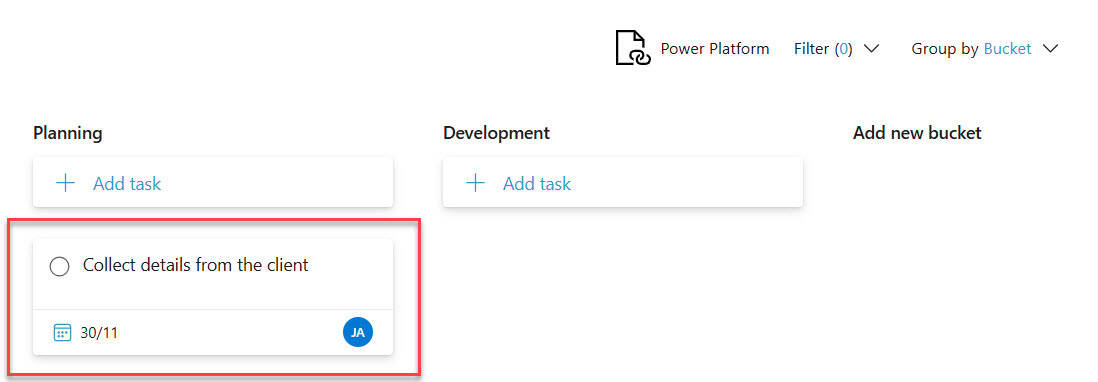
How to Use SharePoint Planner Web Part

how to configure sharepoint planner web part

Recently, we were customizing a SharePoint intranet portal for an organization. While designing the home page of their SharePoint site, we considered adding a Planner web part to display tasks from the Planner app. The client was already using Planner to manage their task, so why not display those tasks on the SharePoint intranet home … Read more >>>
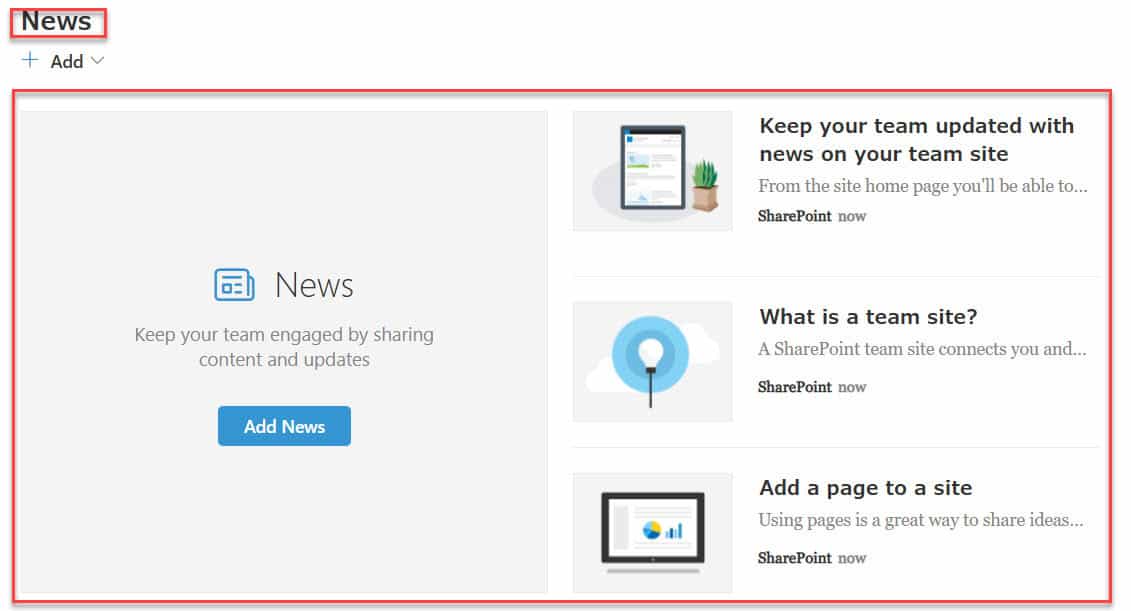
SharePoint Online News Web Part [Display Engaging Content]

how to add news web part in sharepoint online

Last week, we were designing a modern SharePoint home page for one of my enterprise clients. Our client wanted us to create a centralized hub where employees could instantly access the most important company news and updates. SharePoint News Web Part was the perfect solution to meet this requirement. In this tutorial, I will explain … Read more >>>

How to Configure Mega Menu in SharePoint Online?

Mega menu in SharePoint Online

I was designing an Intranet Portal for a client who wanted to improve the user experience by displaying multiple levels of links in the navigation at once. So, we have implemented the Mega menu in SharePoint Online. In this tutorial, I will explain how to configure the mega menu in the SharePoint Online Communication site. … Read more >>>

Content Approval in SharePoint Document Library

Recently, we implemented an intranet portal using SharePoint Online for a pharmaceutical client. We enabled content approval in the SharePoint document library. In this tutorial, I will explain everything about content approval in a SharePoint Online document library. The client has a SharePoint team site for the HR department, which features a document library called … Read more >>>

SharePoint Highlighted Content Web Part

sharepoint online highlighted content caml query

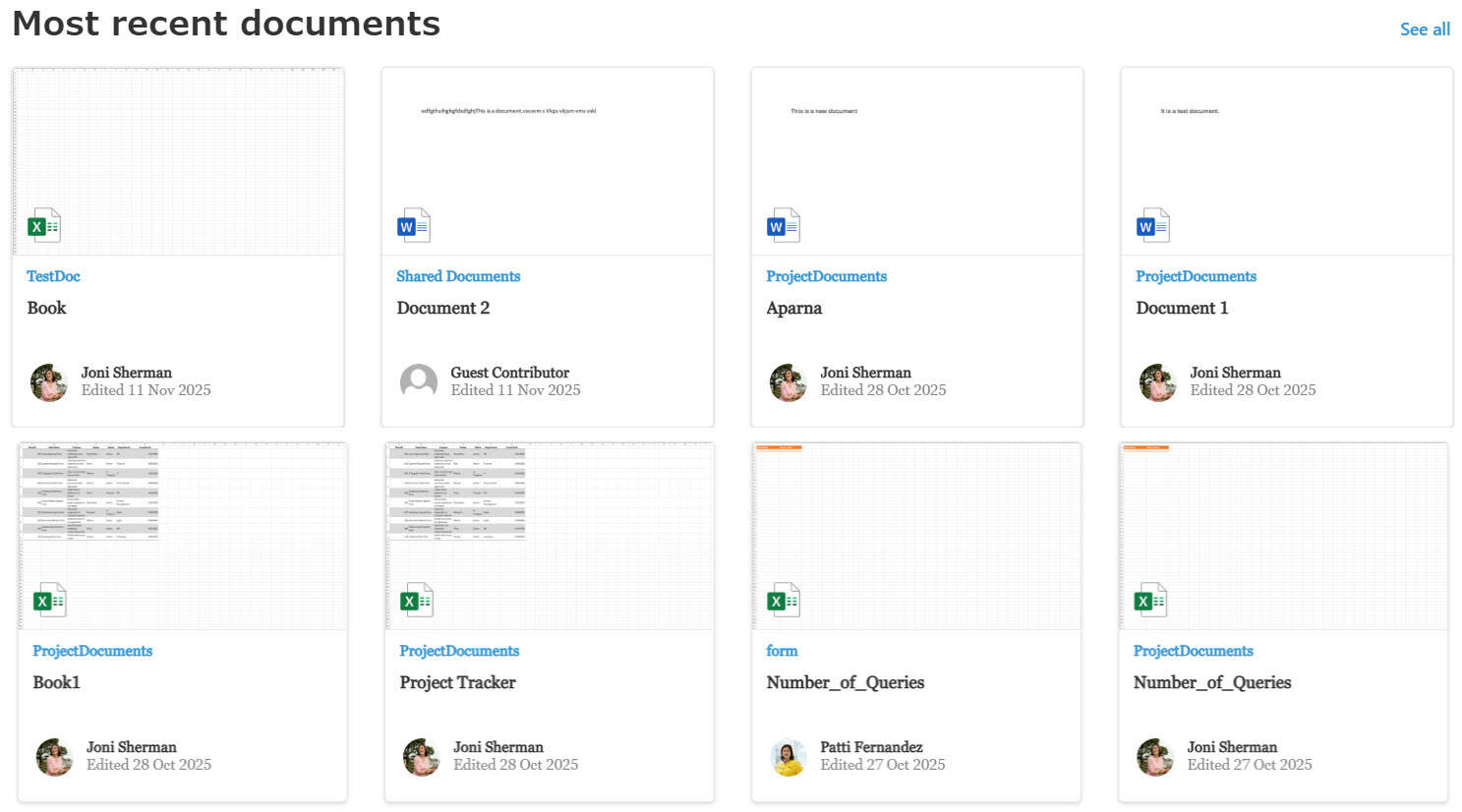
While working with a client, we needed a solution that allowed employees to quickly access the most recently uploaded documents across multiple document libraries within a SharePoint site. Instead of manually searching through each library, the SharePoint Highlighted Content Web Part. In this tutorial, I’ll walk you through how the SharePoint Highlighted Content Web Part … Read more >>>

SharePoint Online Hero Web Part – How to Use

how to change layout in hero web part sharepoint

Recently, we were working on a SharePoint intranet portal for a client. They wanted their homepage to look more visually appealing and draw focus to the page by adding highlights. So, we used the SharePoint Online Hero web part. In this tutorial, I will explain how to work with the hero web part in SharePoint … Read more >>>

Is SharePoint a Cloud Service? [Microsoft’s Collaboration Platform]

Is SharePoint a Cloud Service

SharePoint has evolved over the years to become a versatile cloud-based service. As part of Microsoft 365, it allows organizations to store, share, and manage content online. SharePoint Online is a cloud service hosted by Microsoft, enabling teams to collaborate from anywhere with an internet connection. This cloud-based approach offers advantages like automatic updates and … Read more >>>

Enable Audience Targeting in SharePoint Site Left Navigation

Enable Audience Targeting in SharePoint Site Left Navigation

I was working with a client who had various document library links in the SharePoint Online site’s left navigation. As per their requirement, only the respective department personnel should be able to see their document library link. To solve this, I used audience targeting in the left navigation of the SharePoint site. In this tutorial, … Read more >>>

How to Give Unique Permissions For a SharePoint Library

How to Give Unique Permissions For a SharePoint Library

While working with one of my clients on a SharePoint Document Management System, they requested that I hide specific libraries and content from employees who were not part of particular departments. Additionally, they wanted to assign edit and view permissions to selected users so they could access and manage the content as needed. In this … Read more >>>

SharePoint Team Site vs Communication Site

SharePoint Team Site vs Communication Site

SharePoint offers two main types of sites for different needs: team sites and communication sites. These sites serve distinct purposes within organizations using Microsoft 365. Team sites are designed for collaboration, allowing groups to work together on projects and share files. They come with a Microsoft 365 Group, which provides additional tools like a shared … Read more >>>