How to Update SharePoint List Item Using Power Apps Patch Function?

how to update sharepoint list item from power apps

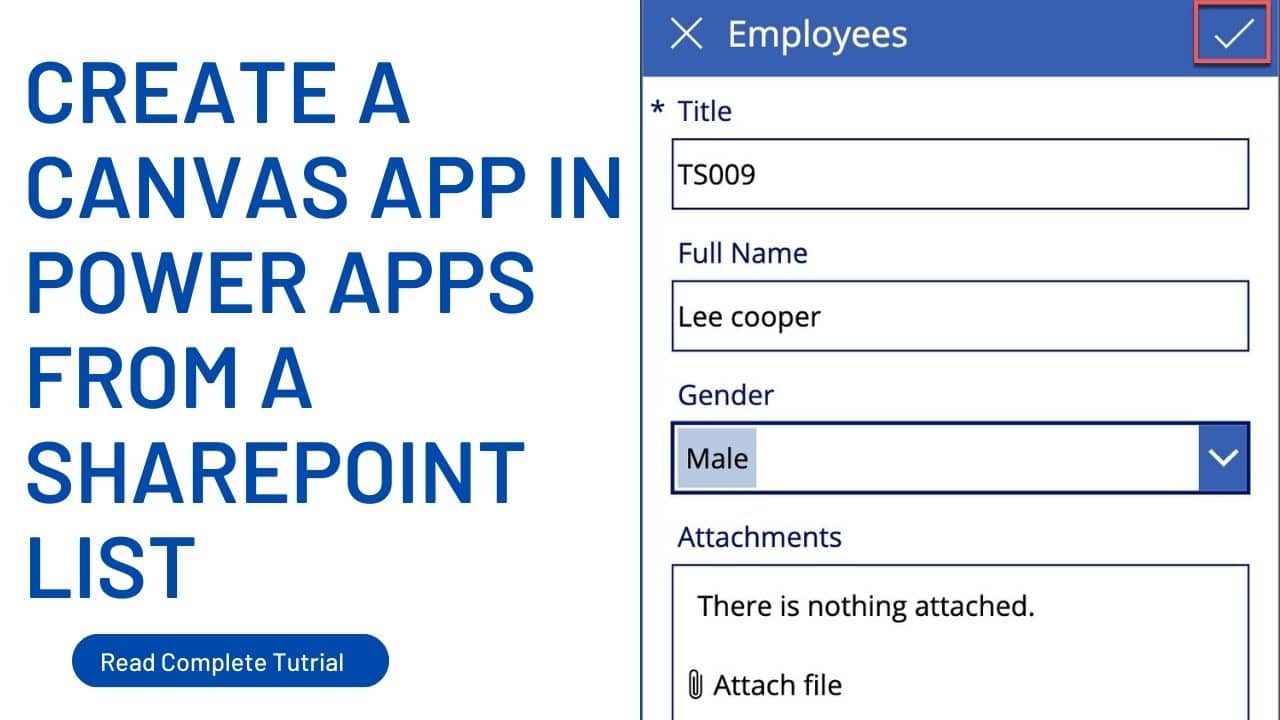
Recently, I was working on creating login forms using Power Apps, and I encountered a requirement for users to update their passwords if they forget them. During this process, the passwords stored in the SharePoint list must be updated accordingly. In this article, I will explain how to update SharePoint list items using Power Apps … Read more >>>

How to Use Power Apps DropDown Control?

power apps dropdown control

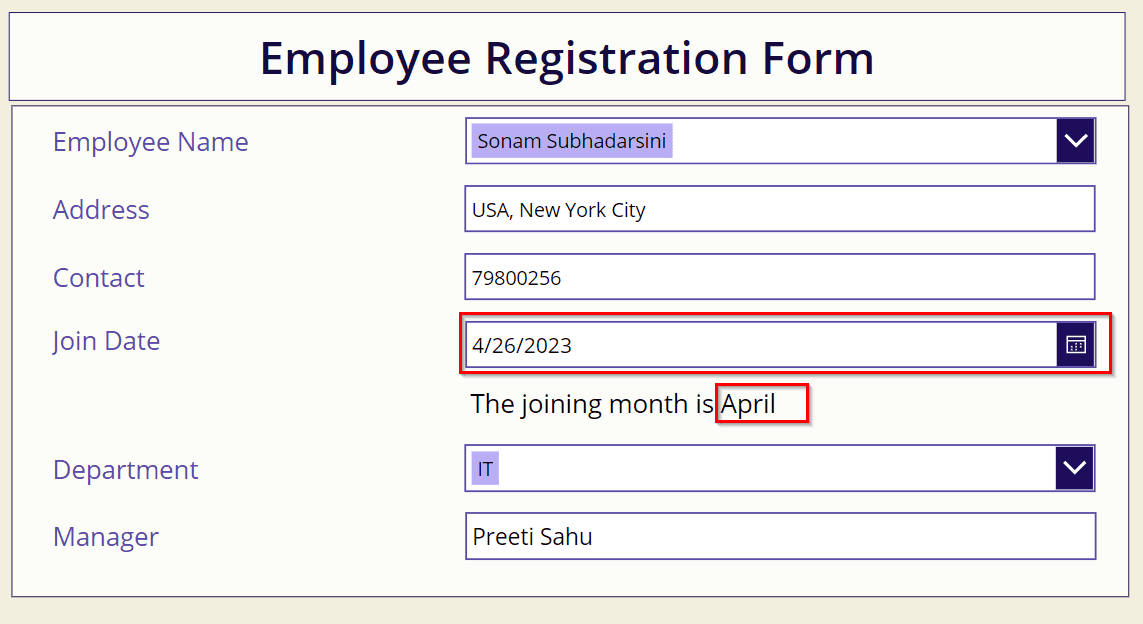
Power Apps Dropdown control allows the users to select a single item from a list of options. When space is limited, and a selection must be made from multiple choices, the Power Apps dropdown plays a major role. In this article, I will explain what Power Apps dropdown control is and how to use Power … Read more >>>

How to Use App OnStart Function in Power Apps?

OnStart Property in Power Apps

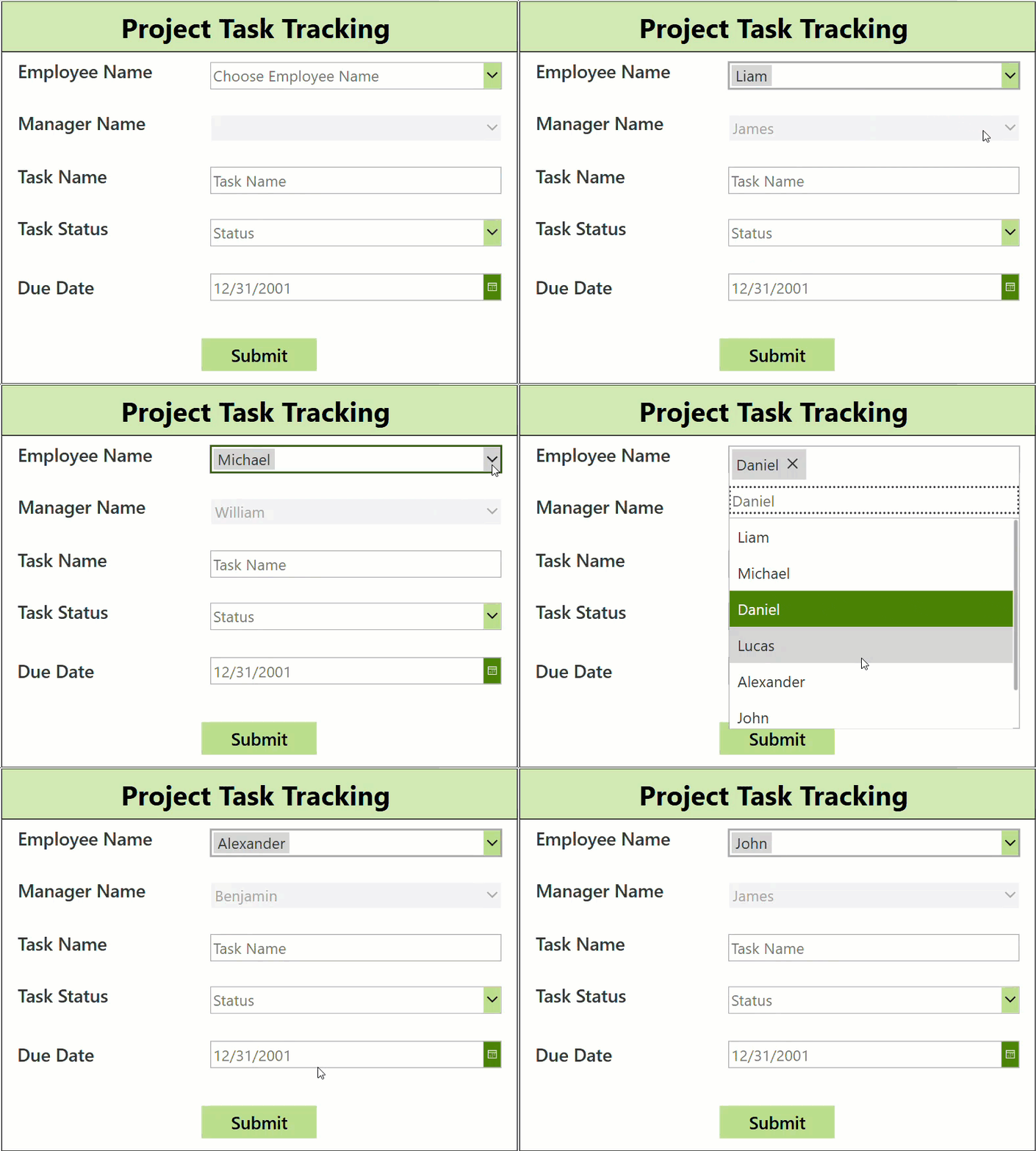
This Power Apps tutorial will teach us about the Power Apps OnStart Property. Then, We will discuss how to use App OnStart function in Power Apps. Moreover, we will discuss how to use the StartScreen property in Power Apps and set the global variable in the Power Apps OnStart property. Also, we will create a … Read more >>>

How to Use Data Table Control in Power Apps?

power apps datatable

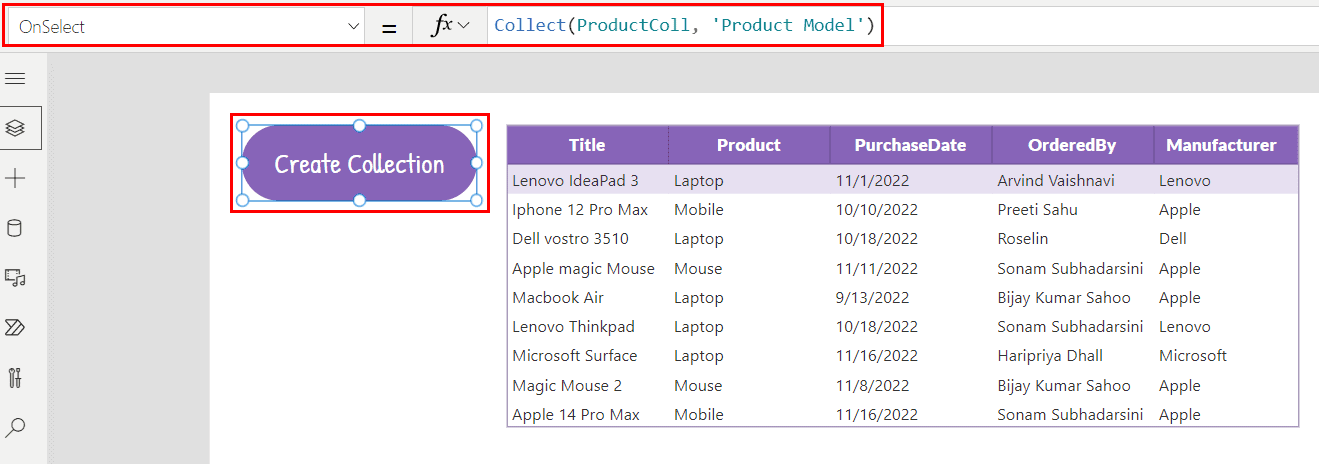
Recently, I worked on a Power Apps application to manage product details stored in a SharePoint list. I used a Power Apps Data table control to display product information, such as product names, categories, prices, etc. This makes it convenient for users to view all the products in a structured table format. They can scroll … Read more >>>

Gallery Control in Power Apps – How to Use

powerapps horizontal gallery

Recently, I worked on a Power Apps mobile application. In that app, I needed to show a list of meetings, and users could scroll through the list, view meetings, and select meetings they were interested in attending. Microsoft Power Apps provides a very useful control called Power Apps gallery control to achieve this. In this … Read more >>>

>

Live Webinar
SharePoint Permission Checker Agent using Microsoft Copilot Studio

Join our upcoming live sessions and learn how to build a real SharePoint Permission Checker Agent using Copilot Studio.

📅 1st July 2026 – 10:00 AM EST | 7:30 PM IST

Build a High-Performance Project Management Site in SharePoint Online

User registration Power Apps canvas app

DOWNLOAD USER REGISTRATION POWER APPS CANVAS APP

Download a fully functional Power Apps Canvas App (with Power Automate): User Registration App

Power Platform Tutorial FREE PDF Download

FREE Power Platform Tutorial PDF

Download 135 Pages FREE PDF on Microsoft Power Platform Tutorial. Learn Now…