Power Automate Remove Item from Array

Power Automate remove first item from array

Recently, I was working on a project where I got a requirement to remove items from an array within the Power Automate. In this tutorial, I will explain how to remove the first element from an array in Power Automate and then move on to removing the last item. Next, I will discuss how to … Read more >>>

Create a Power Apps dialog box or Popup message box

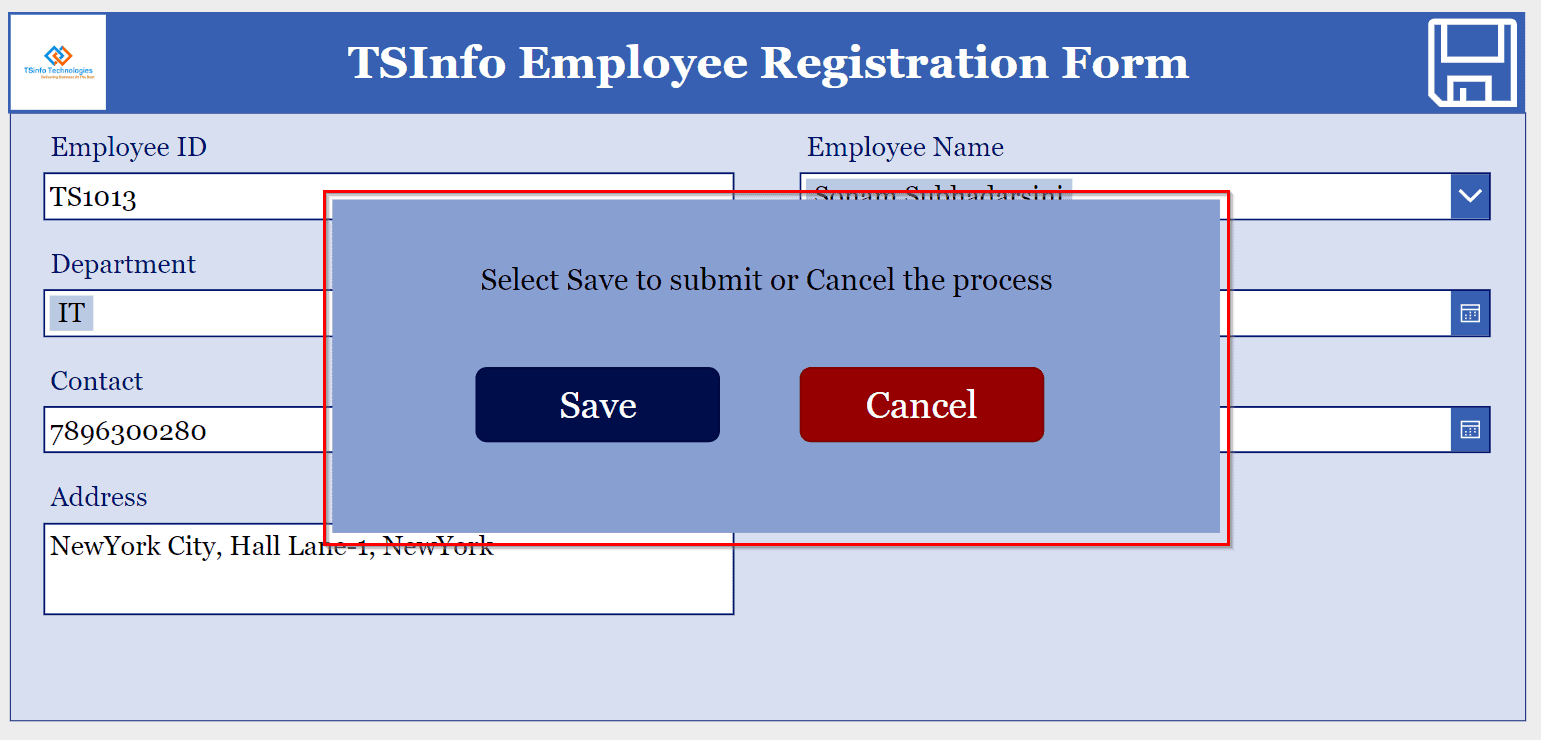
PowerApps dialog box

This Power Apps tutorial will go over how to create a dialog box or a pop-up message within the Power Apps. We recently received a request to create a dialog box in PowerApps while working on the Power Apps canvas app. There is a Power Apps employee registration form with a save icon. When the … Read more >>>

How to Create Power Apps Cascading Dropdown From SharePoint List?

How to create a Power Apps cascading dropdown

While developing a Power Apps form, I had a requirement to display the product names within a dropdown menu based on the selected vendor. To address this, I implemented a cascading dropdown feature in Power Apps. This Power Apps tutorial helps you to know how to create Power Apps Cascading Dropdown from SharePoint list. Also, … Read more >>>

Power Apps Gallery Conditional Formatting + Examples

conditional formatting powerapps gallery

Power Apps Gallery Conditional Formatting allows users to highlight or style the values based on specific criteria so users can easily understand the purpose of the values in the Power Apps gallery. In this article, I will explain how to apply conditional formatting in Power Apps gallery control with some below stuff: Power Apps Gallery … Read more >>>

Gallery Control in Power Apps – How to Use

powerapps horizontal gallery

Recently, I worked on a Power Apps mobile application. In that app, I needed to show a list of meetings, and users could scroll through the list, view meetings, and select meetings they were interested in attending. Microsoft Power Apps provides a very useful control called Power Apps gallery control to achieve this. In this … Read more >>>

Power Apps WeekNum and ISOWeekNum Function + Examples

difference between Power Apps weeknum and isoweeknum

While working on a Power Apps project Tracking Project Tasks, I got a requirement to filter the tasks based on the current week, previous week, and future weeks. So that they can easily track the tasks without facing any issues. To achieve it, fortunately, Power Apps provides some functions called WeekNum() and ISOWeekNum(). In this … Read more >>>