How to Create Hyperlink Dynamic Content in Power Automate?

How to Create Hyperlink Dynamic Content in Power Automate

In this tutorial, I will show you how to create dynamic hyperlinks in Power Automate to make your workflows more efficient and interactive. We’ll cover two examples: first, sending an email notification with a hyperlink to a SharePoint list item, and second, generating a dynamic link to a blog post based on its title. Create … Read more >>>

2 Various Ways to Delete All Rows in Excel Using Power Automate

Delete All Rows in Excel using Power Automate

While working on automating Excel data management, I faced the challenge of deleting all rows in an Excel table without affecting the table’s structure. After researching various approaches, I discovered two effective methods using Power Automate. In this tutorial, I will show you how to delete all rows in Excel using Power Automate. We’ll cover … Read more >>>

How to Create XML File From CSV in Power Automate?

Create XML File From CSV in Power Automate

When working in Power Automate, one of my team members recently asked, “How can we convert a CSV file into an XML format automatically?” This got me thinking about how common this requirement is, especially when working with integrations between systems or applications that rely on XML data structures. In this tutorial, I will tell … Read more >>>

Power Automate Array Variable [6 Various Examples]

Power Automate array variable

Arrays are a common feature in Microsoft Power Automate flows when retrieving data from a SharePoint list, an Excel table, or any other data source. In this article, I will explain everything about the Power Automate array, like what the Power Automate array variable is, Power Automate array syntax, how to create an array Power … Read more >>>

Easiest Ways to Attach Files to Planner Tasks Using Power Automate

How to Add Multiple Files to a Planner Task using Power Automate

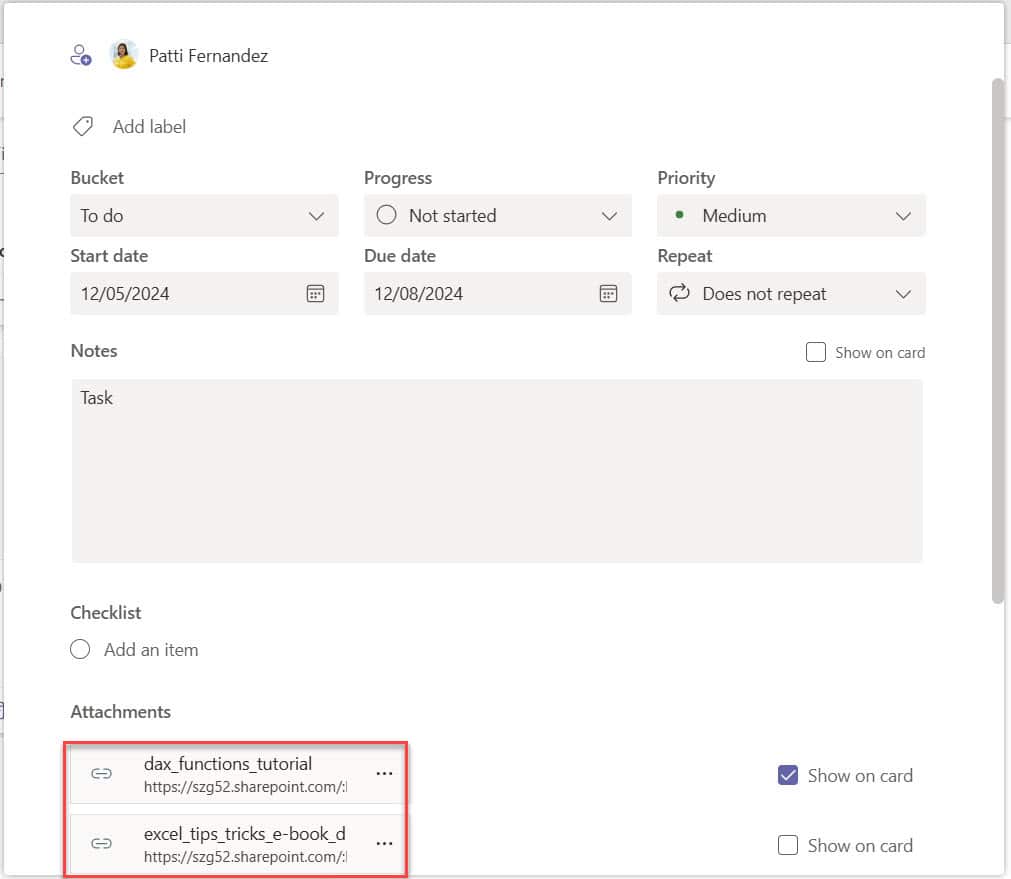
I currently work with a client who wants to simplify their workflow in Microsoft Planner. They needed files automatically attached to tasks whenever specific actions happened, like adding a file to SharePoint. This saved them time and ensured their team had the correct files ready for their tasks. In this tutorial, I will show you … Read more >>>

How to Add Attachments to SharePoint List Items using Power Automate? [5 Different Examples]

how to add attachment in sharepoint list using power automate

When working in Power Automate, one of my team members recently asked how they could automatically add attachments to SharePoint list items. This is a great question because attachments, like documents or images, are often important for SharePoint list items. In this tutorial, I will show you how to add attachments to SharePoint list items … Read more >>>

How to Create a Parallel Approval in Power Automate?

power automate parallel branch

While working on the Expense Claim Application, I encountered a situation where multiple managers had to approve a request simultaneously. Doing it individually would have taken too long, so I used Parallel Approval in Power Automate. This lets you send approval requests to everyone at once, saving time and keeping things moving quickly. In this … Read more >>>