Power Automate Apply to Each: Get Current Item, ID, Value & Index

How to Get the Current Item in Power Automate Apply to Each

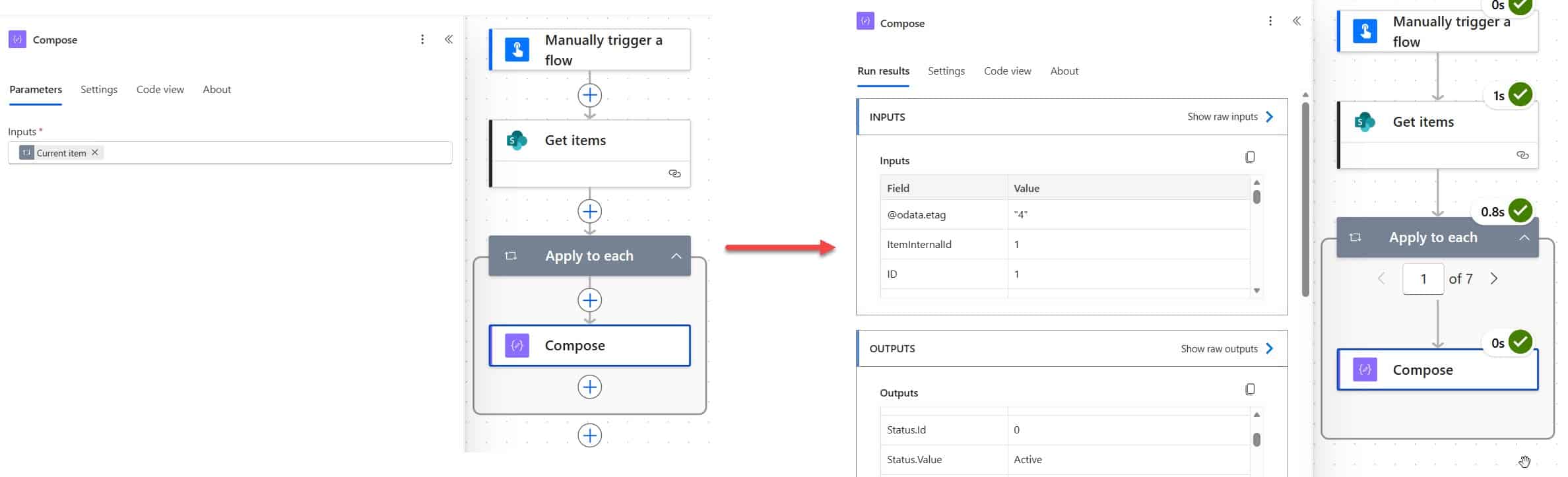
Apply to Each is one of the most used actions in Power Automate — and honestly, one of the most misunderstood. I’ve seen flows silently break, process thousands of unnecessary API calls, or return null values, all because of a small misstep in this loop. In this tutorial, I’ll walk you through everything you need to … Read more >>>

How to Sum and Group By Multiple Columns in Power BI (Complete Guide)

Sum and Group By Multiple Columns in Power BI

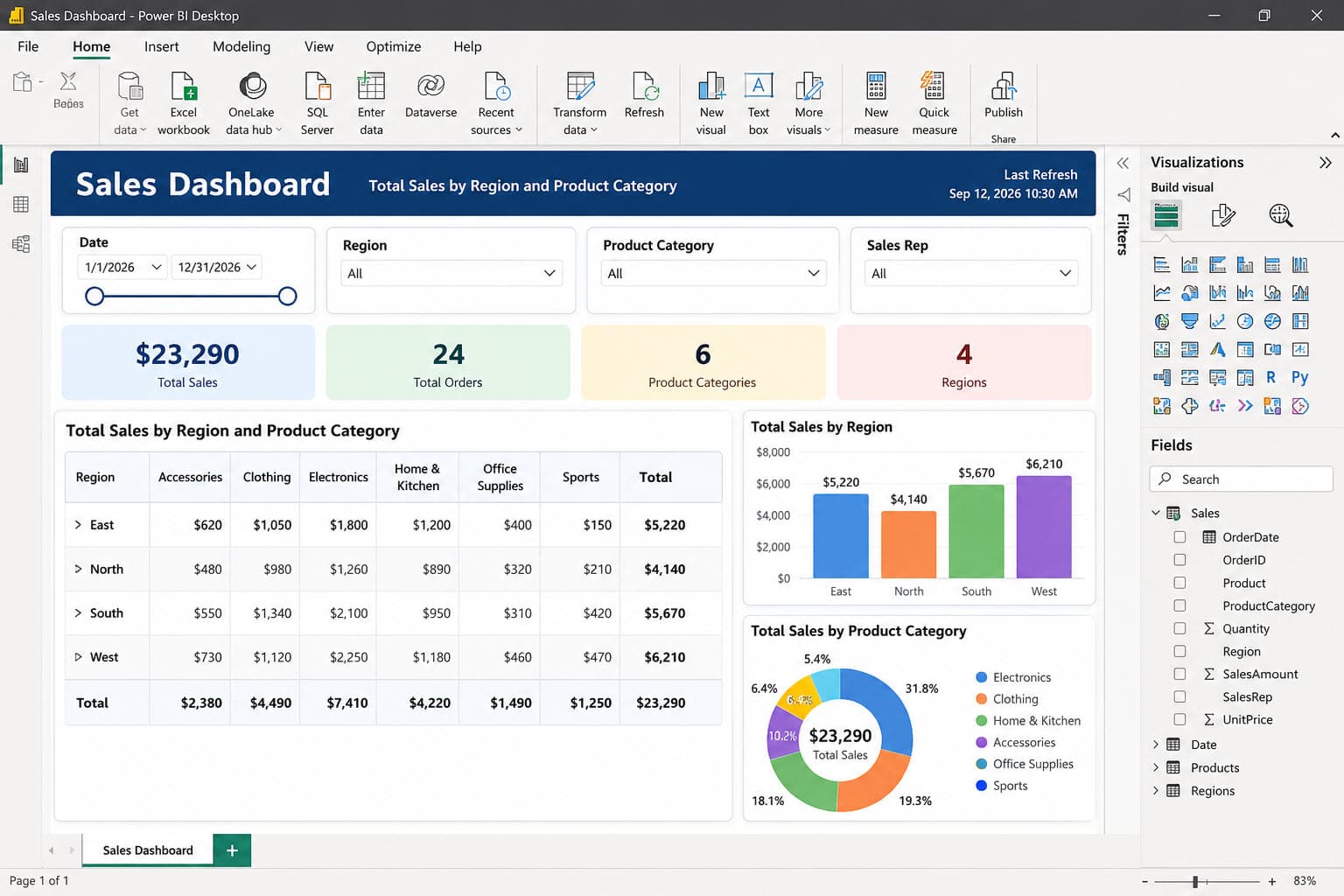
Every retail or finance report I’ve built eventually hits the same request: “Can you show me total sales by region and product category, together?” A sales manager doesn’t just want one total — they want the numbers broken down by two, sometimes three, columns at once. That’s exactly where grouping and summing by multiple columns … Read more >>>

Fix “Can’t Convert This Data Type” in Power Apps

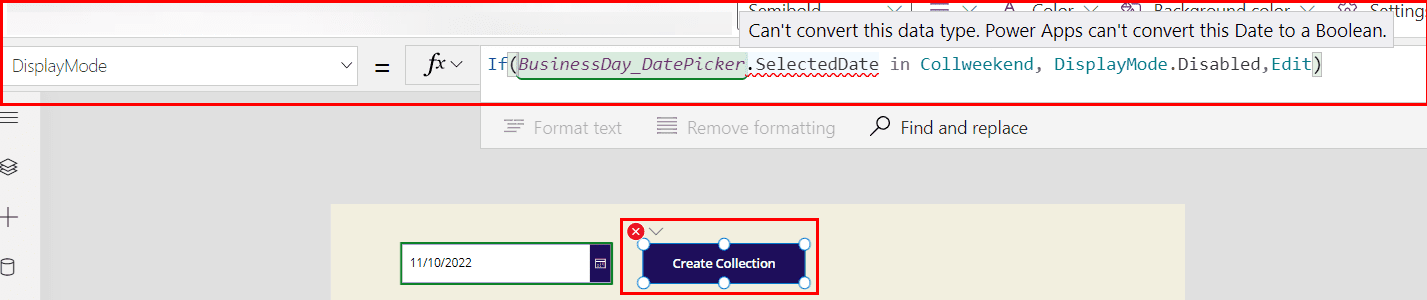
Can't convert this data type. Power Apps can't convert this Date to a Boolean

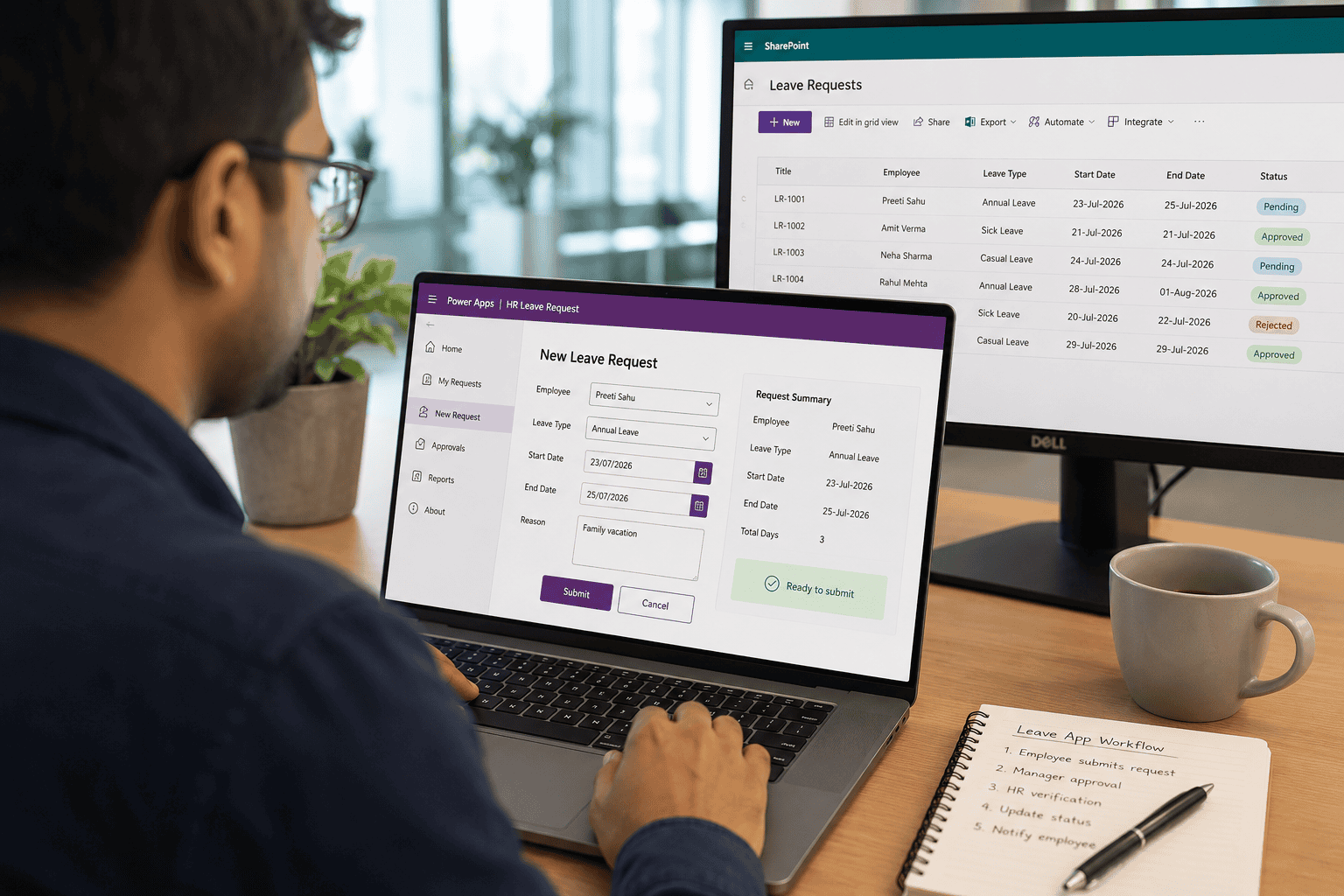
You build a simple leave request Canvas app for an HR team. An employee selects a date, but you need to stop them from requesting leave on Saturday or Sunday. Then Power Apps suddenly shows: “Can’t convert this data type. Power Apps can’t convert this Date to a Boolean.” I have seen this issue when … Read more >>>

How to Filter a Power Apps Dropdown Control [With Examples]

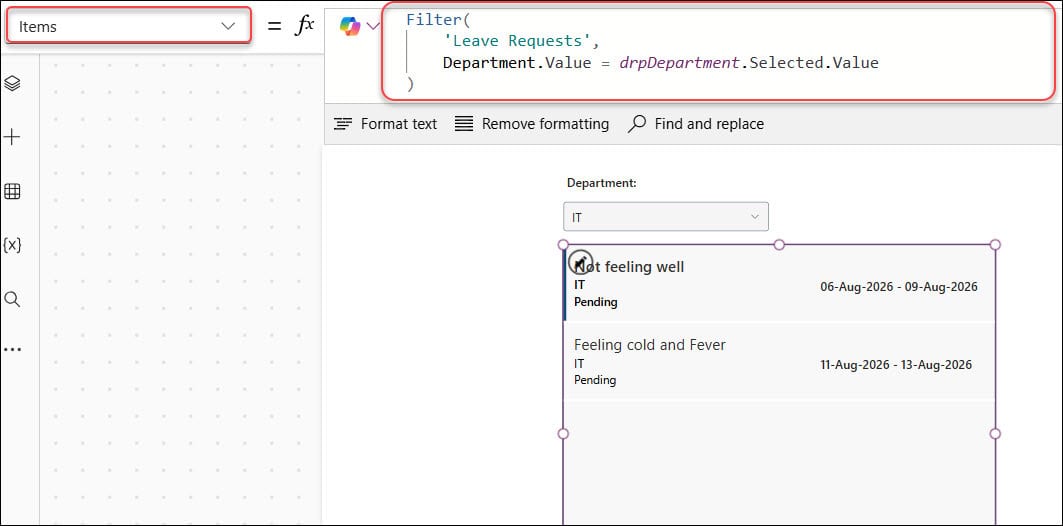
Filter a Power Apps Dropdown Control

An HR team managing leave requests often starts with one SharePoint list and a simple Canvas app. At first, everyone can scan the request gallery easily. Then the list grows to hundreds of records, managers want only pending requests, and employees need to find leave entries from their department. I recently built this type of … Read more >>>

How to Convert Float to Integer in Power Automate [3 Methods]

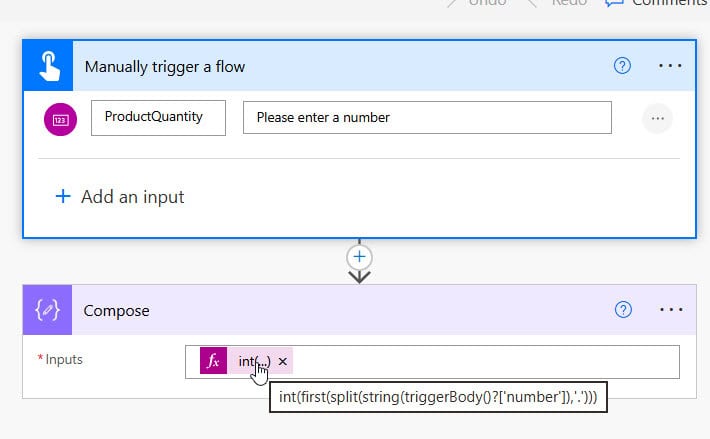
How to Convert Float to Integer in Power Automate

I ran into this problem the first time I built an inventory flow for a client who ran a small distribution business. Their Excel Online (Business) table stored every quantity as a decimal, even whole units like 24 came through as 24.0, because Excel treats every number as a floating-point value internally. The client’s SharePoint … Read more >>>

Power Apps GroupBy Function [4 Different Examples]

group by function in power apps

You have a sales tracker in your app, but the records are just one long list. When your manager asks for total sales by region, open deals by rep, or order counts by status, scrolling through raw rows does not help. That is exactly where the Power Apps GroupBy Function helps. It lets you group … Read more >>>

Power Apps Gallery Group By [With Real Examples]

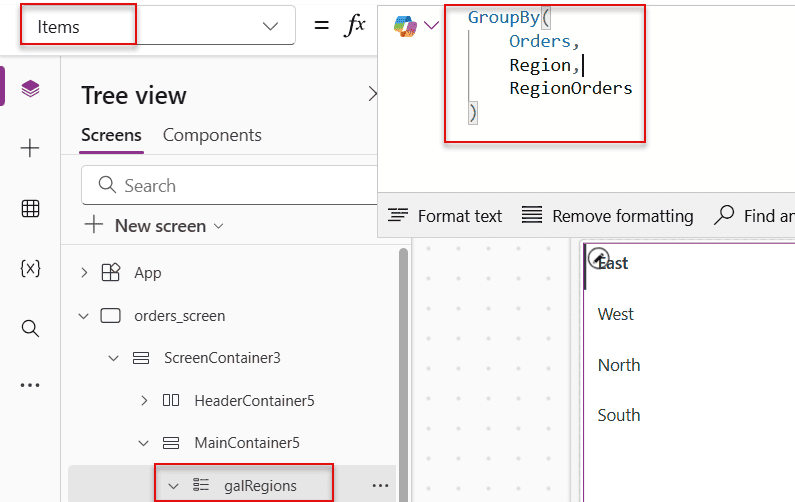
Power Apps gallery Group By column

Organizing a list of items into groups helps to clarify their meaning. However, in a Power Apps gallery, we can only display a list. So, how can we create groups in a gallery alternatively? So in this Power Apps Tutorial, we will learn about Power Apps GroupBy() and how to use this function within the … Read more >>>